.svg)
.gif)
.svg)



Integrating Gusto with Xero automatically syncs payroll data with your accounting records, helping keep your financial reports accurate and up to date.
- Sign in to your Gusto admin account.
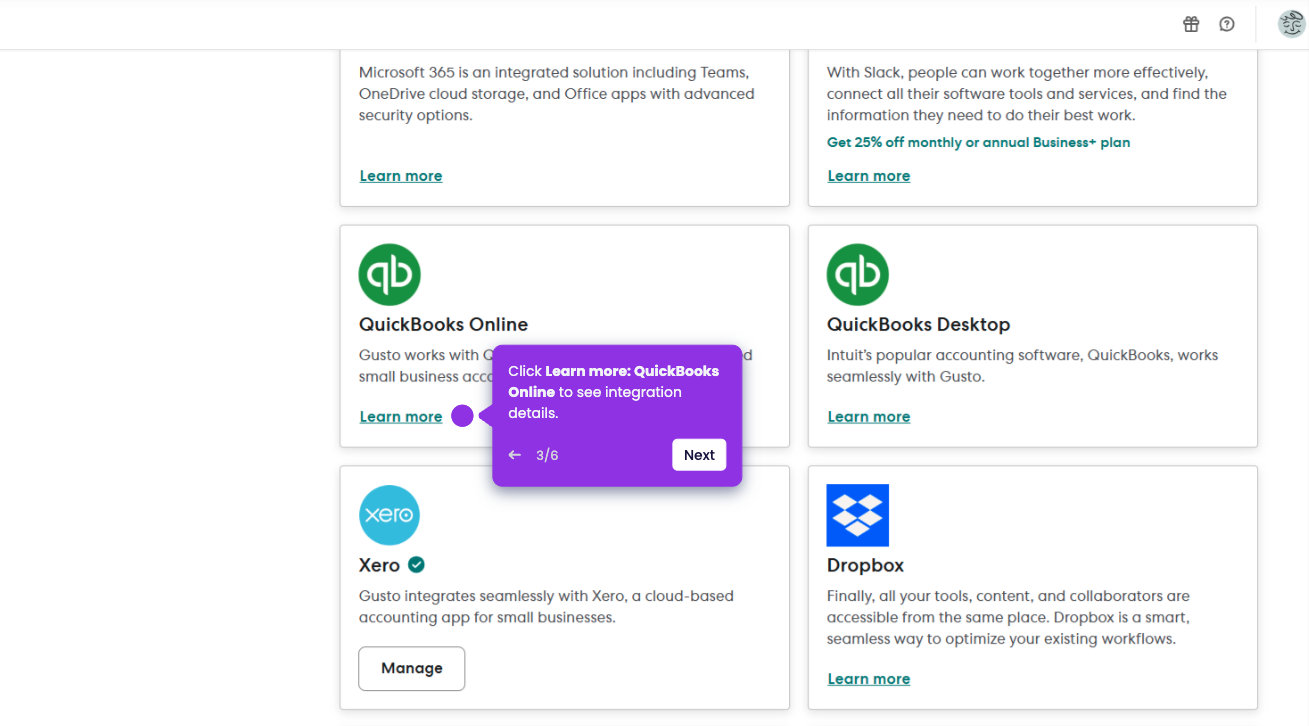
- From the main dashboard, click the Apps & Integrations option.
- Locate Xero in the list of available integrations, and click Learn more.
- Click the Connect button to begin the integration process.
- Click Allow Access to allow Gusto to share payroll data with Xero.
- Map your Chart of Accounts by matching Gusto categories like Wages and Employer Taxes to Xero accounts.
- After setup, payroll journal entries from Gusto will automatically sync to Xero.