.svg)
.gif)
.svg)



Connecting Gusto with 7shifts allows employee work hours and overtime from 7shifts to automatically sync with Gusto payroll, helping streamline payroll processing.
- On your 7shifts' main dashboard, click "Apps & Integrations" on the left side panel.
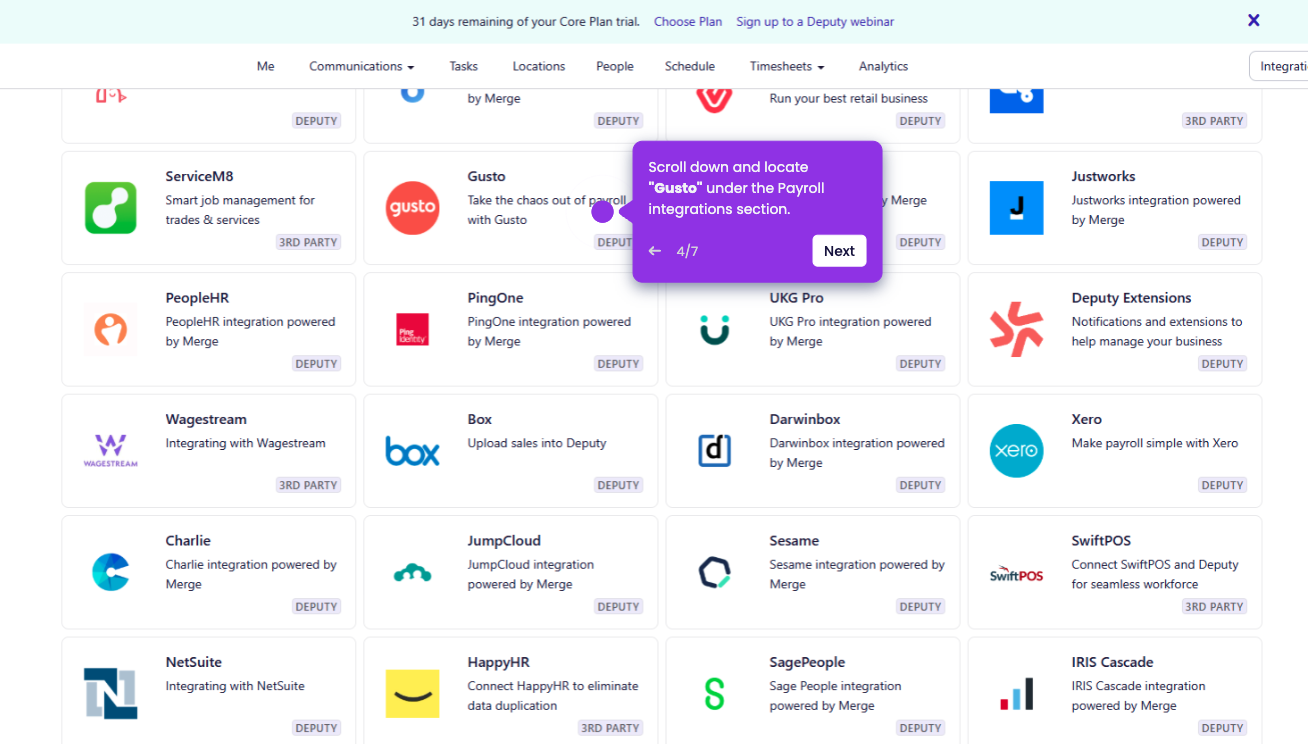
- Search for "Gusto" in the integrations list.
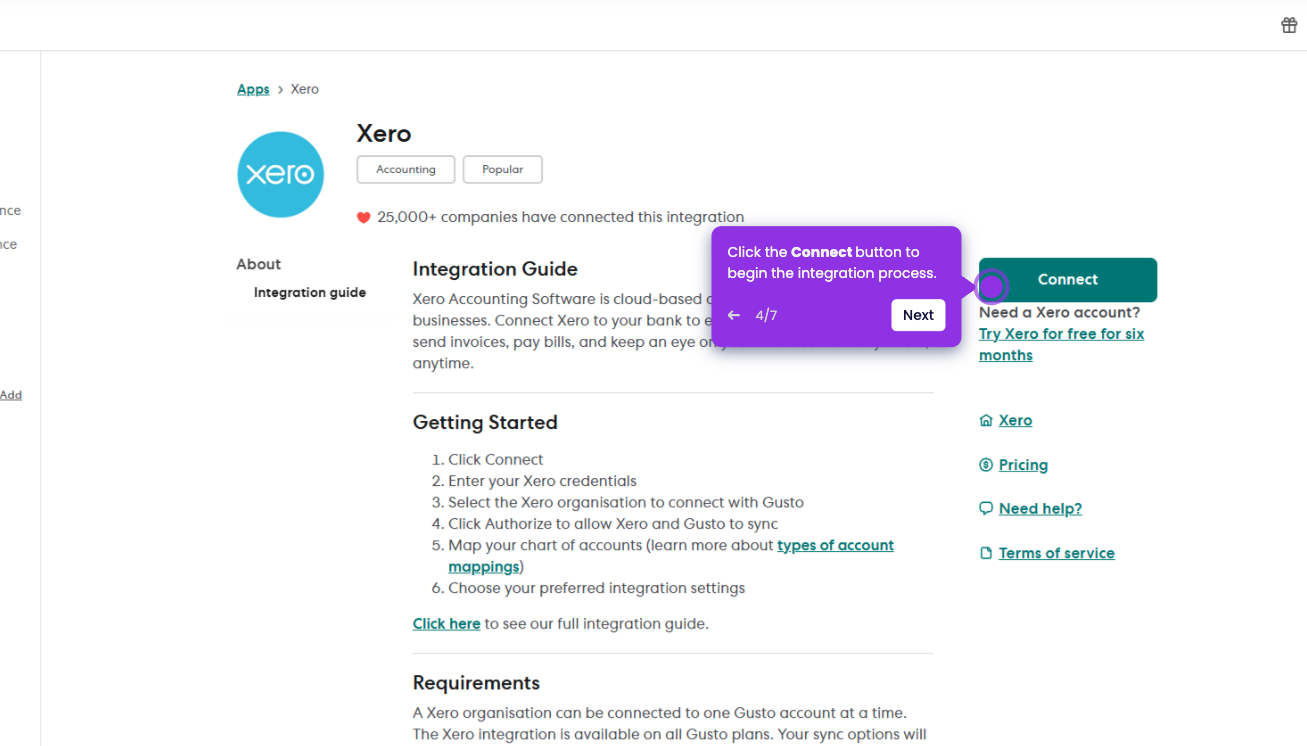
- Click "Connect Gusto" to start the setup.
- Click "Login to Gusto", sign in to your Gusto account, and click "Authorize" to grant access.
- Return to 7shifts and open the Payroll Mapping section.
- After mapping, click "Connect to Gusto" to finalize the integration.
- Once the connection is complete, you're all set, and the integration is now active.