.svg)
.gif)
.svg)



Integrating Gusto with Deputy allows approved timesheets and employee data to sync between the two platforms for easier payroll processing.
- Sign in to your Deputy admin account.
- Click your name initials at the top right corner of the dashboard.
- Select "Integrations" from the dropdown menu.
- Scroll down and locate "Gusto" under the Payroll integrations section.
- Click "Connect add-on" next to Gusto to begin the setup.
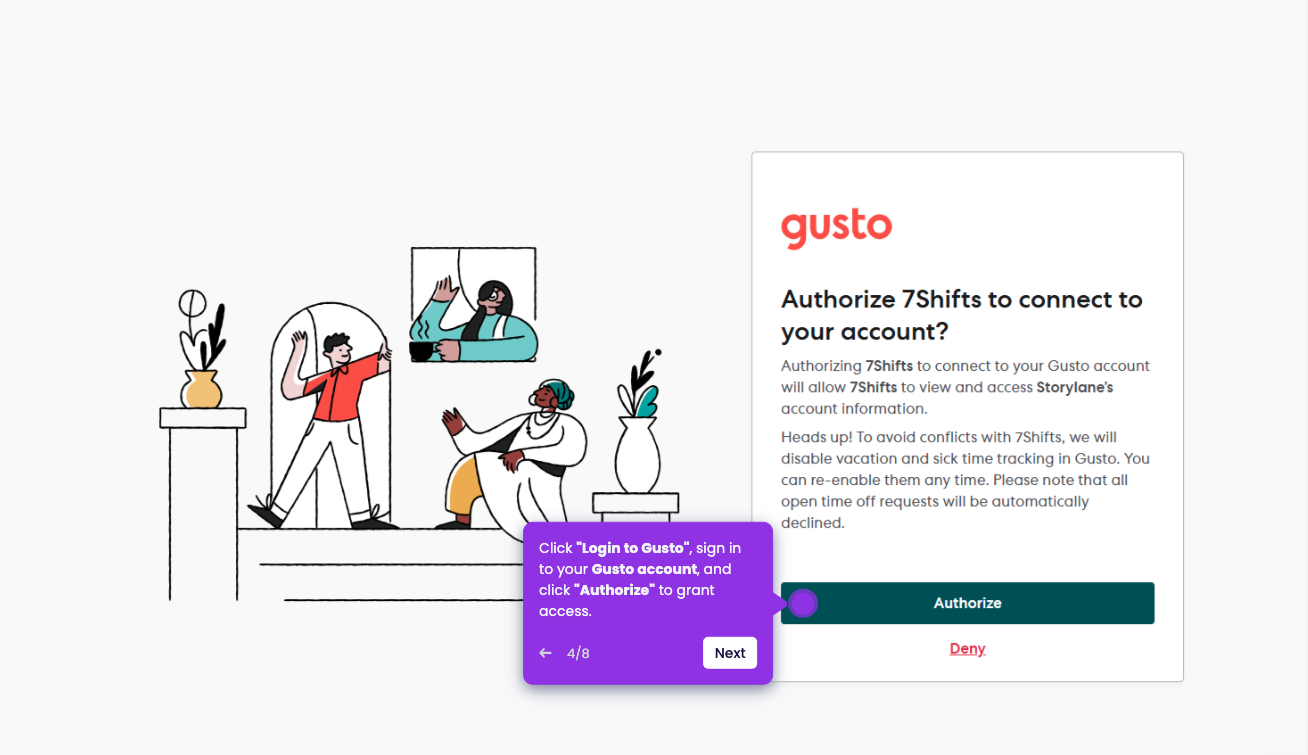
- Click "Login to Gusto", sign in to your Gusto account, and click "Authorize" to grant access.
- Once the connection is complete, you're all set and the integration is now active.