.svg)
.gif)
.svg)



Connecting Gusto with QuickBooks Online allows payroll data to sync with your accounting records automatically.
- Sign in to your Gusto admin account.
- On your main dashboard, click "Apps & Integrations" on the left side panel.
- Click Learn more: QuickBooks Online to see integration details.
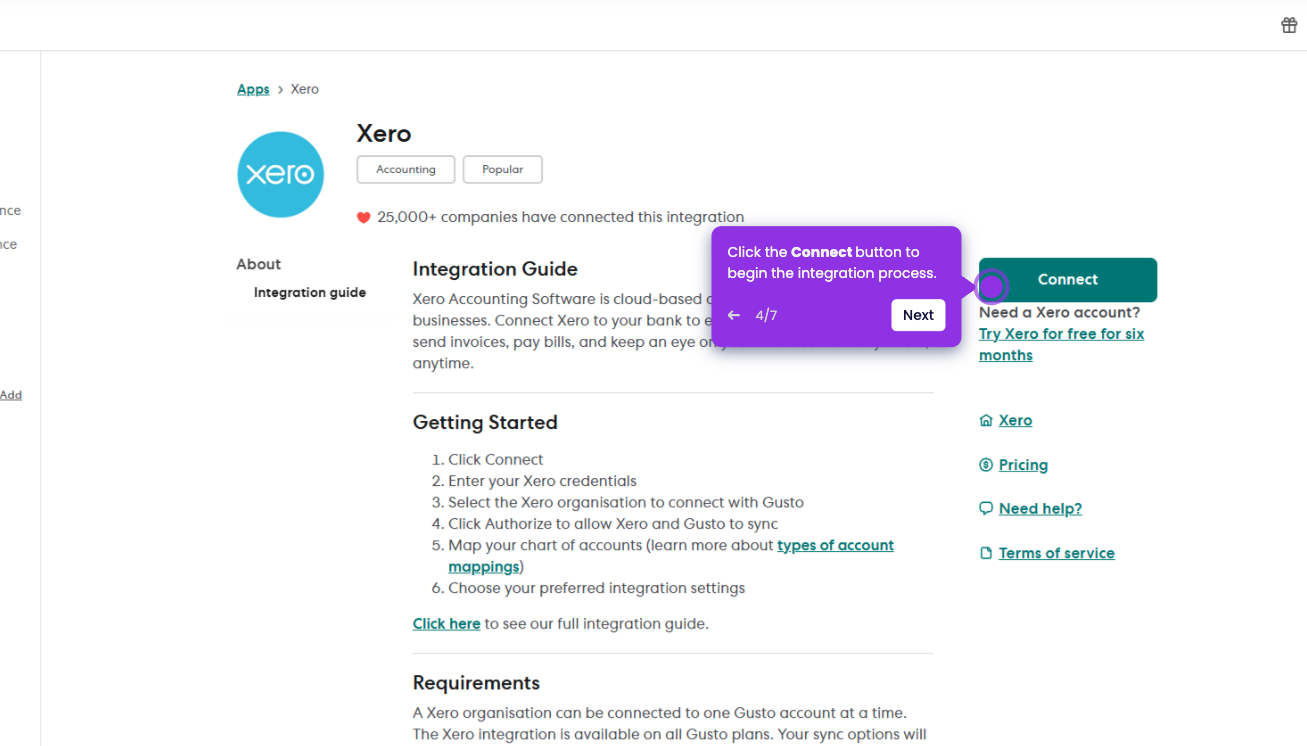
- Click the Connect to QuickBooks to get started.
- Sign in to your QuickBooks Online account when prompted.
- Click on Connect to finalize the integration and authorize the two platforms to share information.