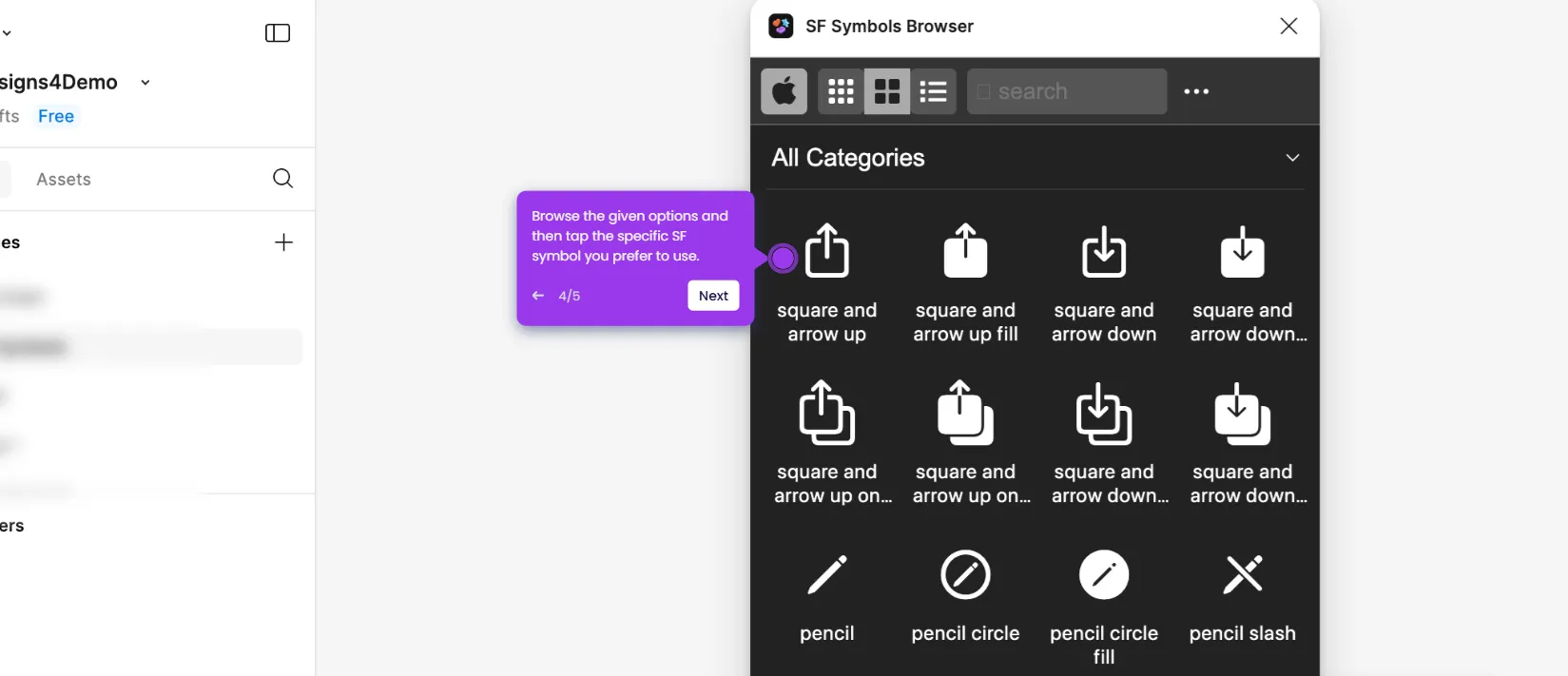
This interactive demo was created free with Storylane in 2 minutes. Create your own demo
Start free
All Tutorials /Figma

How to Export Images From Figma

Updated on:
May 12, 2026
By:
Madhav Bhandari
Use this interactive demo to learn how to export images directly from Figma in a few clicks.

Quick summary

Figma lets you export images directly from the Main Menu using the built-in Export option, so you can save design assets without any third-party tools. This step-by-step walkthrough shows exactly which menu options to select and how to confirm your export in seconds.


Steps

  1. Go to the top-left corner and click the Main Menu icon.
  2. Hover your mouse cursor over the File option in the menu.
  3. Select Export from the File submenu.
  4. Specify the image files you wish to export.
  5. Tap the Export button to complete and download your images.

📌 Why this matters

Exporting images from Figma is a critical step in any design-to-delivery workflow, enabling designers and developers to save production-ready assets without leaving the platform. Figma's built-in Export feature supports multiple file formats and lets teams specify exactly which frames or layers to export, reducing manual effort and handoff errors. Understanding the correct export path — through the Main Menu and File options — ensures consistent, high-quality image output every time. This makes Figma a reliable single source of truth for both design and asset management.
Your product deserves an interactive demo
Start free
Similar Articles
Figma

How to Create a Figma Plugin

Madhav Bhandari
Director of Marketing @ Storylane
Figma

How to Use SF Symbols in Figma

Madhav Bhandari
Director of Marketing @ Storylane
Figma

How to Embed a Figma Prototype in Google Slides

Madhav Bhandari
Director of Marketing @ Storylane
No items found.
Platform
Interactive Demos
Sandbox Demos
Buyer Hub
RepX
Integrations
Solutions
Product Marketers
Growth & Demand Gen
Sales Reps & AEs
Presales & SEs
Customer Success
Product Managers
Customers
Demo Showcase
Customer Stories
Finer Demos Club
Features
Demo Signals
Personalization
Deal Intelligence
Resources
Blog
The Plot
Tutorials
Help Docs
What’s New
Demo Dundies
Company
Careers
Pricing
Partners
Contact
Trust Center
Backed by
Chrome Extension Icon
Chrome extension
Download
Desktop app
Download
Built in San Francisco Bay Area - ©2026 Storylane
Privacy PolicyTerms & Conditions
X Corp (formerly Twitter)LinkedIn
This website uses cookies to ensure you get the best experience on our website. Learn More
Got it
This website uses cookies to ensure you get the best experience on our website. Learn More
Got it