Quick summary
This tutorial shows how to delete Claude AI chat history by navigating to the Recents section and using the Clear History option. Users can remove individual conversations or all past interactions directly from the Claude interface.
Steps
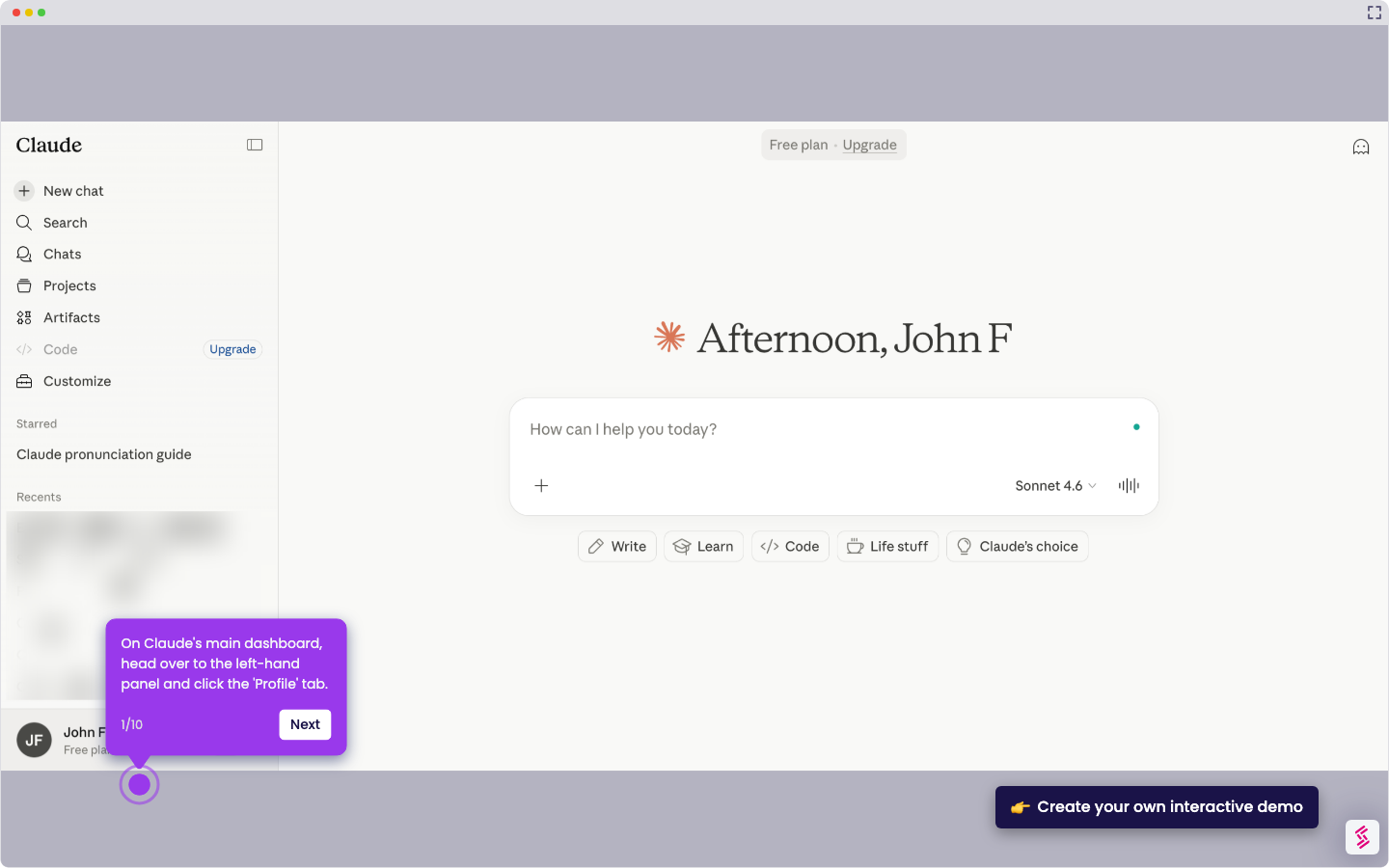
- Open the Claude AI app or website.
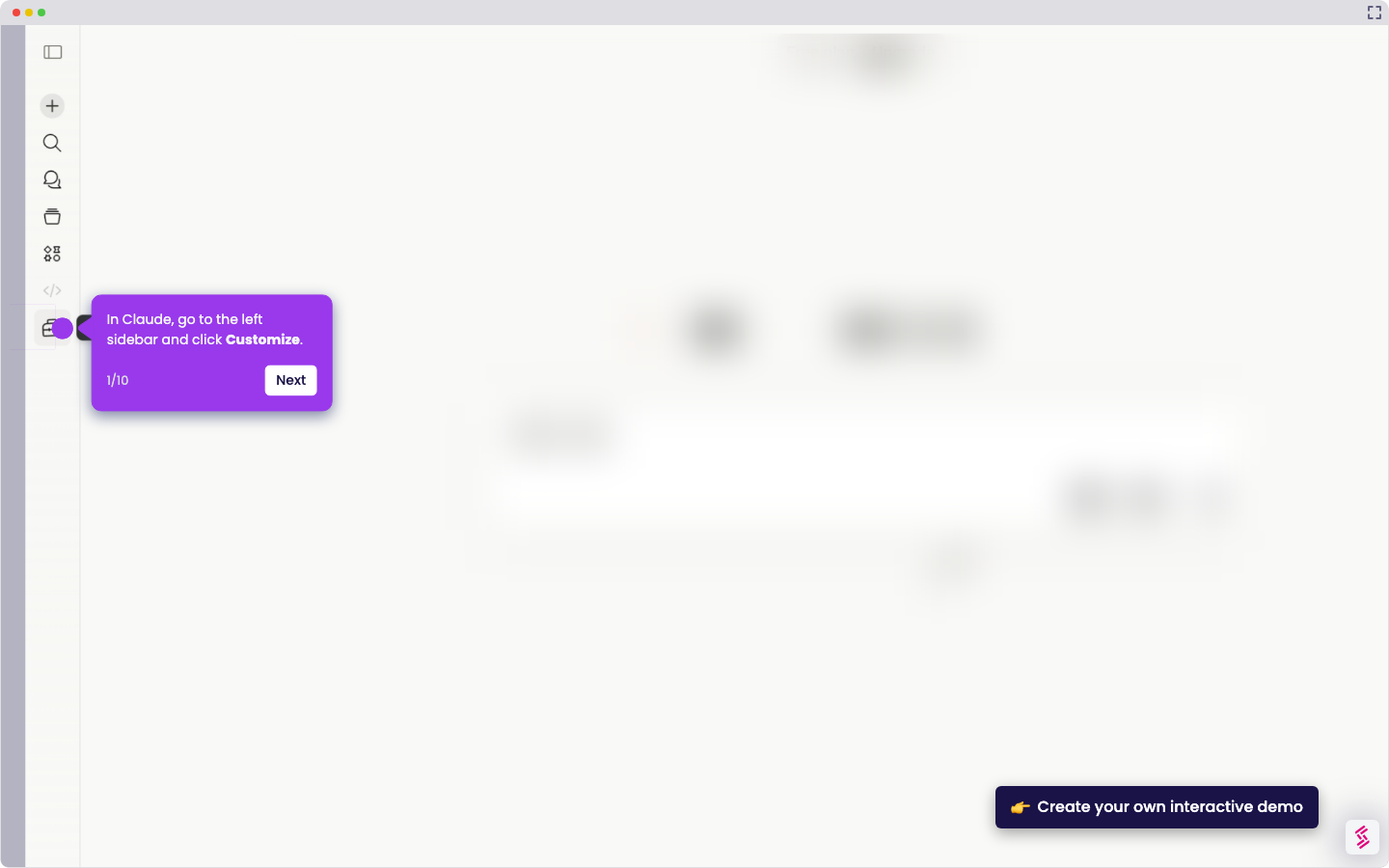
- Navigate to the menu or settings and go to the Recents section, then click "View all".
- Find the specific conversation or interaction you want to remove.
- Click the "Delete", "Trash", or "Clear History" option for that entry.
- Confirm your action when prompted to complete the deletion.