Quick summary
Screaming Frog lets you detect duplicate content by crawling your site and filtering results by Exact Duplicates or Near Duplicates in the Content tab. This step-by-step process helps SEOs quickly identify pages with identical or similar content that could harm search rankings.
Steps
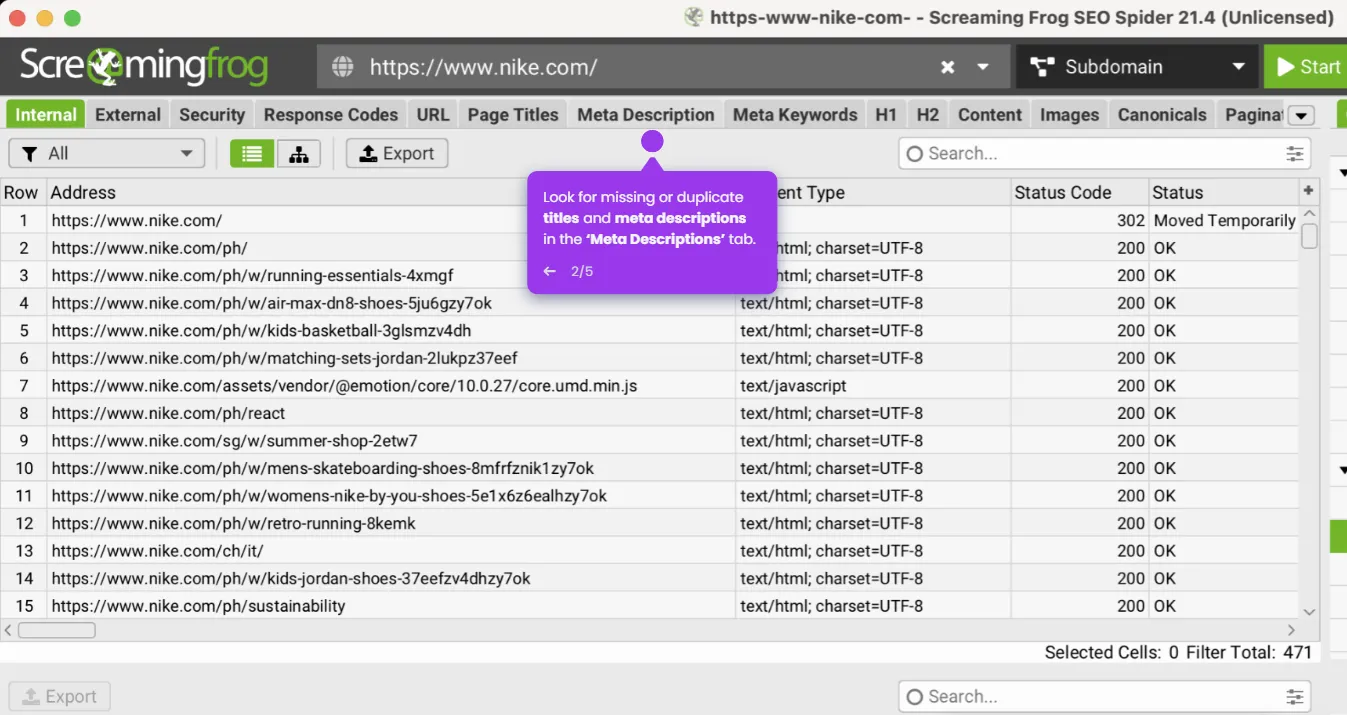
- Start a new crawl by entering your website URL in the top bar and clicking 'Start'.
- Once the crawl is complete, click the Content tab at the top of the interface.
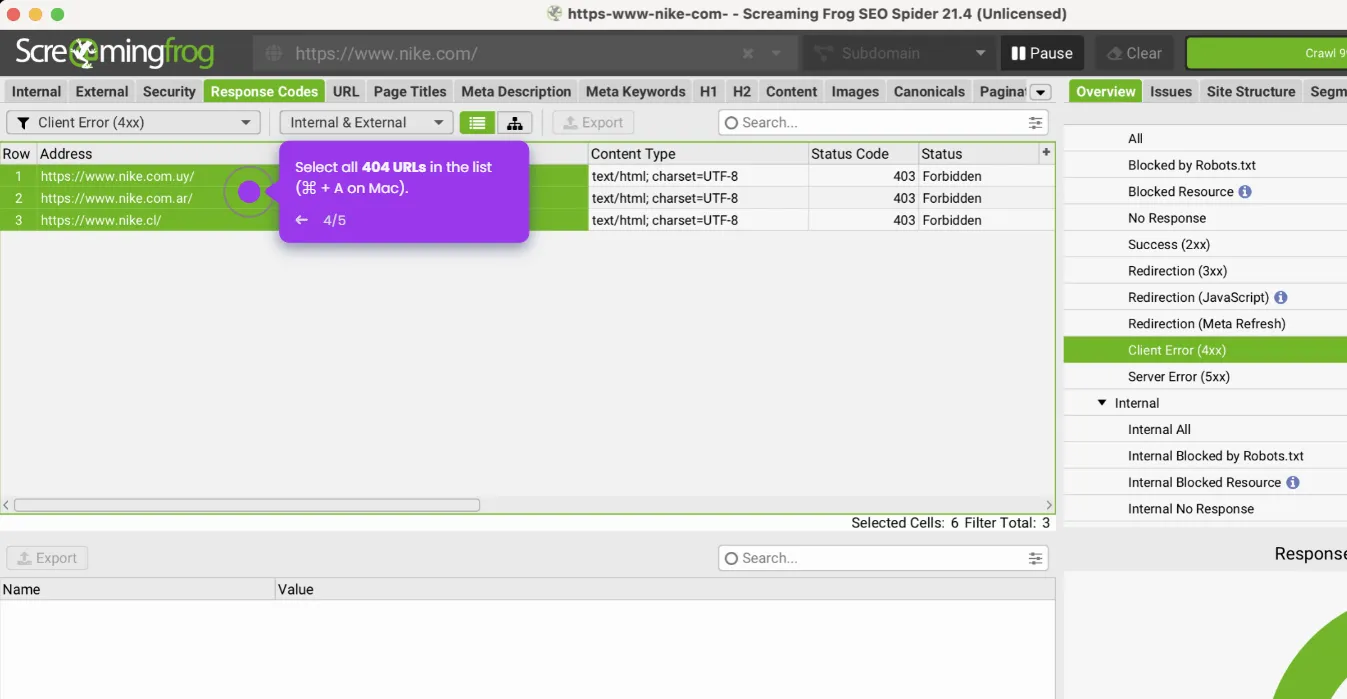
- Open the filter dropdown and select 'Exact Duplicates' to view pages sharing the same content hash.
- Enable 'Near Duplicates' to detect pages with similar but not identical content across your site.