Quick summary
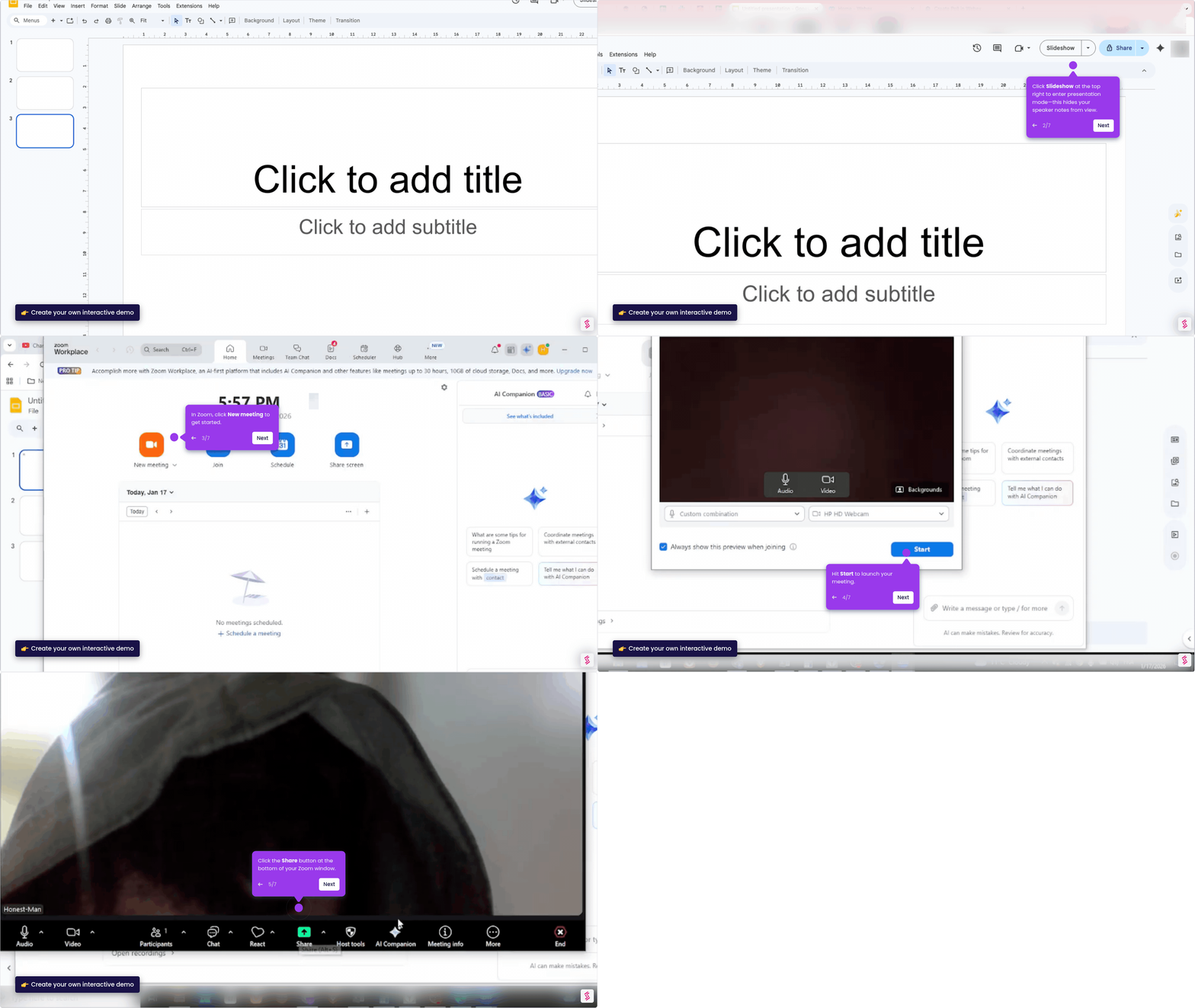
To share PowerPoint in a Zoom meeting, open your presentation, join the call, and use the Share Screen feature to display your slides to all participants. This three-step process lets remote audiences view your PowerPoint in real time without any additional software.
Steps
- Join your Zoom meeting and click the Share button to open the screen sharing menu.
- Select your PowerPoint window from the list of available screens and applications.
- Click Share to confirm — your audience will immediately see your slides on their screens.