Quick summary
The GitLab Jenkins integration lets you link a GitLab repository to a Jenkins pipeline so that builds trigger automatically from source control. This step-by-step walkthrough covers everything from cloning your repo to running your first Jenkins build.
Steps
- Ensure Jenkins is installed on your computer, then go to GitLab and select the project you want to integrate.
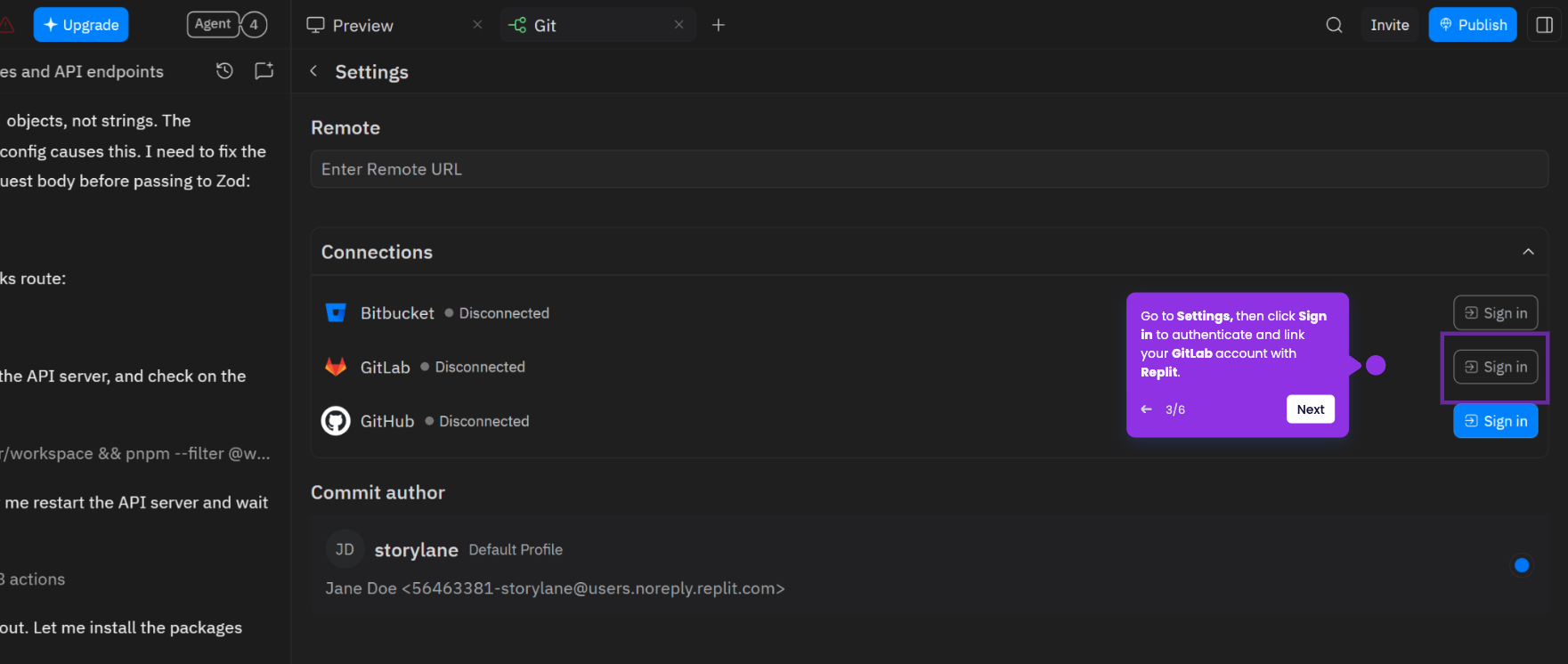
- Click Code and select Clone with HTTPS, and make sure you have an access token ready before proceeding to Jenkins.
- Log in to Jenkins and on your dashboard click New Item.
- Select Freestyle project, enter the item name, and click OK.
- Fill in the required fields, then select GitLab Connection.
- Navigate to Git, then paste the HTTPS URL you copied from GitLab into the provided field.
- Enable Trigger builds remotely, input your access token in the space provided, and click Save.
- Click Build Now to trigger the first build.
- Confirm the integration is complete by reviewing the build status on your Jenkins dashboard.