Quick summary
Canva AI lets you generate a logo from a simple text prompt by selecting "Design for me" and choosing the Logo format. Within seconds, Canva produces matched font, icon, and style options you can refine and download or publish directly from the editor.
Steps
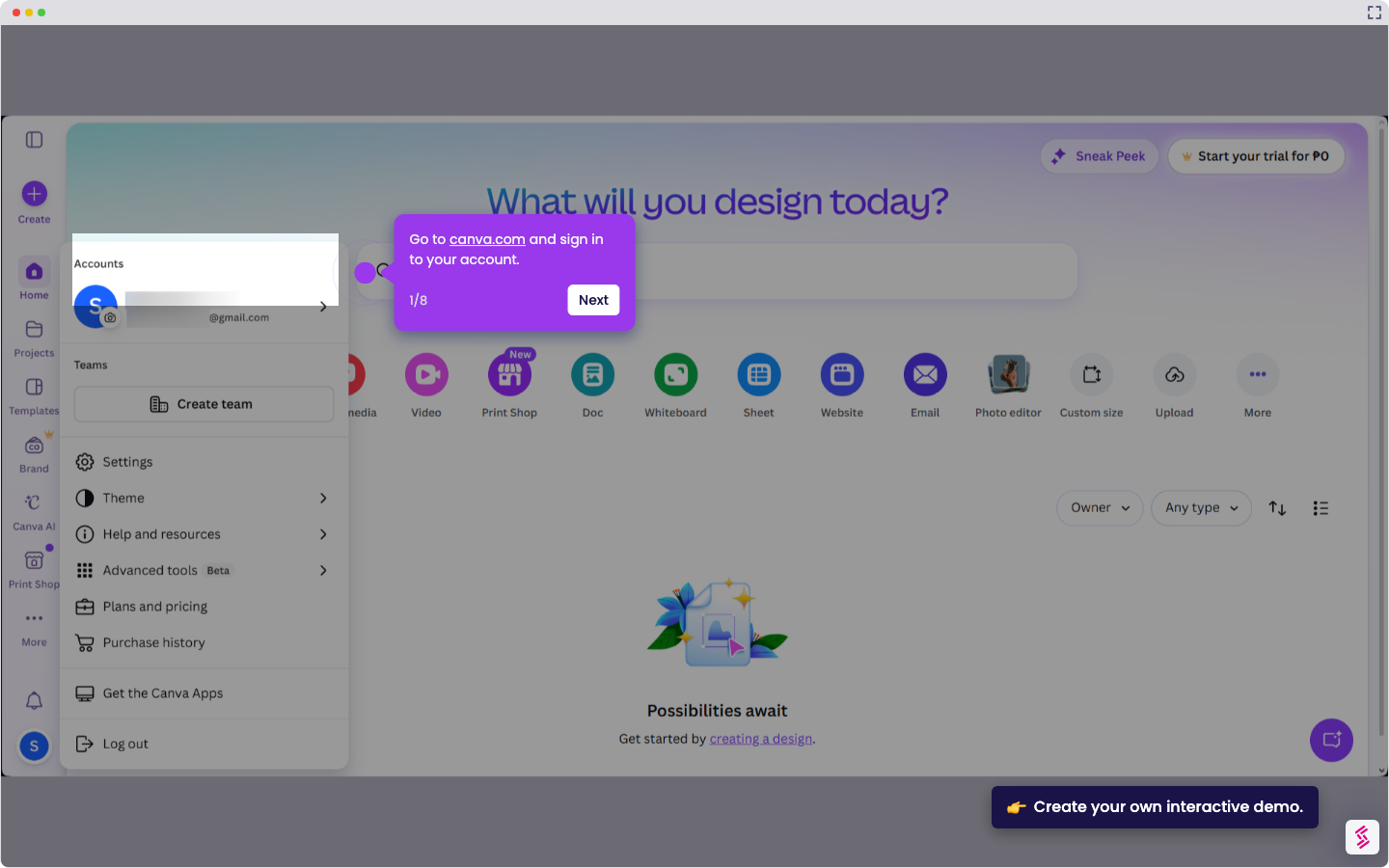
- Sign in to Canva and navigate to Canva AI.
- Type your idea or brand prompt into the input field.
- Select "Design for me", choose "Logo" as the format, and click Submit.
- Review the logo options Canva generates, each with matching fonts, icons, and styles.
- Add more prompts to fine-tune and refine the generated results.
- Pick the design you like best from the options presented.
- Click "Use Canva Editor" to open the selected logo and make any changes.
- Edit as needed, then click "Share" to download or publish your finished logo.