Quick summary
Training ChatGPT on your own data means editing a custom GPT in ChatGPT, writing tailored instructions, and uploading files to the Knowledge section so the model responds using your specific content. This process lets you fine-tune a GPT's behavior to match your exact preferences and requirements without any coding.
Steps
- Make sure you are logged in to your ChatGPT account before starting.
- Select your profile and click on "My GPTs" to view your custom GPTs.
- Select the GPT you want to train with your data and click "Edit GPT" to open the editor.
- Provide clear instructions to ChatGPT by breaking the task into simple steps, offering relevant context, and specifying any preferences to ensure the best result.
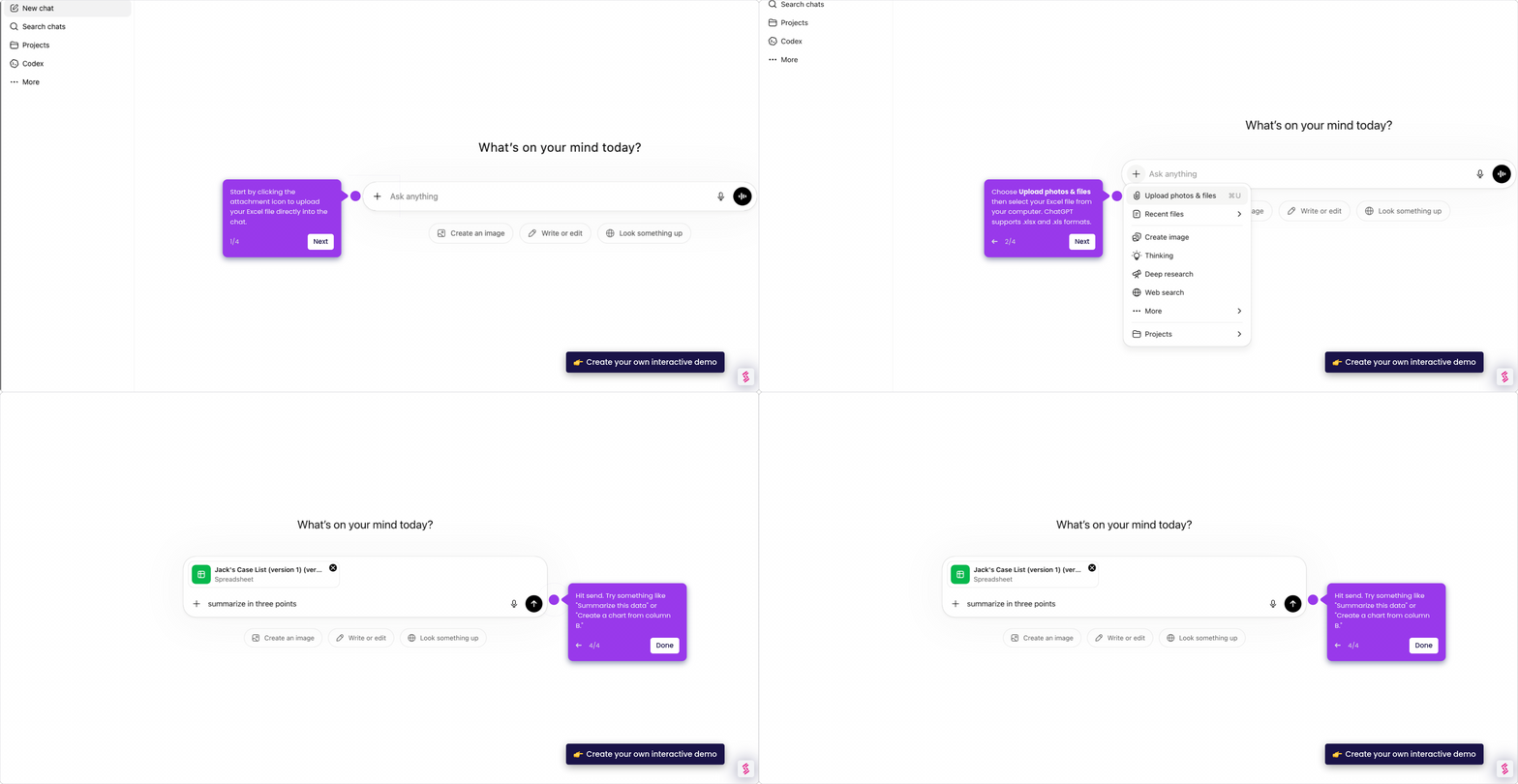
- Upload files to the Knowledge section and clean the data by removing any unnecessary content.
- Fine-tune the model by inputting your preprocessed data, then evaluate its performance based on your specific preferences and requirements.