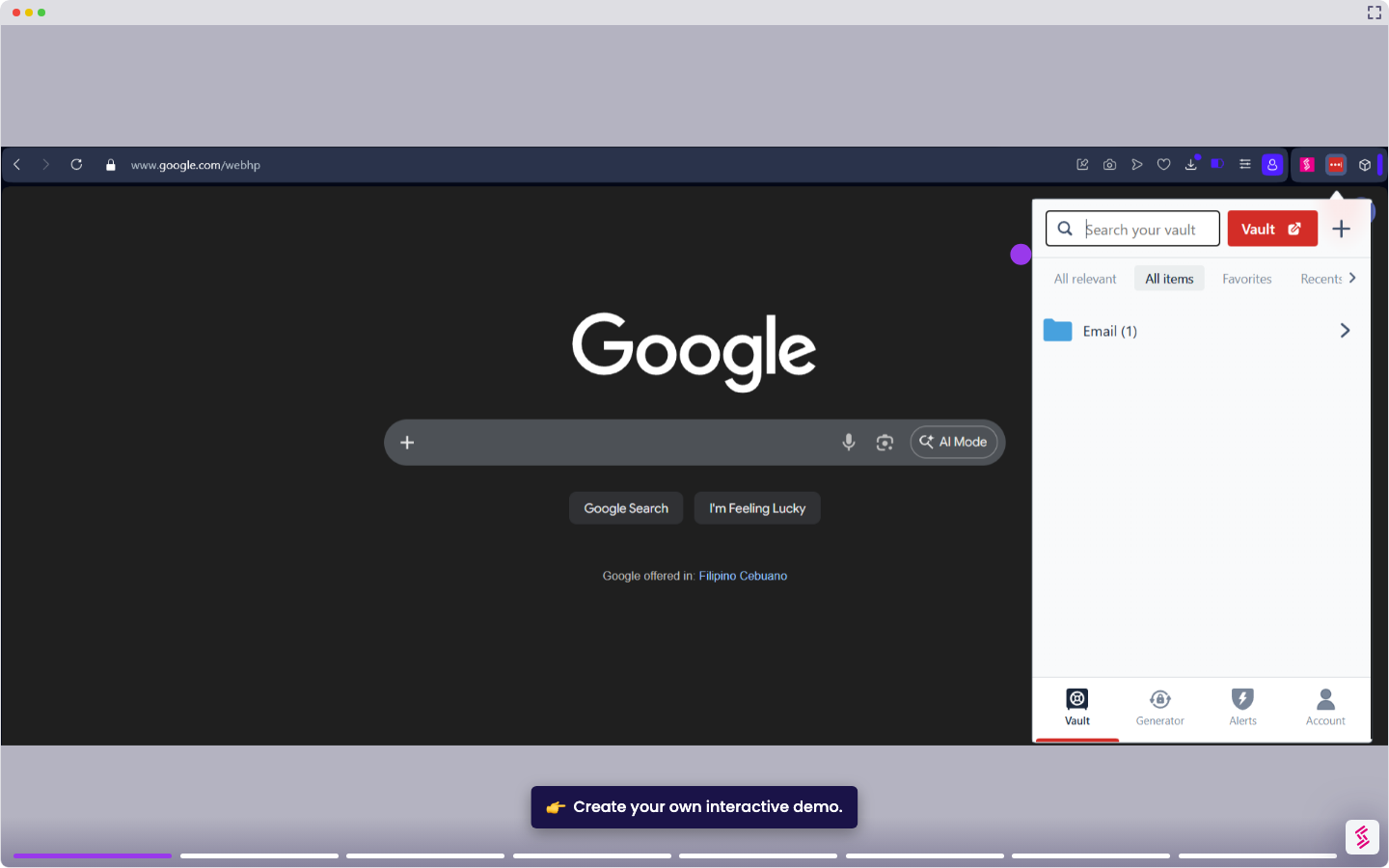
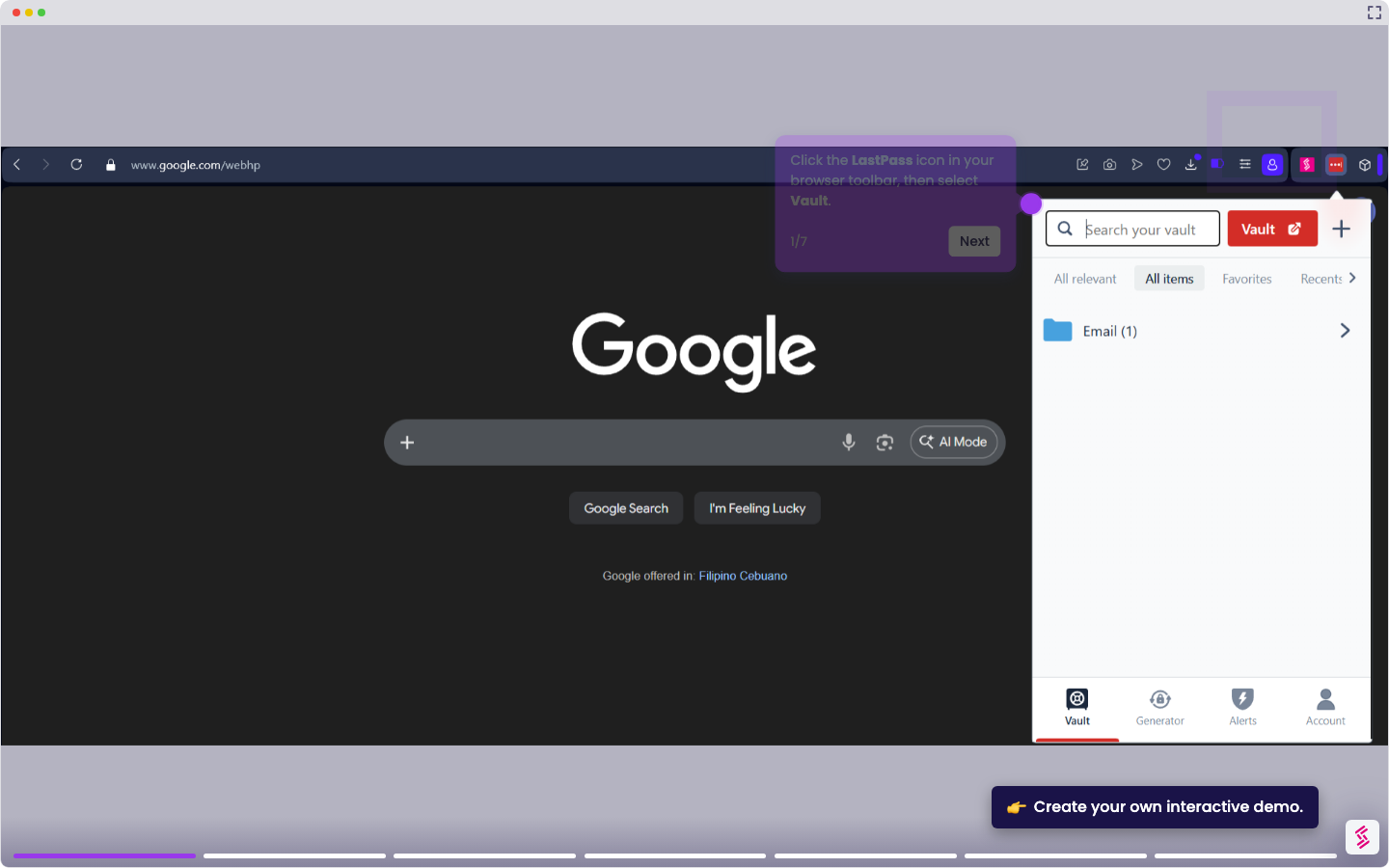
This tutorial shows you how to stop LastPass from displaying fill prompts and icons inside login fields.
Note: This hides the LastPass prompt inside form fields but does not stop LastPass from filling credentials automatically. To turn off autofill entirely, see How to Disable LastPass Autofill.
- Click the LastPass icon in your browser toolbar to open the extension menu.
- Click the Account gear icon to open the Extension settings pop-up.
- In the General section, toggle off Show fill options automatically.
- Click Advanced in the left sidebar and toggle off Enable in-field popup.
- Click Save to apply both changes.