This tutorial shows you how to add members to your LastPass Families plan from the Families Manager Dashboard.
Note: You must have a LastPass Families manager role to add members. Before adding your first family member, you must verify your email address. In the add member window, select Send Verification Email, open the email from LastPass, and click Verify My Email Address. You only need to do this once.
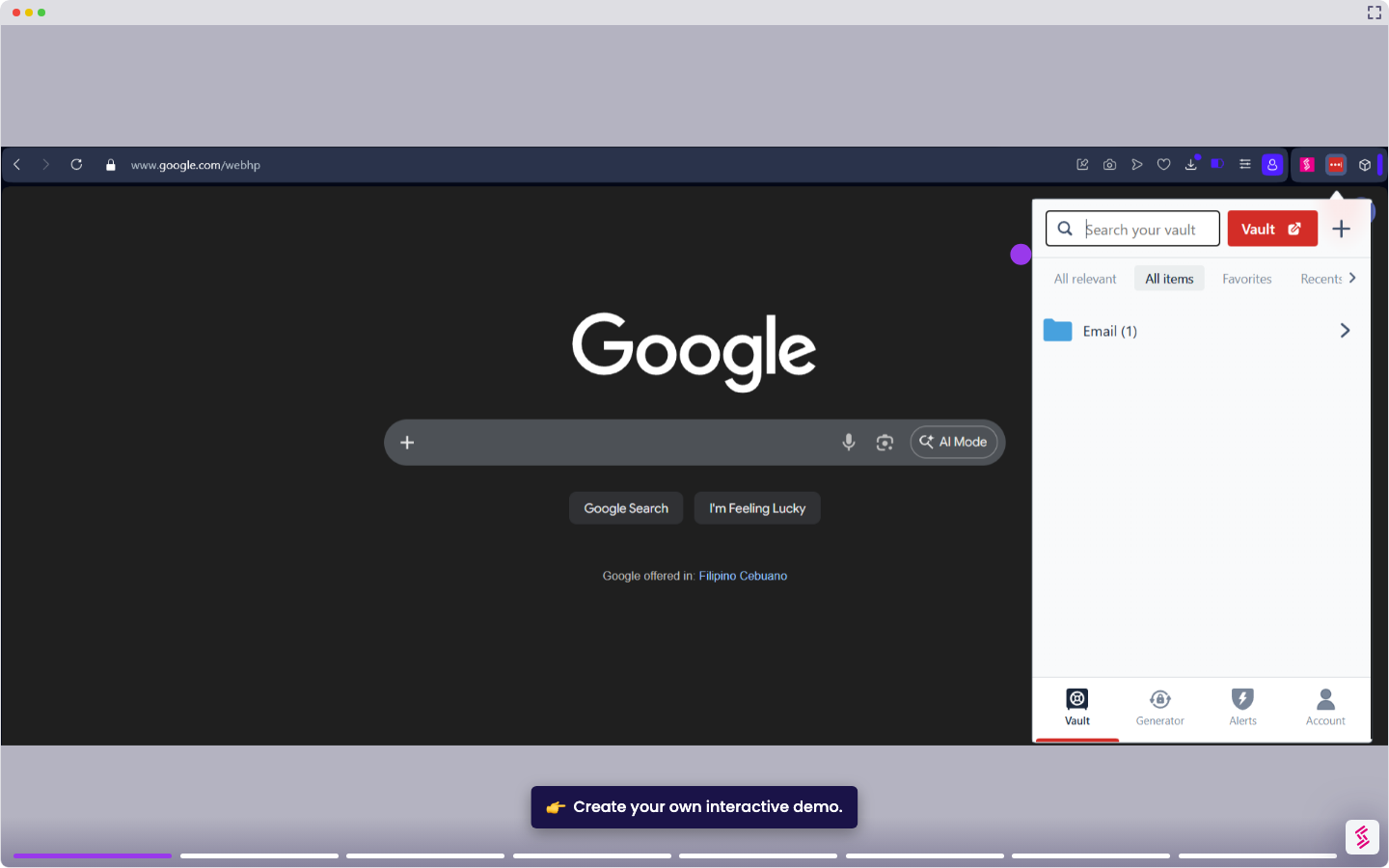
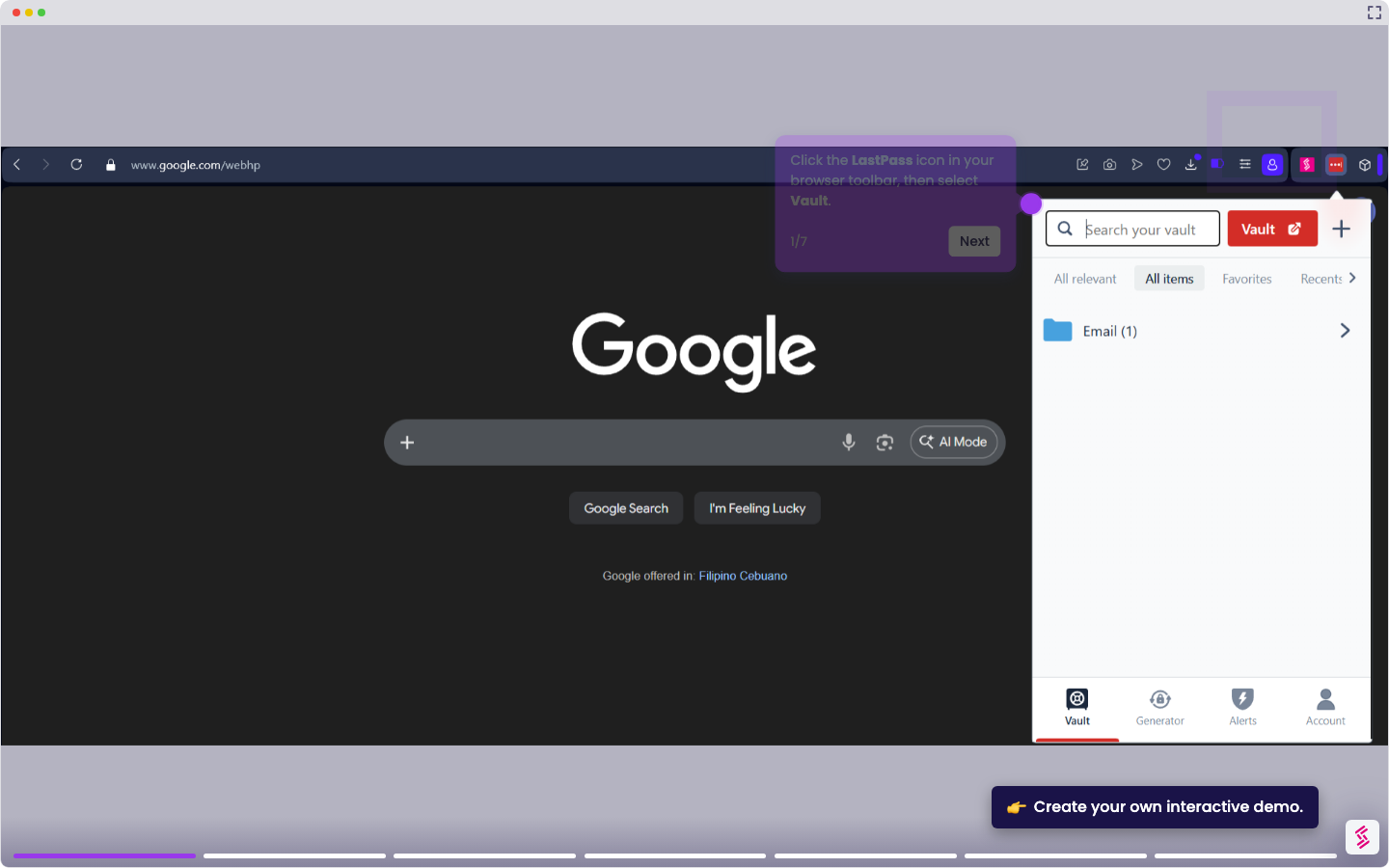
- Click the LastPass icon in your browser toolbar and select Vault.
- In the left navigation menu, select Families to open the Families Manager Dashboard.
- Click Add Member.
- Enter the new member's email address, first name, and last name. To grant manager rights immediately, enable Make This User a Manager.
- Click Add Member to send the invitation. The new member will appear as Pending until they accept and activate their account.