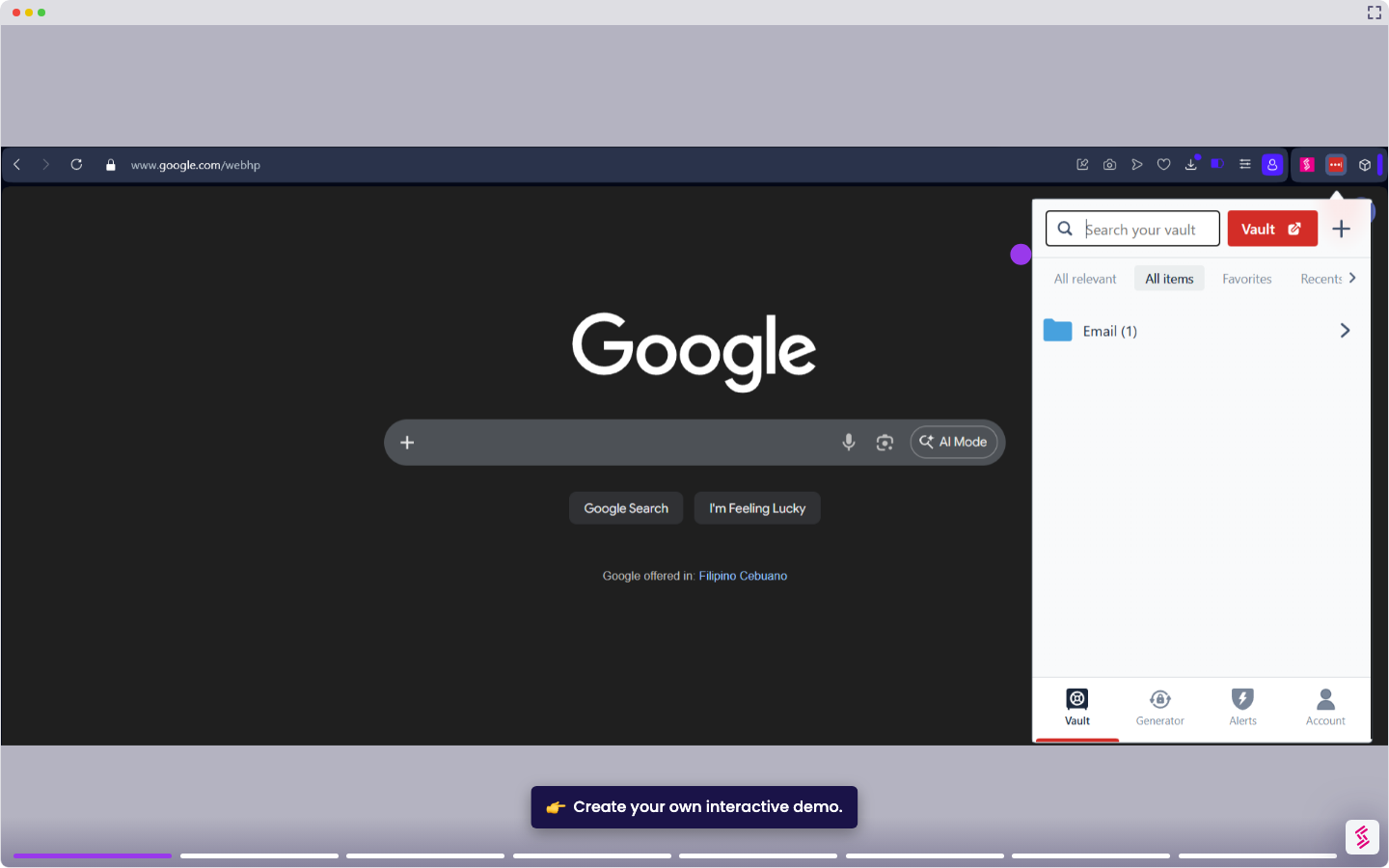
This tutorial shows you how to share a saved password from your LastPass vault with another user.
Notes:
- Before sharing for the first time, you must verify your email address. In the share window, select Send Verification Email, open the email from LastPass, and click Verify My Email Address. You only need to do this once.
- If you update the password after sharing, you must share it again so the recipient receives the latest version.
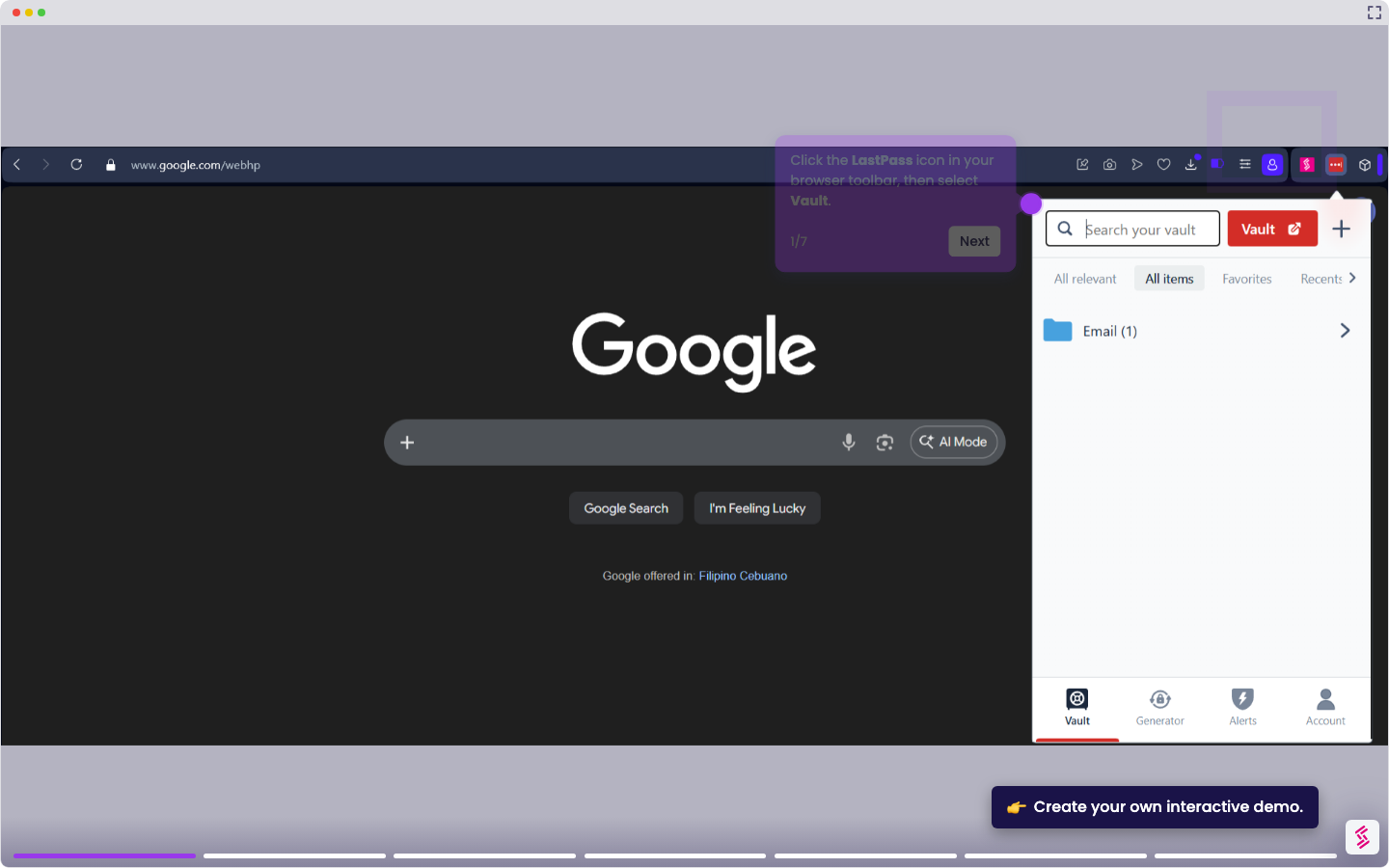
- Click the LastPass icon in your browser toolbar and select Vault.
- In the left navigation menu, select Passwords and locate the entry you want to share. Click the Share icon on the entry.
- In the share window, enter the email address of the recipient. To let them view the password directly, enable Allow Recipient to View Password.
- Click Share to send the invitation. The recipient will appear as Pending until they accept. Once the recipient accepts, the password is shared. To revoke access at any time, click the Revoke icon on the shared entry.