This interactive demo was created free with Storylane in 2 minutes. Create your own demo
Start free
All Tutorials /LastPass

How to Set Up LastPass

Updated on:
June 5, 2026
By:
Madhav Bhandari
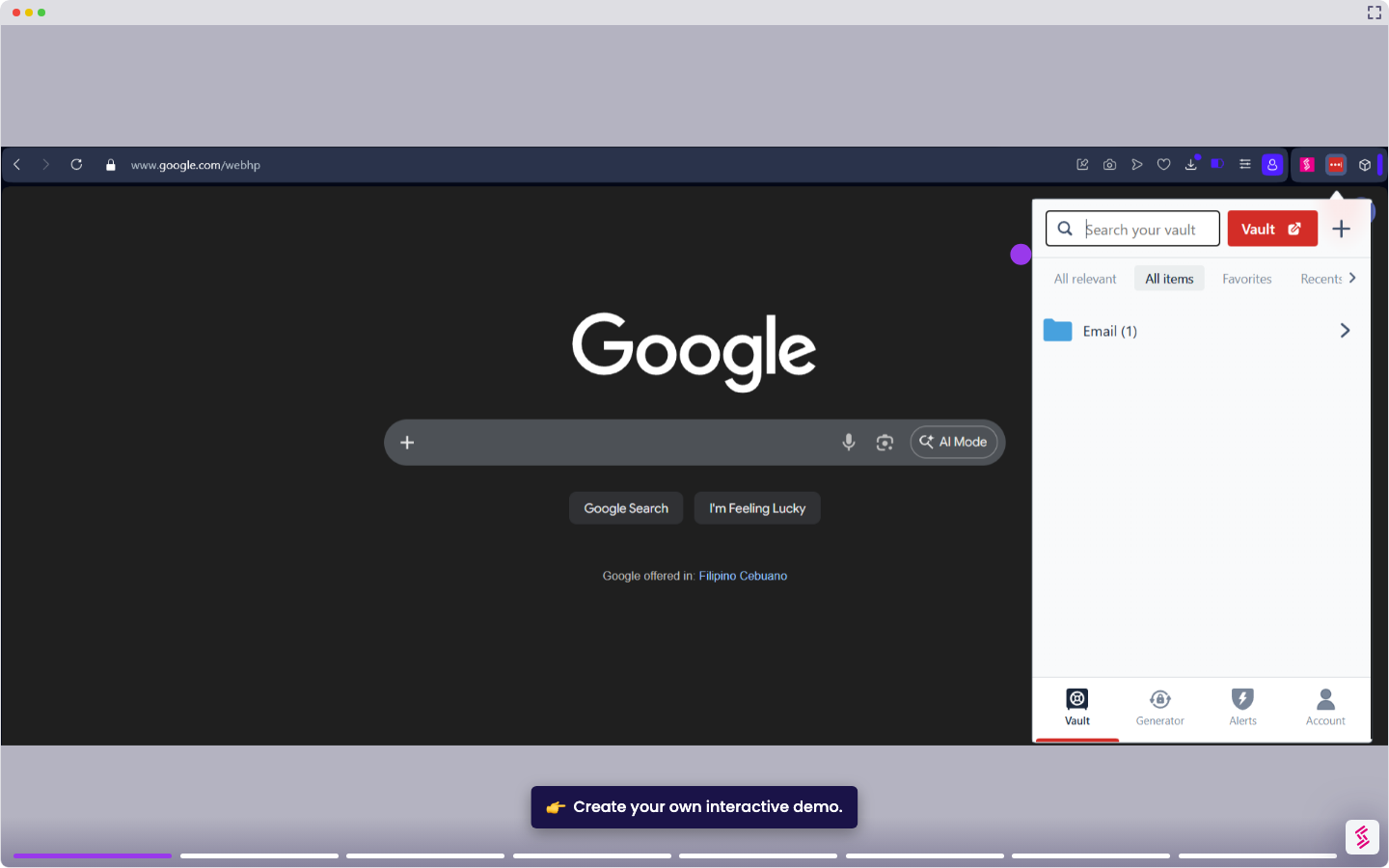
Interact with this demo to learn the step-by-step process of setting up your LastPass account.

‍

This tutorial covers how to create a LastPass account and set your Master Password.

Note: For Master Password, LastPass uses a zero-knowledge security model, which means your Master Password is never stored or known by LastPass. If you forget it, LastPass cannot recover your account. Choose a password you will remember, and use the hint field to store a clue - not the password itself. Your Master Password must be at least 12 characters and cannot match your email address.

  1. Go to lastpass.com and click Get LastPass Free.
  2. Enter your email address on the sign-up page, then click Next and select whether the account is for Business or Personal use.
  3. Create your Master Password on the next screen. Enter a password that is at least 12 characters long and does not match your email address. Enter a memorable clue in the Reminder field - LastPass will email this hint to you if you ever request a reminder. Click Create Account to continue.
  4. Check your inbox for a welcome email from LastPass. You are now ready to install the extension and start using your vault.

📌 Why this matters

Setting up a password manager lets you use unique, complex passwords for every account without memorizing them all. You'll only need to remember one master password to unlock your entire vault. Beyond the obvious security benefits, this setup eliminates the friction that keeps people using weak passwords. When creating new accounts becomes effortless and you can instantly fill login forms, you're more likely to enable two-factor authentication and regularly update old passwords. The initial setup removes the biggest barrier to good password hygiene across your digital life.

Your product deserves an interactive demo
Start free
Similar Articles
LastPass

How to Add a Site to LastPass

Madhav Bhandari
Director of Marketing @ Storylane
LastPass

How to Disable LastPass

Madhav Bhandari
Director of Marketing @ Storylane
LastPass

How to Refresh LastPass Vault

Madhav Bhandari
Director of Marketing @ Storylane
No items found.
Platform
Interactive Demos
Sandbox Demos
Hubs
RepX
Integrations
Solutions
Product Marketers
Growth & Demand Gen
Sales Reps & AEs
Presales & SEs
Customer Success
Product Managers
Customers
Demo Showcase
Customer Stories
Finer Demos Club
Features
Demo Signals
Personalization
Deal Intelligence
Resources
Blog
The Plot
Tutorials
Help Docs
What’s New
Demo Dundies
Company
Careers
Pricing
Partners
Contact
Trust Center
Backed by
Chrome Extension Icon
Chrome extension
Download
Desktop app
Download
Built in San Francisco Bay Area - ©2026 Storylane
Privacy PolicyTerms & Conditions
X Corp (formerly Twitter)LinkedIn
This website uses cookies to ensure you get the best experience on our website. Learn More
Got it
This website uses cookies to ensure you get the best experience on our website. Learn More
Got it