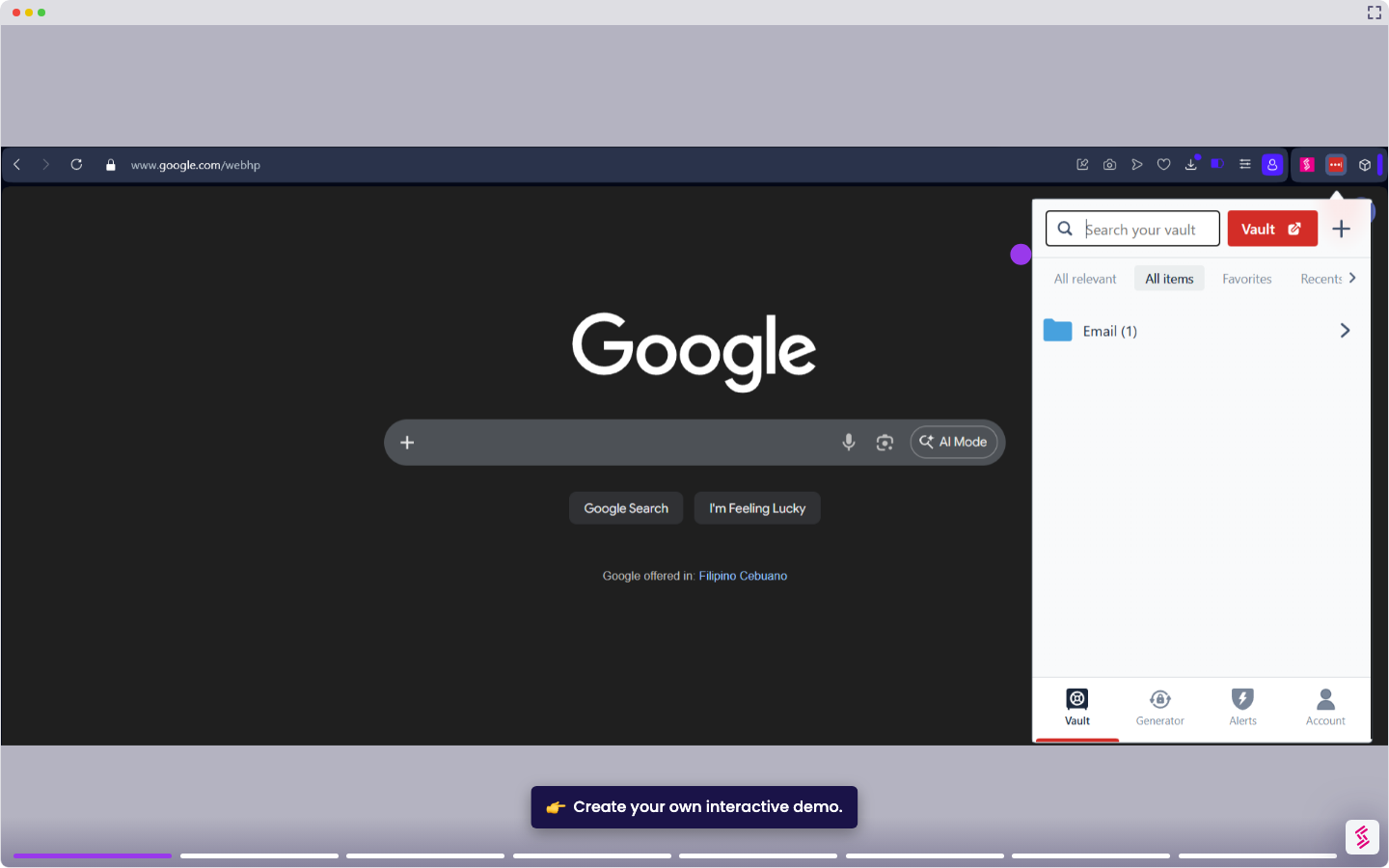
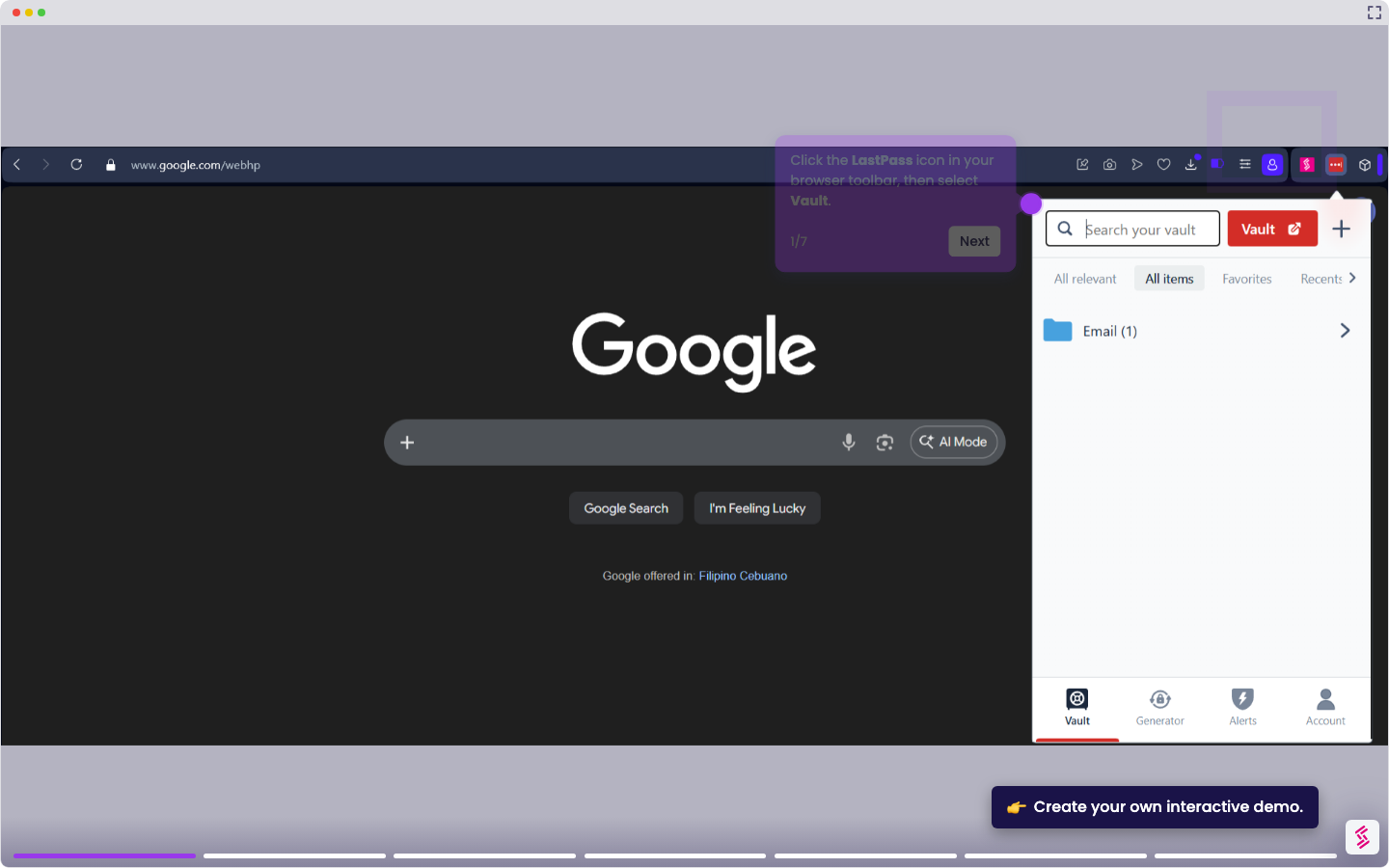
If your LastPass vault isn't showing recent changes or appears out of sync, for example, a team member updated shared credentials, but the changes aren't reflecting on your end, you can force a manual sync directly from the browser extension.
Notes:
- This is useful after making bulk changes to your vault, accepting a shared password, or resolving a sync issue after a plan upgrade.
- Refreshing your vault does not delete or overwrite any saved data; it only pulls the latest version of your vault from LastPass servers.
- Click the LastPass icon in your browser toolbar and select the Account tab.
- Go to Fix a problem yourself, then click Refresh your vault.
- Once the sync completes, click Back, log out of LastPass, and log back in to confirm your vault is up to date.