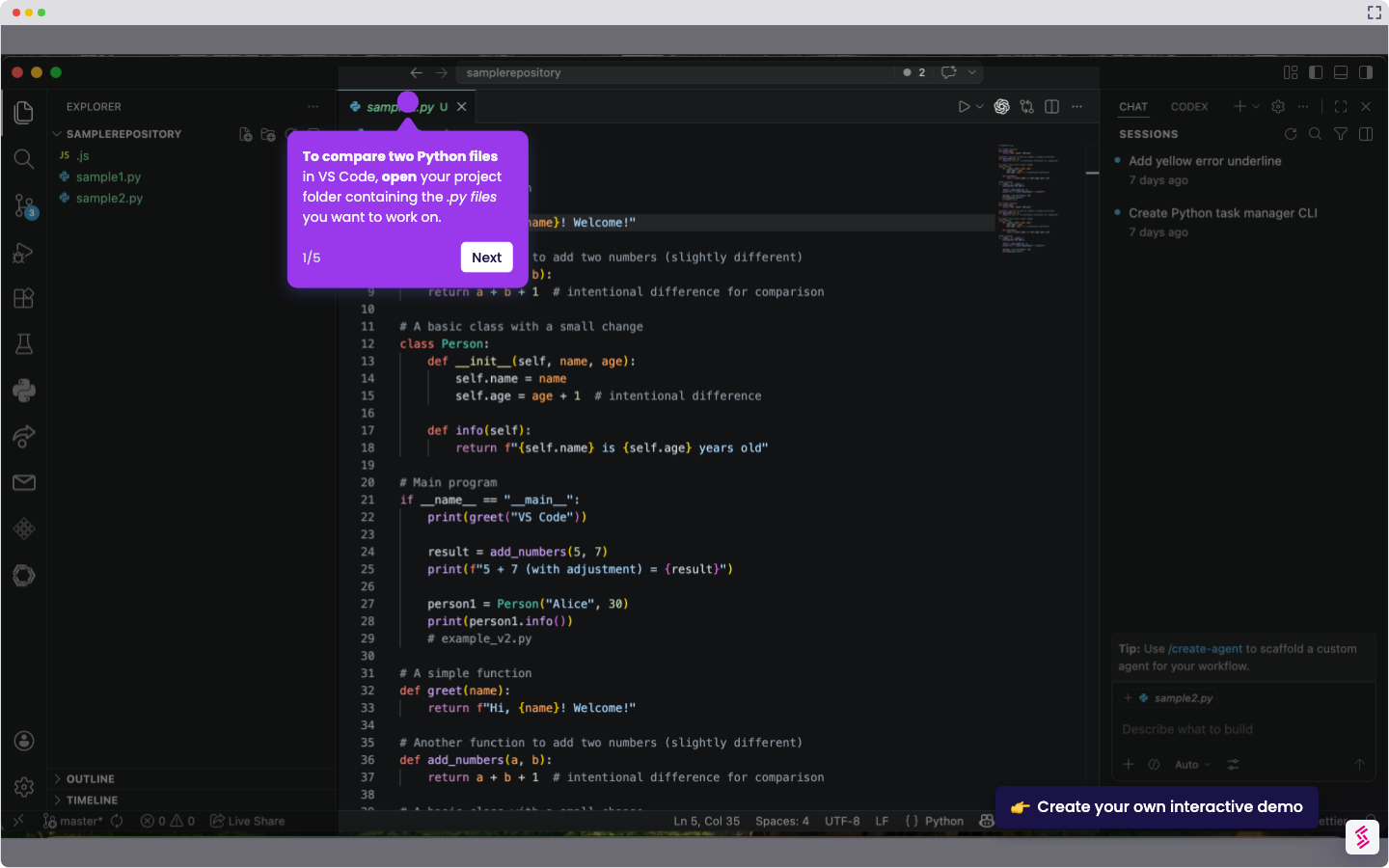
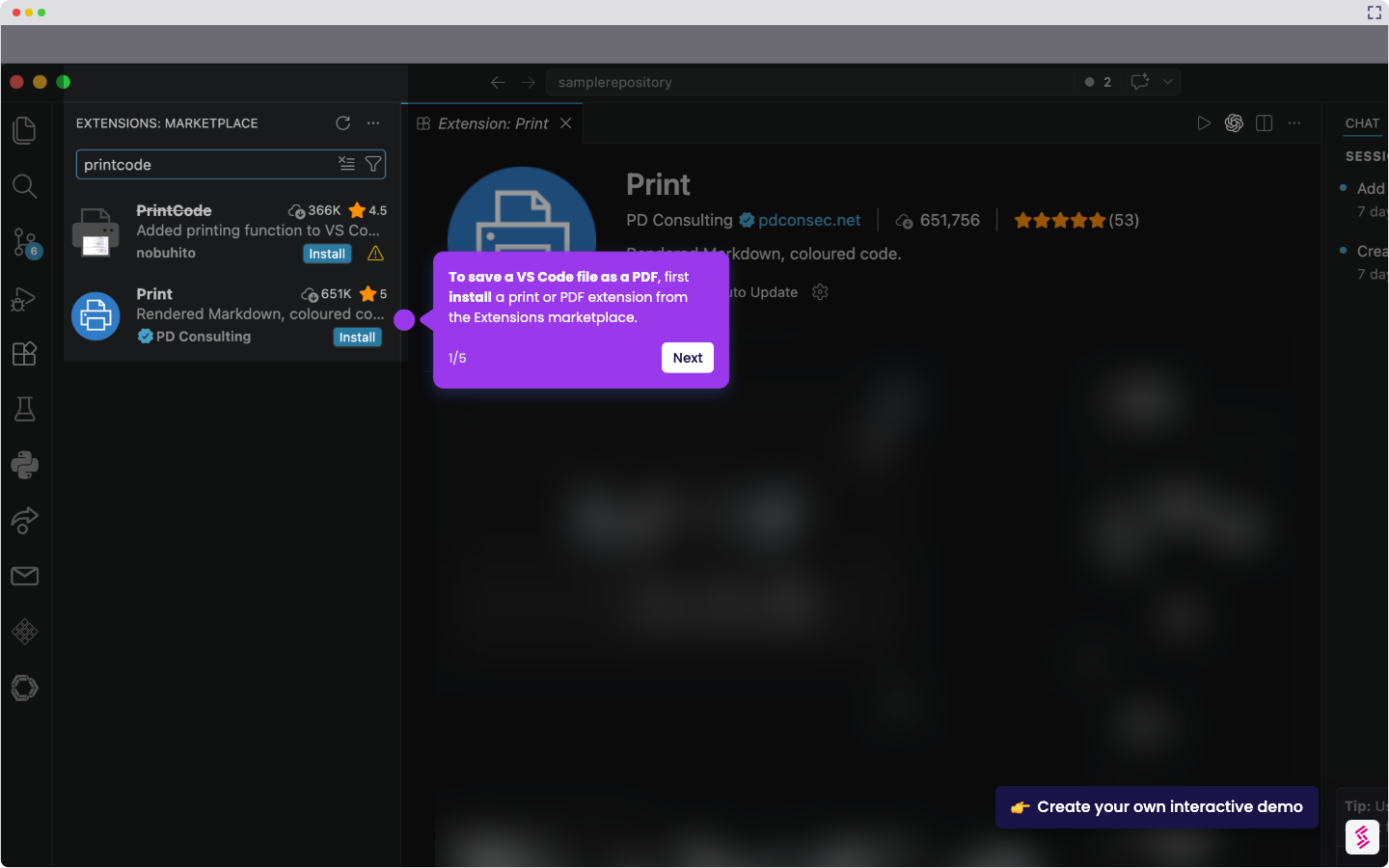
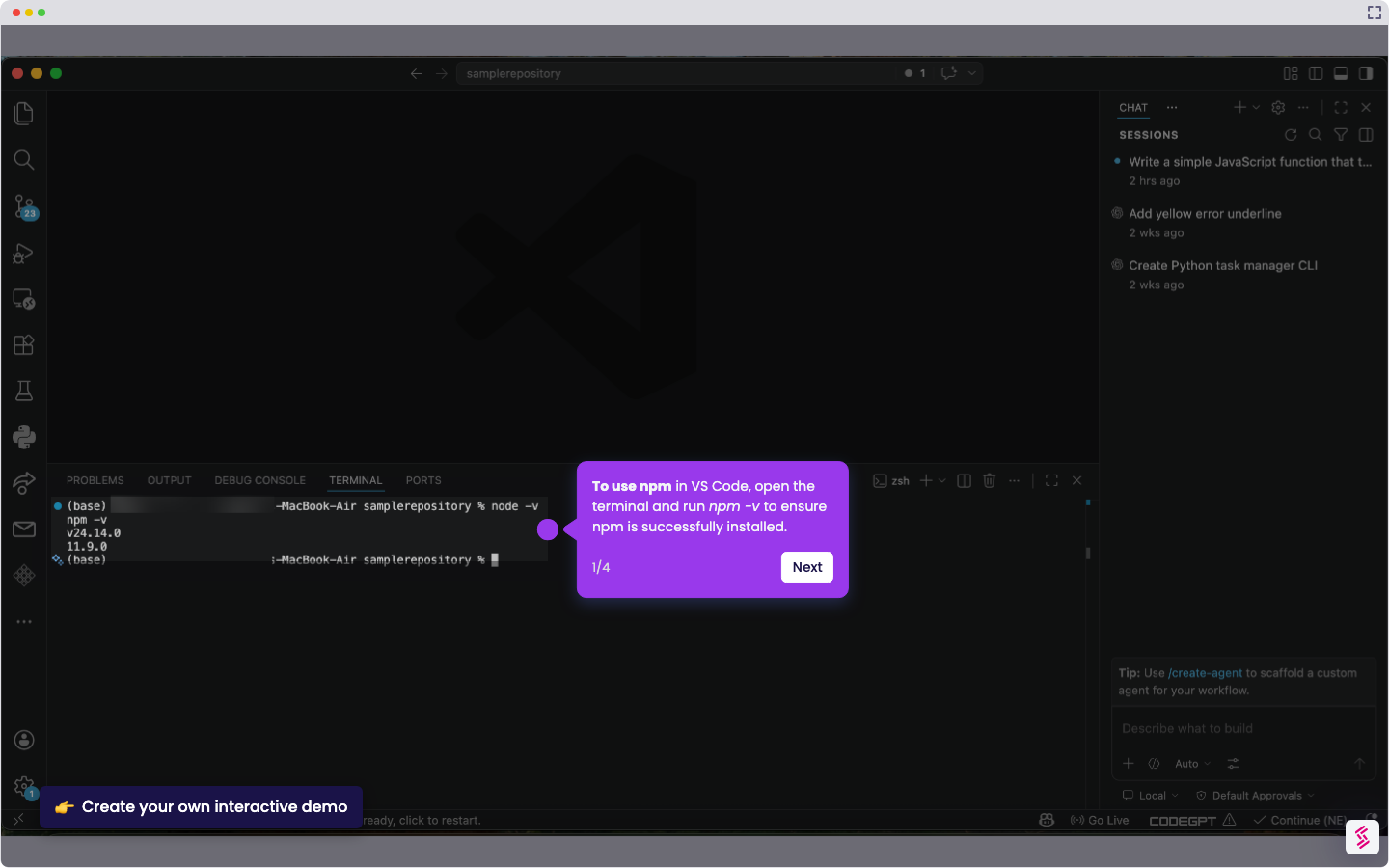
Here is a simple step-by-step guide on how to save file in VS Code:
- To save a file in VS Code, click the ‘File’ menu on the top bar of the workspace.
- From the file menu, select 'Save' or 'Save as.'
- A dialog box will appear. Enter a new name for your file and click ‘Save.’