Here is a step-by-step guide on how to run JavaScript in VS Code using Node.js:
- To run JavaScript in VS Code with Node, create a JavaScript file named app.js and add your code in the editor.
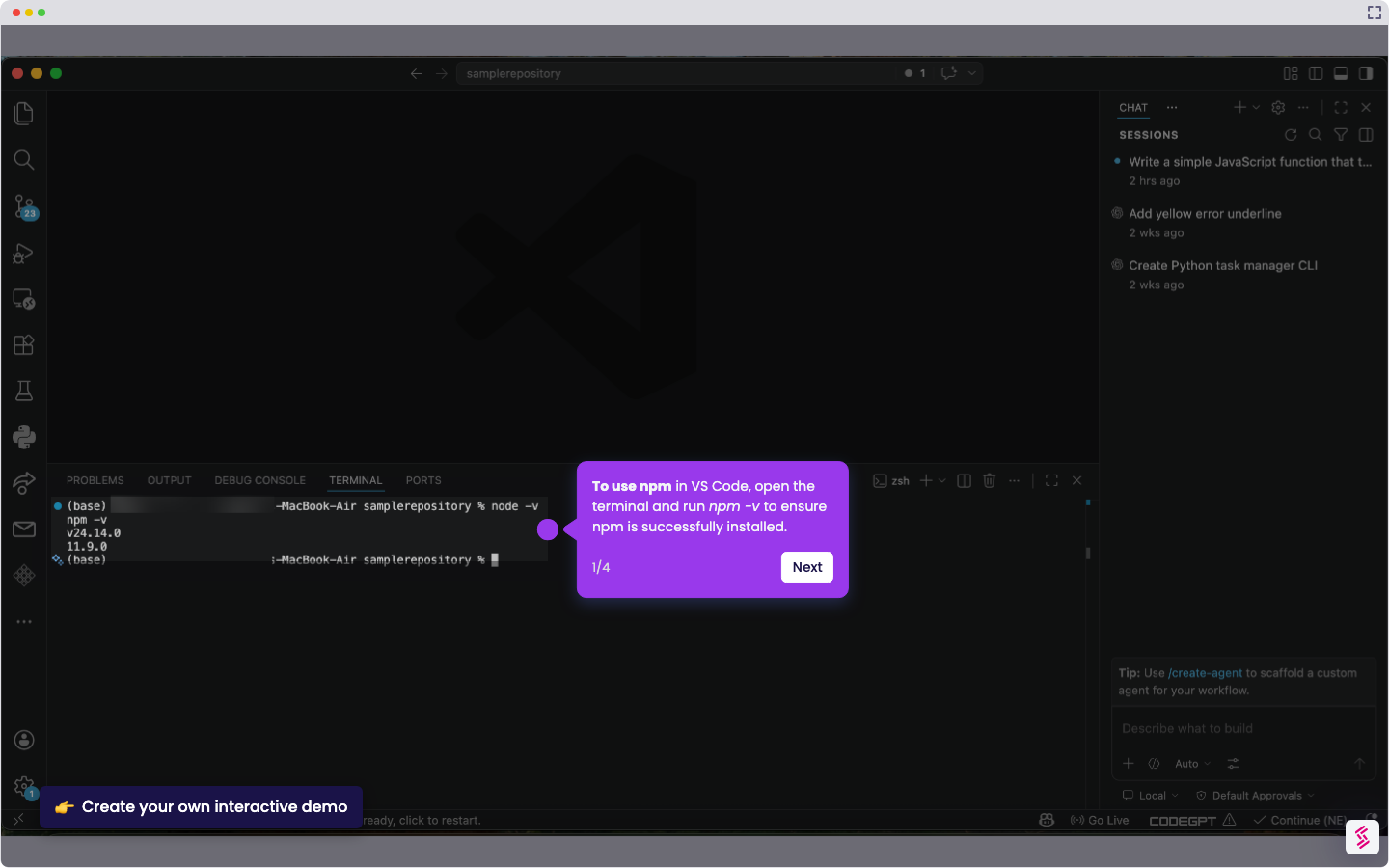
- Open the terminal and run node app.js (ensure you have installed Node.js first).
- If you see output in the terminal, your JavaScript runs successfully. In this tutorial, we use console.log("Hello, world!");, so the output in the terminal will be ‘Hello, world!’.