Here is a step-by-step guide on how to run JavaScript in VS Code using Extension:
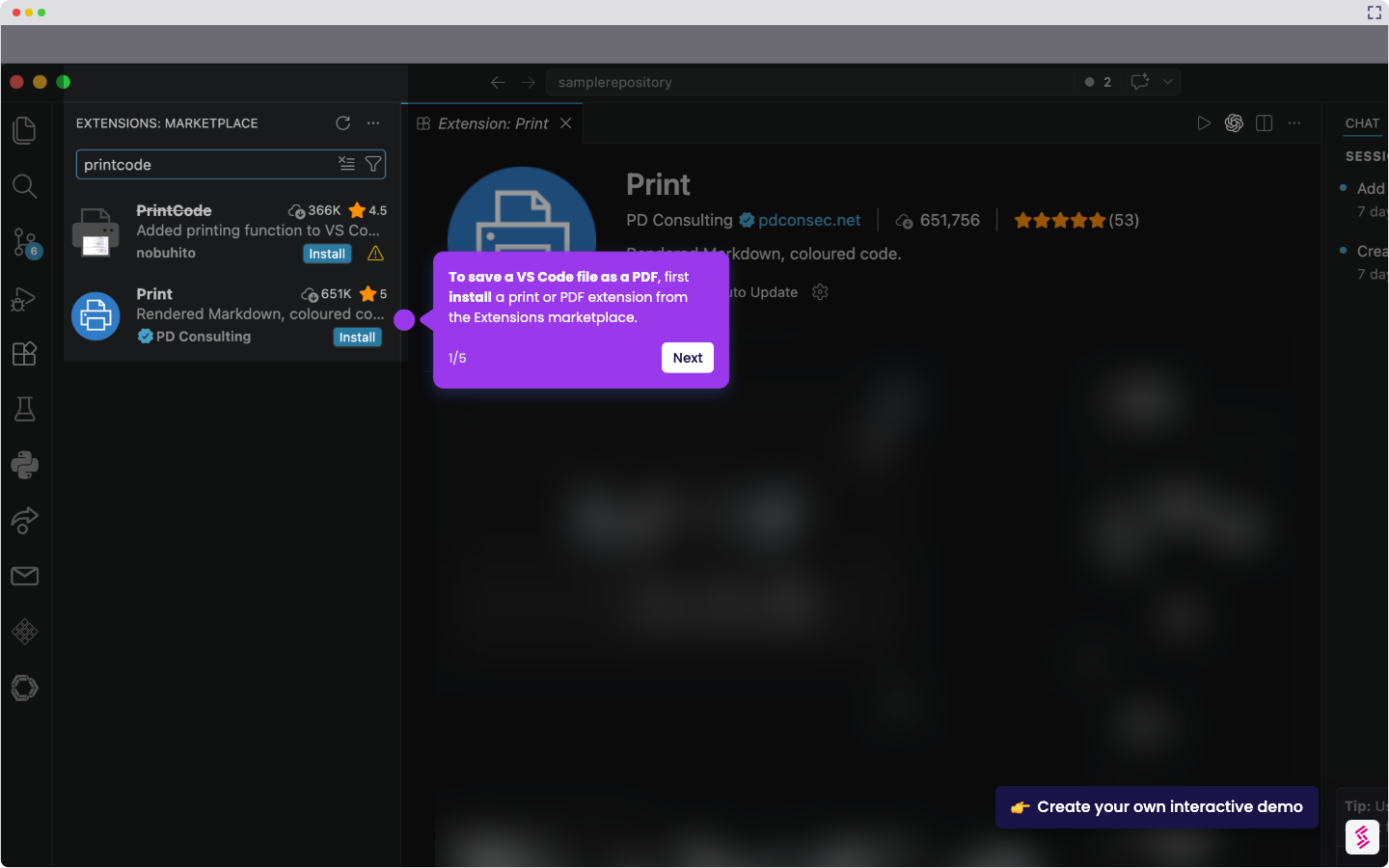
- To run JavaScript in VS Code, navigate to the Extensions tool in the left sidebar.
- Type ‘Code Runner’ in the Extensions search bar.
- Click 'Install' from the selected extension.
- Open app.js and click the 'Run button.'
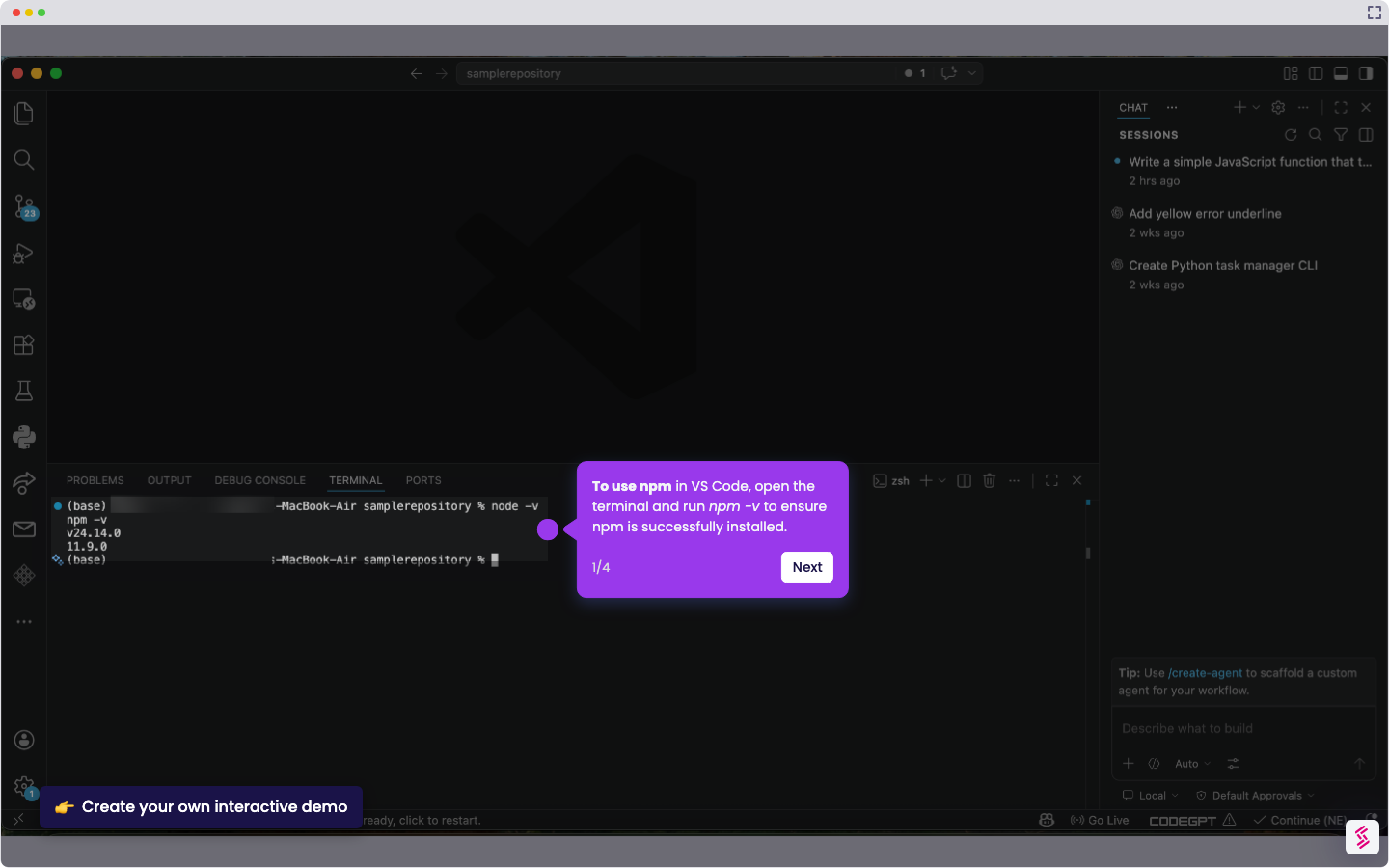
- The output is shown in the terminal, which indicates a successful run of the JavaScript code.