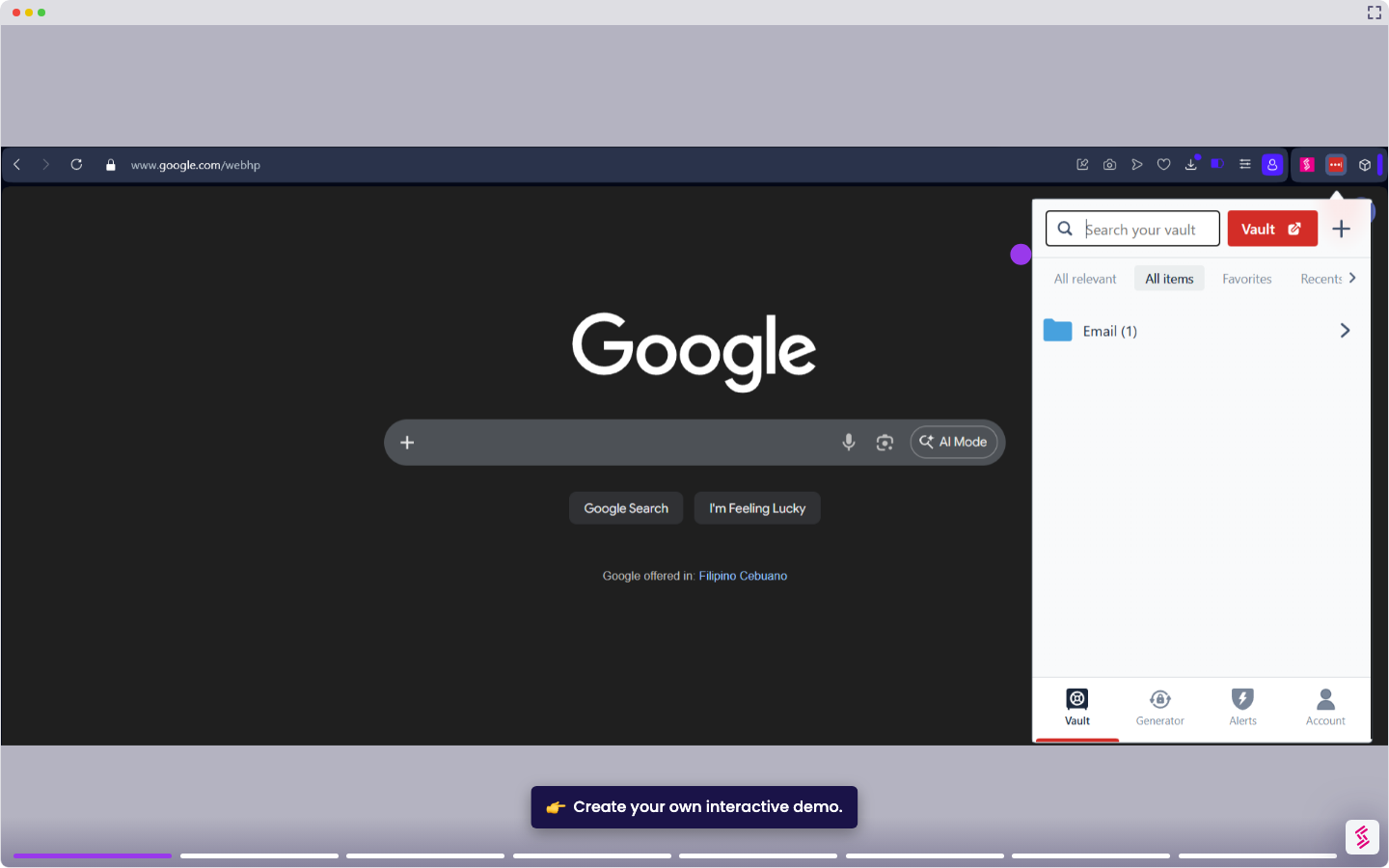
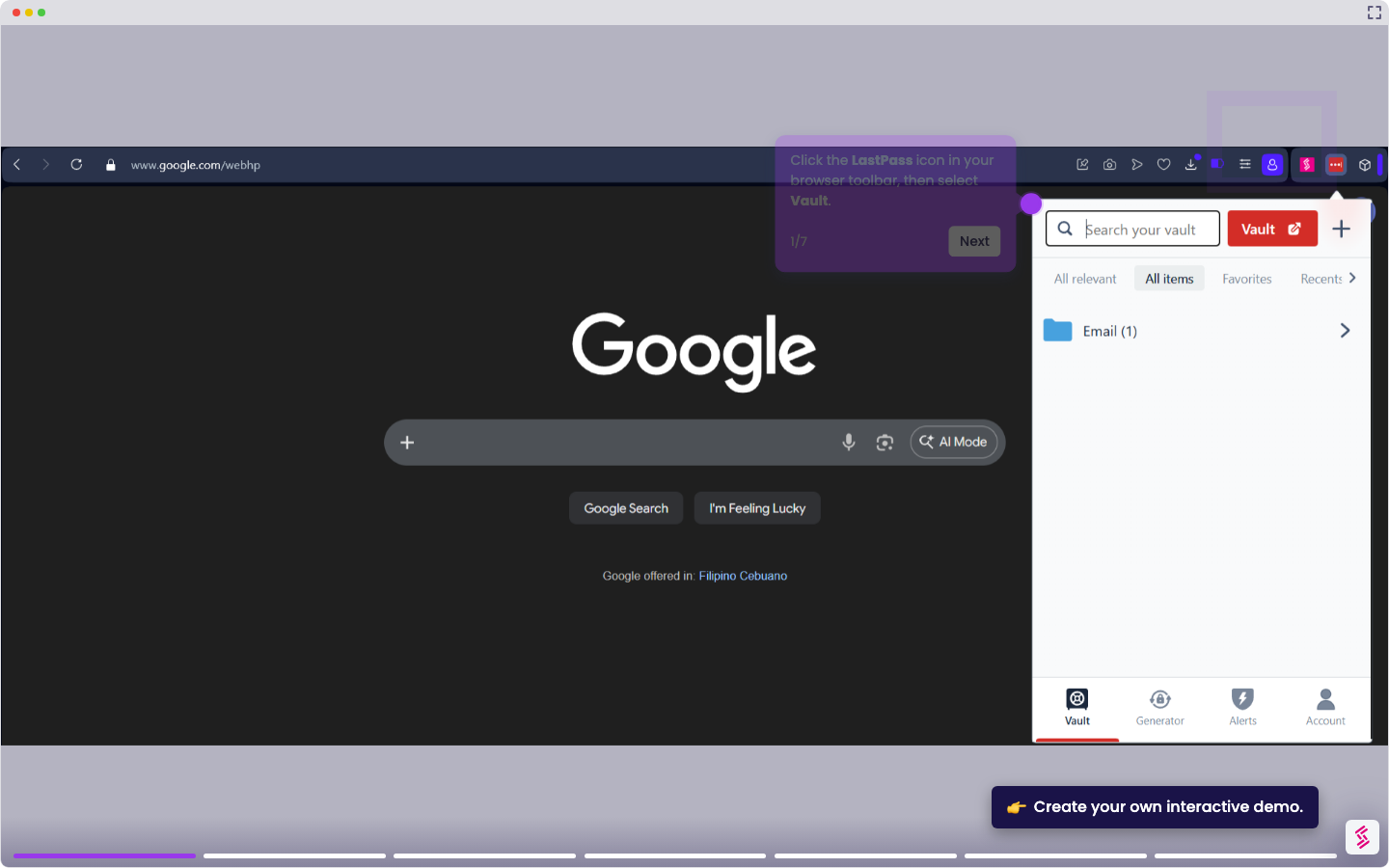
When you update a password on an external site, your LastPass vault doesn't sync the change automatically. This tutorial shows you how to manually update a saved entry so your vault stays current.
- Click the LastPass icon in your browser toolbar, then click Vault.
- Locate the entry you want to update and click the pencil icon to edit it.
- In the Site password field, clear the existing password and enter the new one. You can also click the eye icon to verify the password is correct before saving.
- In the Notes field, add a reminder such as "Password Reset - March 17 - Tuesday" to log when the change was made
- Click Save to update the entry in your vault.