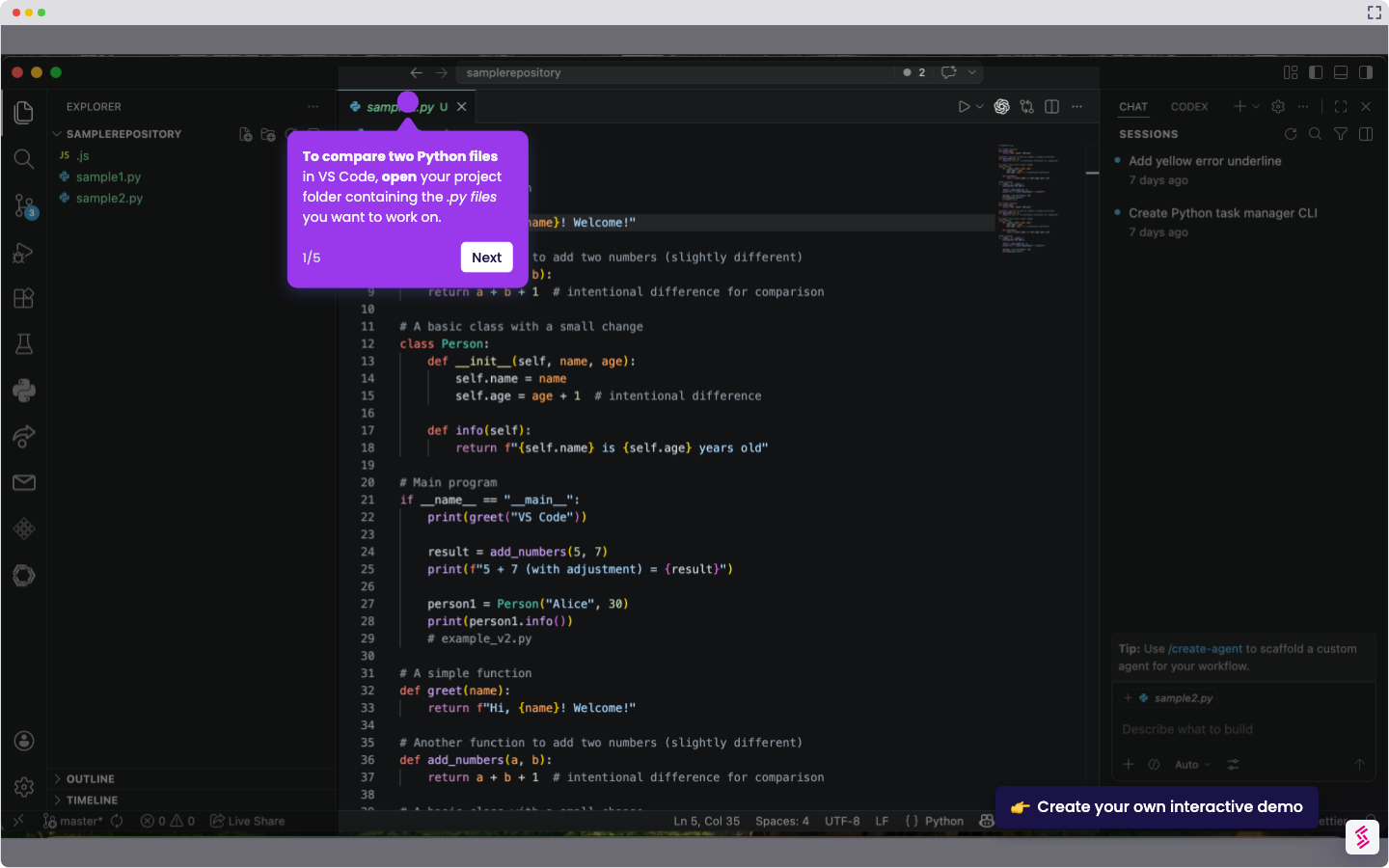
Here is a step-by-step guide on how to rename file in VS Code:
- Open the Explorer on the left sidebar and right-click the file you want to rename.
- Select 'Rename.'
- Type the new name and press 'Enter'. The file will be renamed in the VS Code workspace.