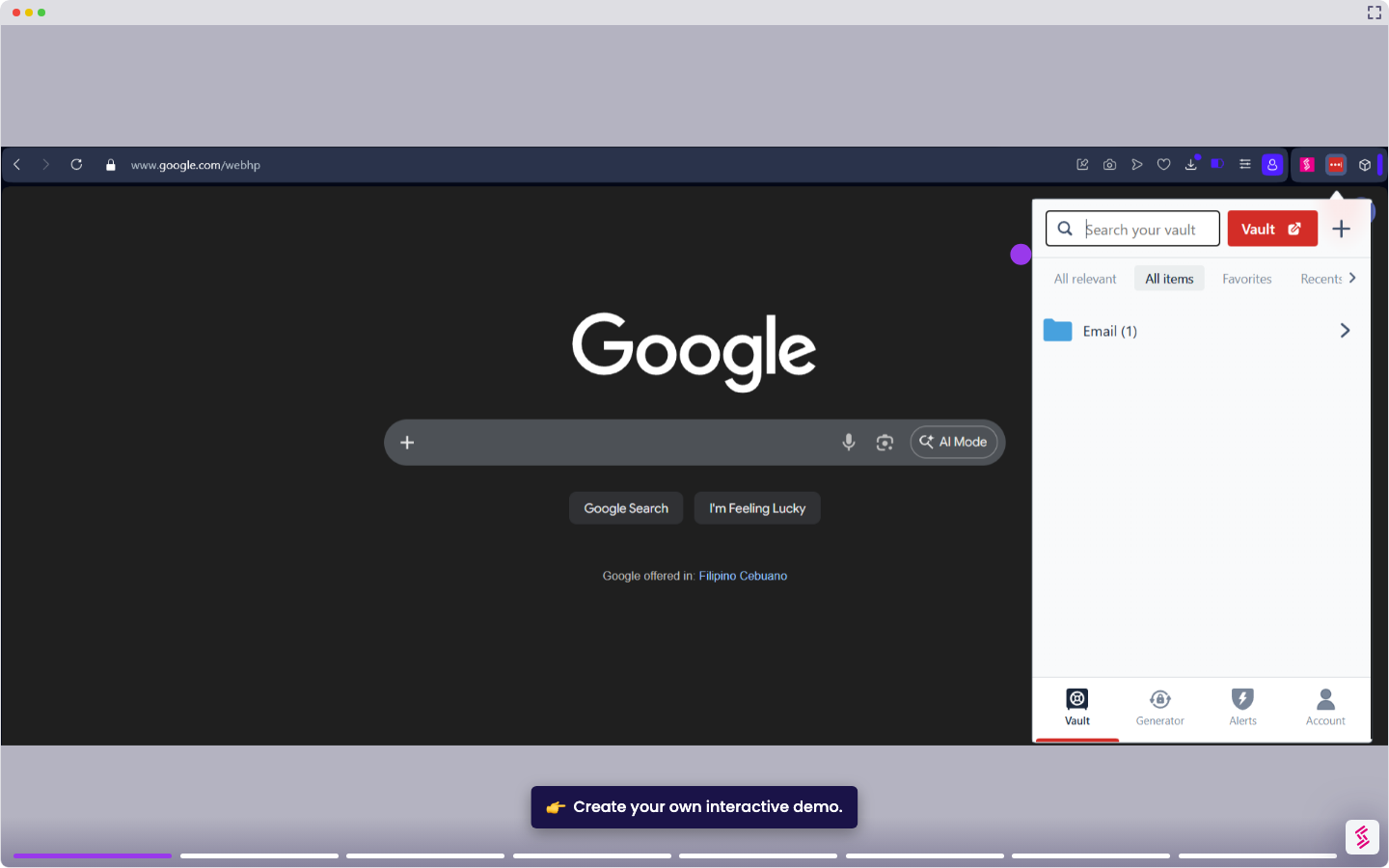
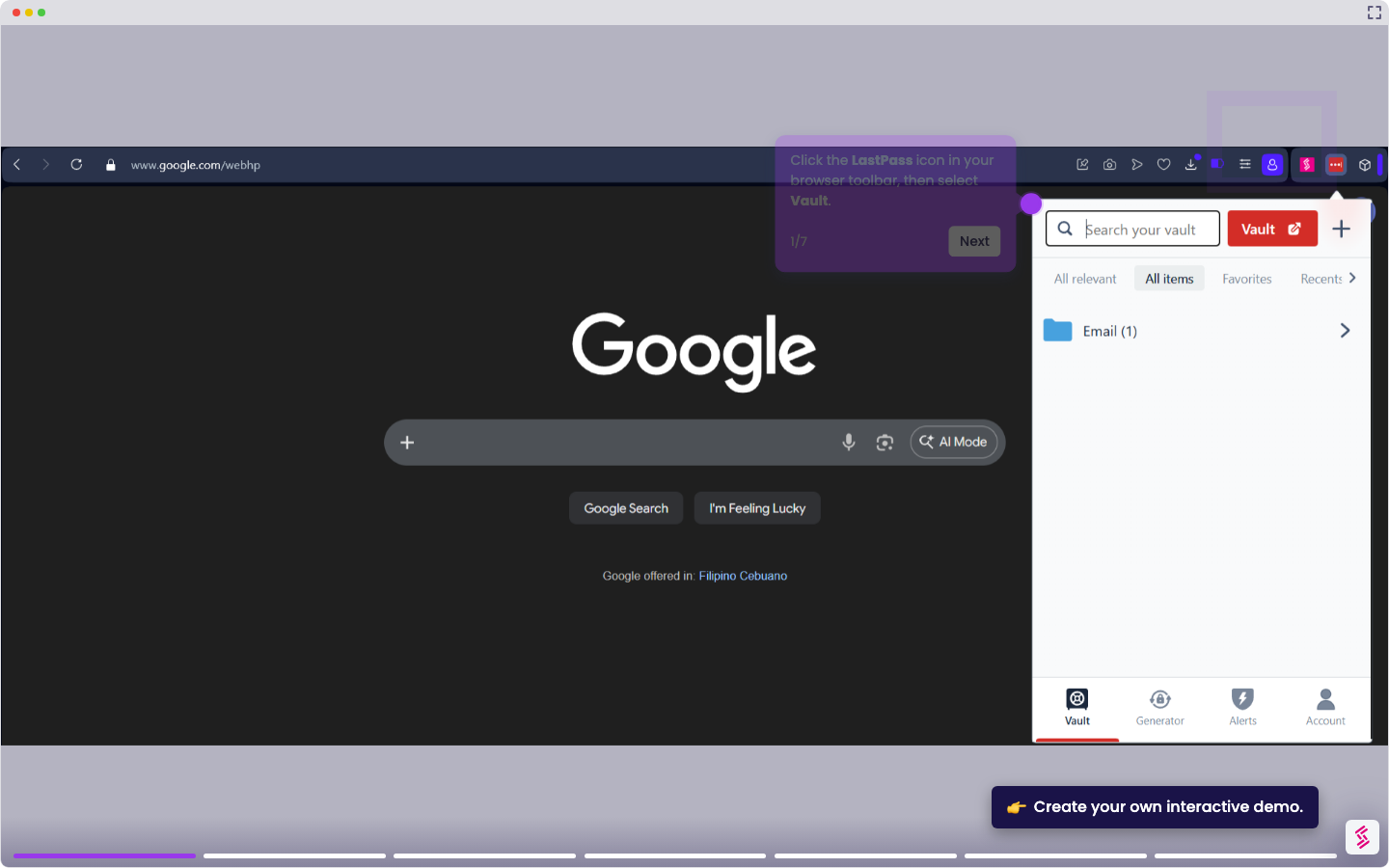
This tutorial walks you through recovering access to your LastPass vault when you've forgotten your master password.
Note: LastPass uses zero-knowledge encryption; they cannot retrieve your master password. Recovery options depend on what you've set up in advance. If no recovery method is available, vault data cannot be restored.
- Go to lastpass.com and click FORGOT PASSWORD? below the login field.
- Enter the email address associated with your LastPass account, complete the CAPTCHA, and click Send verification code.
- Open the recovery email from LastPass and copy the recovery code.
- Paste it into the "Enter your verification code” field, then click Verify.
- On the reset page, enter your new master password in the New Master Password field, then re-enter it in the Confirm Master Password field, then click Confirm.
- Wait for the re-encryption to finish, then click Logout, then log in with your new Master Password to verify access is restored.