In this tutorial, you’ll learn how to filter and print professional reports to track your business performance.
- In your FreshBooks dashboard, click the Reports tab in the left sidebar.
- Choose the specific report you want to view.
- Use the dropdown menus to select your Date Range, Clients, and Invoice Status.
- Click Apply to refresh the report with your selected filters.
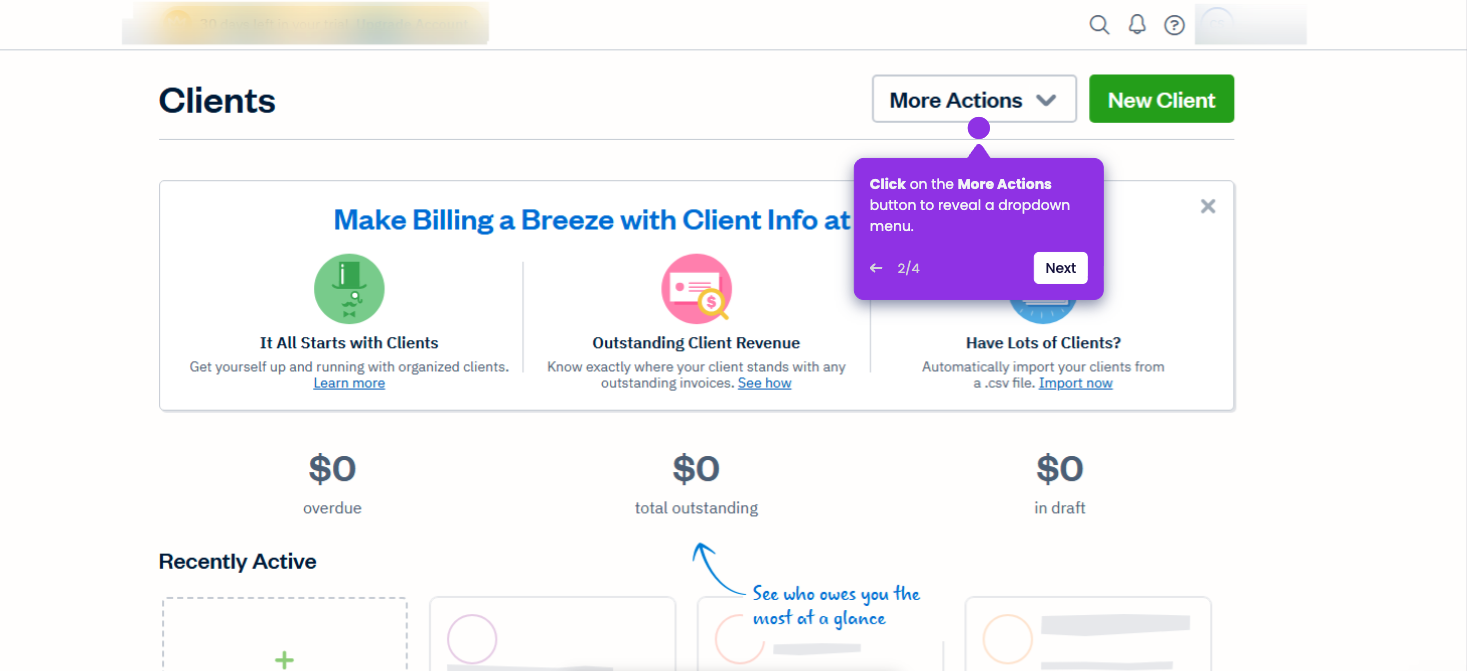
- Click the More Actions button at the top of the page.
- Select Print from the menu to open your browser’s print dialog.