Quick summary
Pinning important issues in Linear lets you star any issue so it appears instantly in your Favorites sidebar for fast, distraction-free access. This two-click workflow keeps your highest-priority work visible without manual searching or filters.
Steps
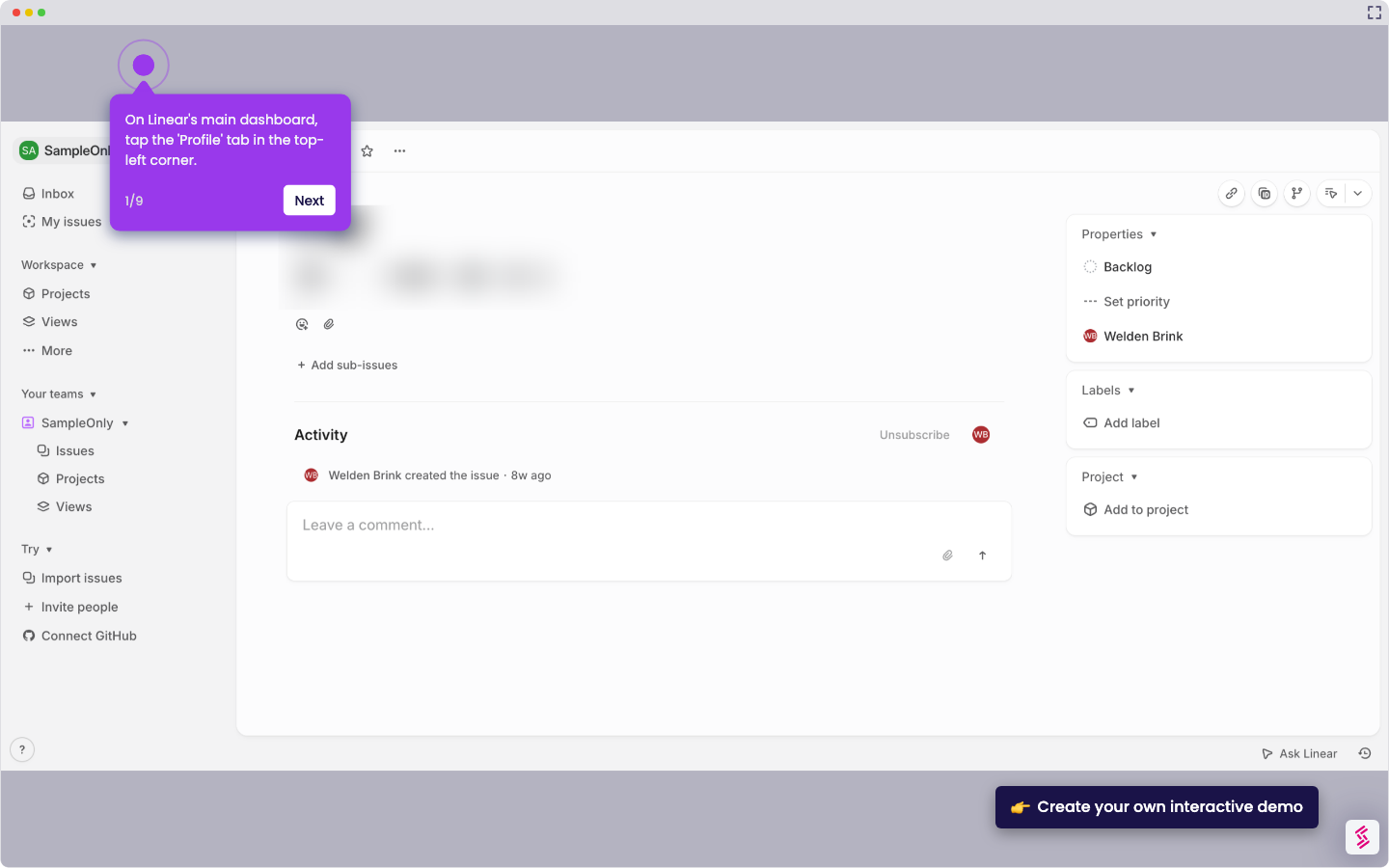
- Navigate to the My Issues section in Linear.
- Open the issue you want to pin.
- Click the star icon in the top right corner to pin the issue.
- Find your starred issues listed under the Favorites section in the sidebar.