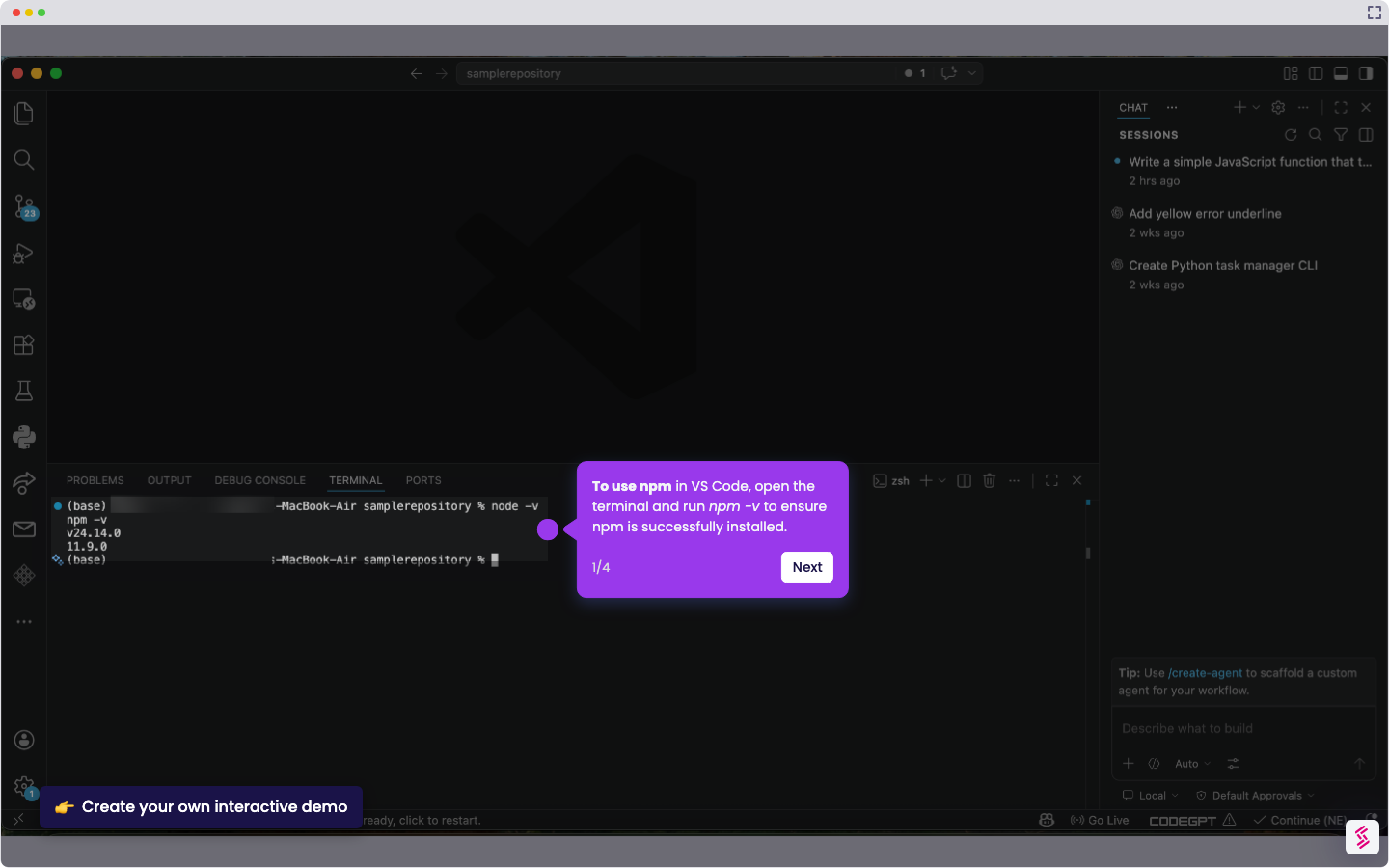
Here is a simple step-by-step guide on how to open terminal in VS Code:
- To open the terminal in VS Code, go to the top menu bar and click ‘Terminal.'
- From the Terminal menu, select ‘New Terminal.’
- The terminal is now open in VS Code, allowing you to run commands and manage your project.