Quick summary
Logging into the Joomla admin panel requires entering your username and password through the administrator login page, with optional passkey authentication for added security. Once authenticated, you gain full access to your Joomla dashboard to manage website content and settings.
Steps
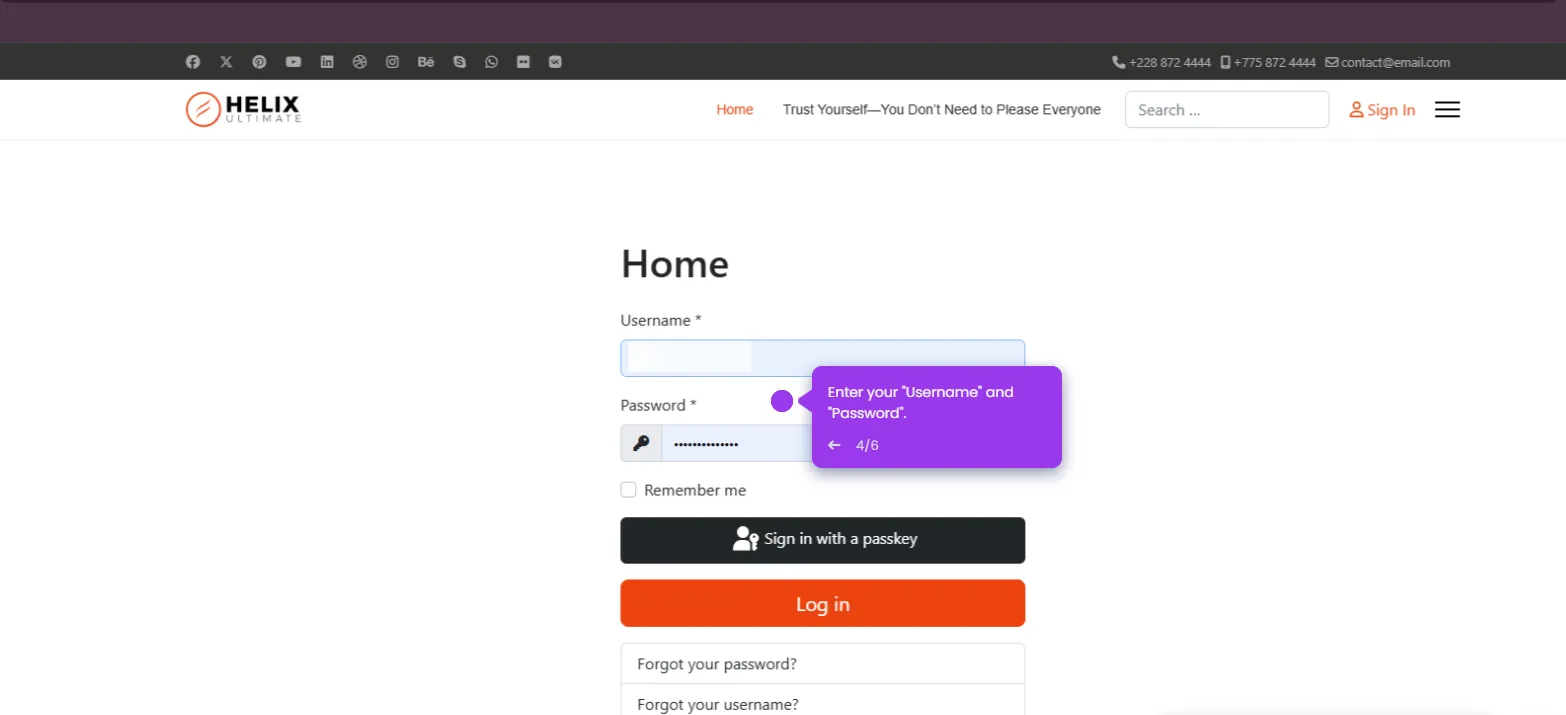
- Enter your username in the authentication field on the Joomla administrator login page.
- Review the available secure access options, including password login and passkey authentication, for enhanced security.
- Click the 'Log in' button to access your personalized Joomla dashboard where you can manage website content and settings.
- Explore your dashboard to discover Joomla's content management and website building tools.