This tutorial shows how to link a personal LastPass account to a LastPass Business account so you can access both vaults from a single login.
Note: This feature is available on LastPass Business and Enterprise plans. You must have both a personal and a business LastPass account before linking. Your personal master password is not visible to your company admin; it is only used to authenticate the link.
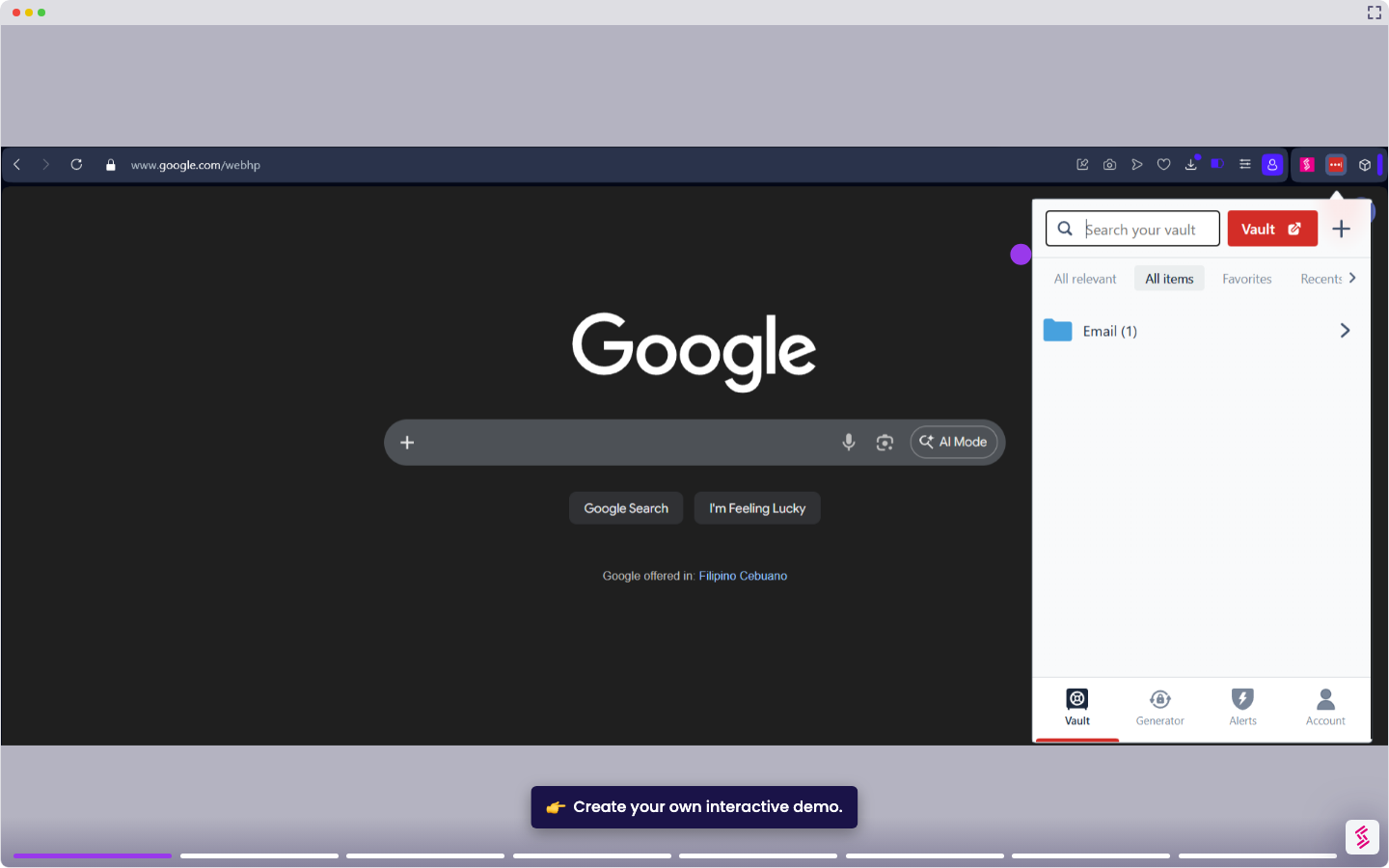
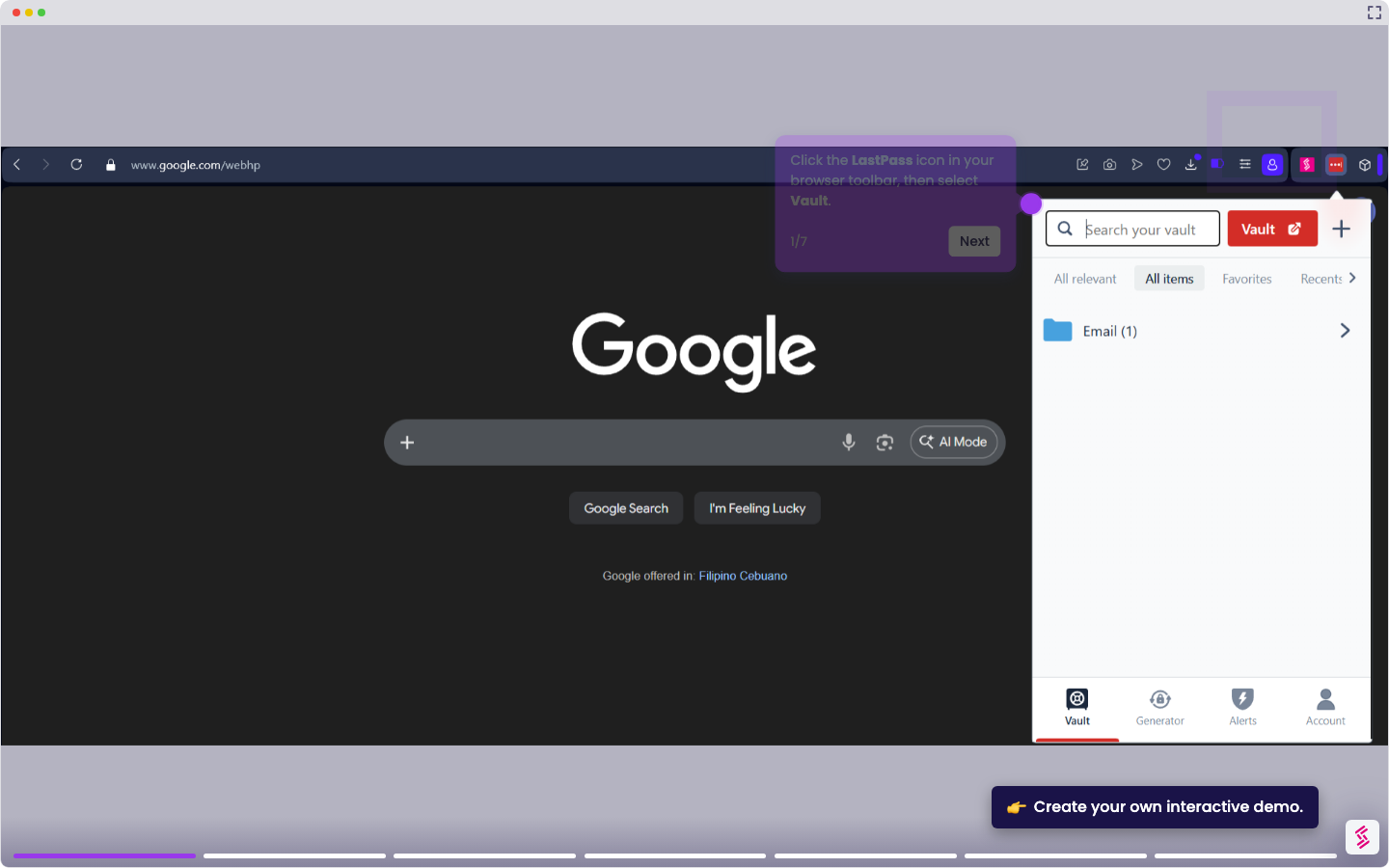
- Click the LastPass icon in your browser toolbar, then select Vault or navigate to your vault directly.
- In the left sidebar, click Account Benefits.
- Enter the email address associated with your personal LastPass account and enter your personal account master password, then click Link Account.
- Confirm the link when prompted. Your personal account now appears as a folder inside your business vault.
- Access personal credentials from the linked folder at any time while logged in to your business account. Changes sync automatically between both accounts.