Quick summary
This tutorial shows how to integrate Microsoft Teams with Twilio using Make.com by building a no-code automation scenario. You can set up a trigger-action workflow that routes Twilio events directly into Microsoft Teams without writing any code.
Steps
- Go to your Make.com dashboard and click '+Create a new scenario' to begin building your automation.
- In the scenario editor, click the add icon, search for 'Twilio', and click on it to add the Twilio module.
- Select a trigger event for Twilio based on which event you want to initiate the integration.
- Click 'Create a connection' to start linking your Twilio account to Make.com.
- Enter your Twilio SID and Auth Token to authenticate the connection, then click 'Save'.
- Add a second module by clicking the add icon and selecting 'Microsoft Teams' to pair it with the Twilio trigger.
- Choose the action you want Microsoft Teams to perform when the Twilio trigger fires.
- Configure the workflow settings to define how Twilio triggers map to Microsoft Teams actions, then click 'OK'.
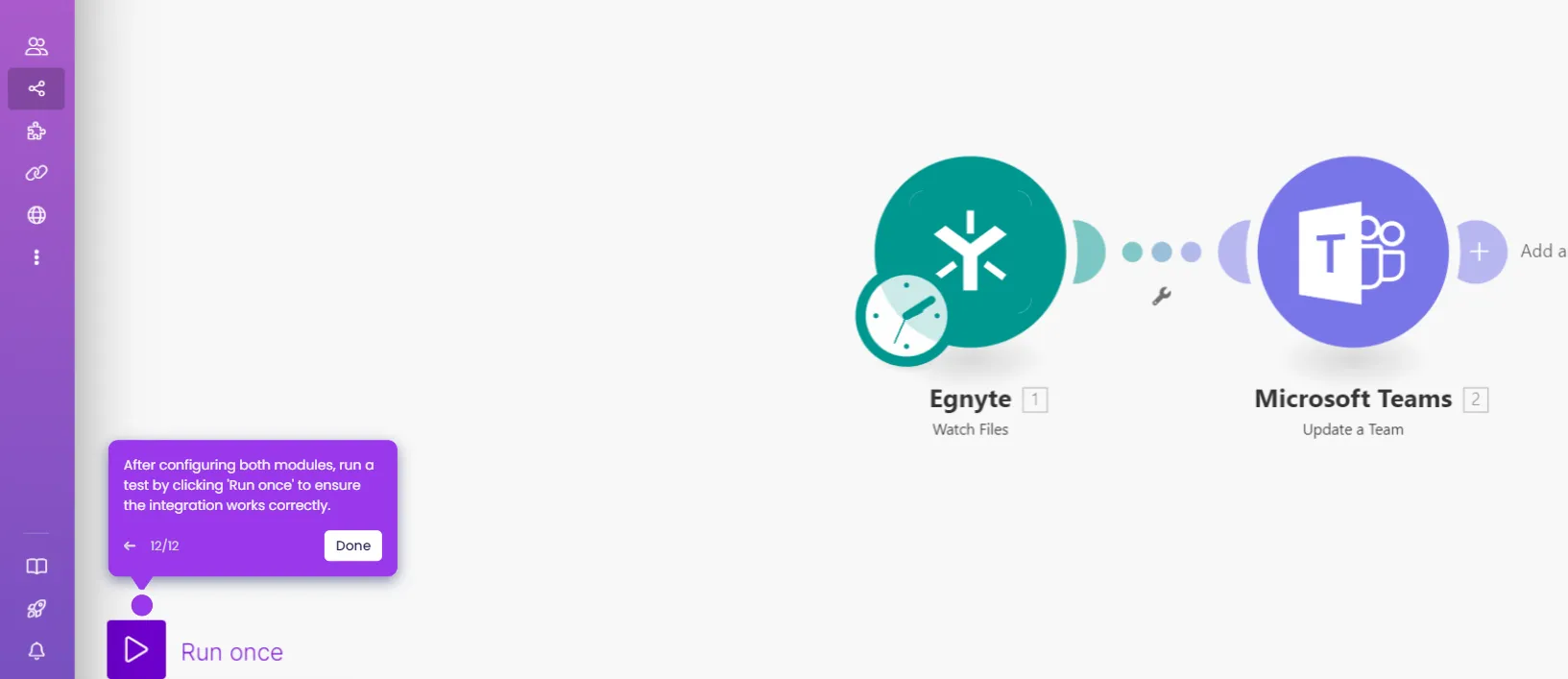
- Click 'Run once' to test the integration and confirm the end-to-end workflow functions correctly.