Quick summary
This tutorial shows how to integrate Microsoft Teams with Google Meet using Make.com by building an automation scenario that connects both platforms without code. Once set up, the integration automatically bridges Google Meet events with Microsoft Teams channels in real time.
Steps
- In the Make.com dashboard, click '+Create a new scenario' to start building your automation.
- On the scenario builder page, search for 'Google Meet' and click on it to add it as your first app.
- Choose a trigger based on your specific use case to define when the automation fires.
- Click 'Create a connection' to begin linking your Google Meet account to Make.
- Select 'Sign in with Google' to authenticate via your Google account.
- Choose a Google account to connect to your Make account.
- Select 'Allow' to grant Make the necessary permissions to access your Google account.
- Customize the scenario by adding the Team ID, Channel Name, and click 'OK' to save the configuration.
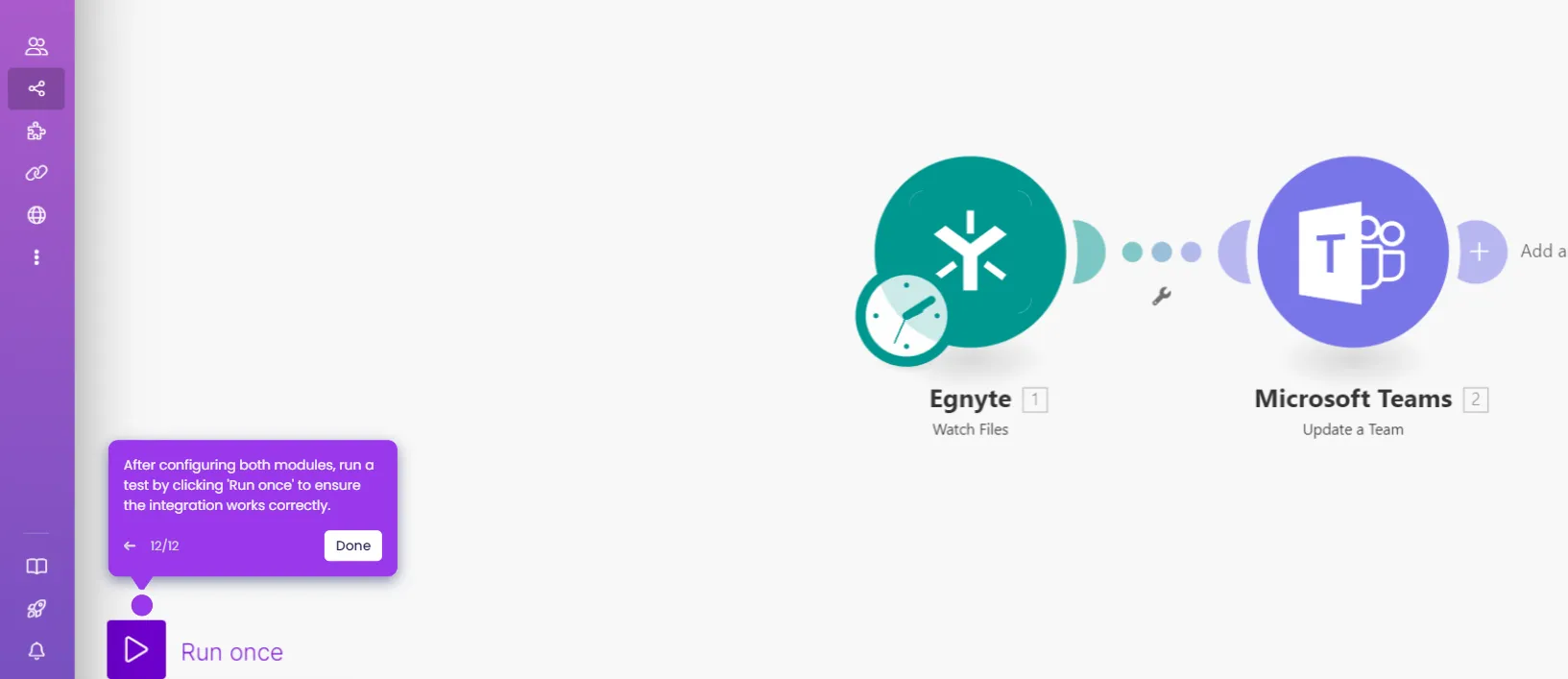
- Your Microsoft Teams and Google Meet integration is now complete and ready to run.