Integrating HeyGen with Zapier allows you to automate video creation by connecting HeyGen with other apps like Google Sheets, Slack, or CRM tools.
- Log in to your Zapier account and go to your dashboard.
- Click Create Zap to start a new automation.
- Click Trigger App and choose the app you want to use (e.g., Google Sheets).
- Search for and select Heygen as your trigger app.
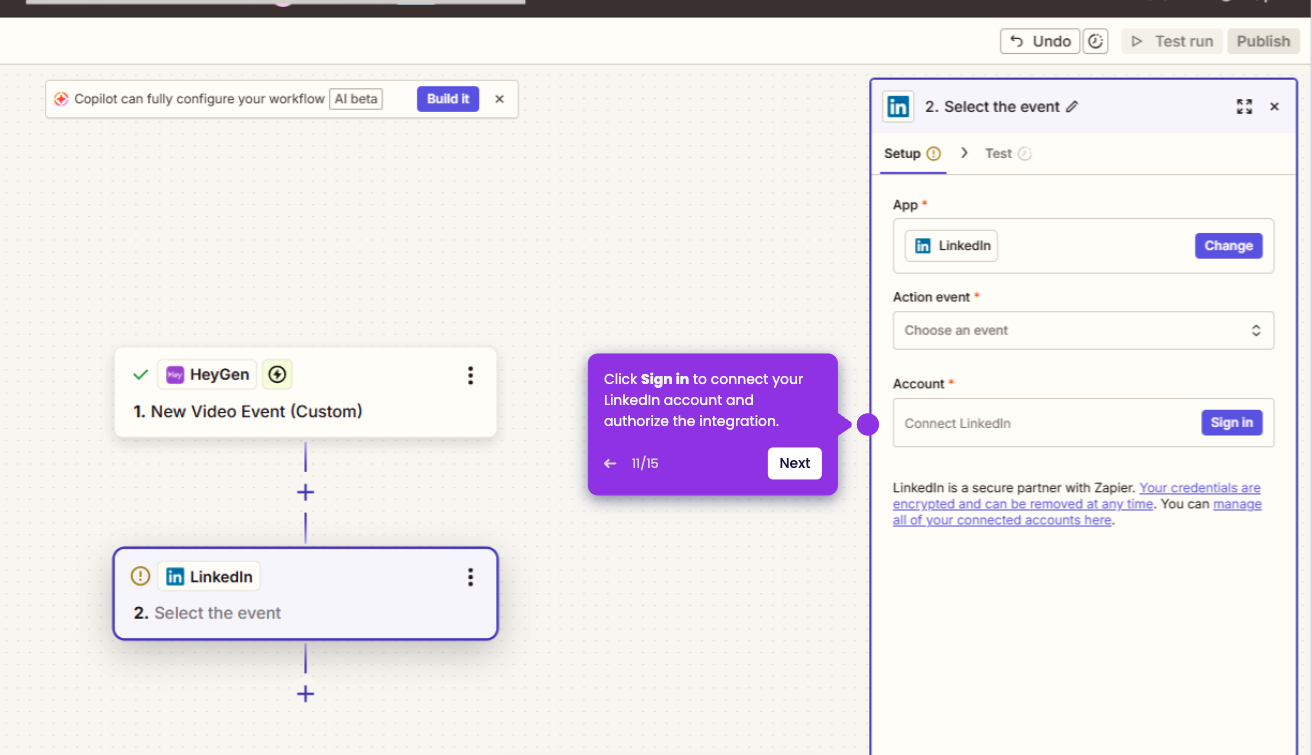
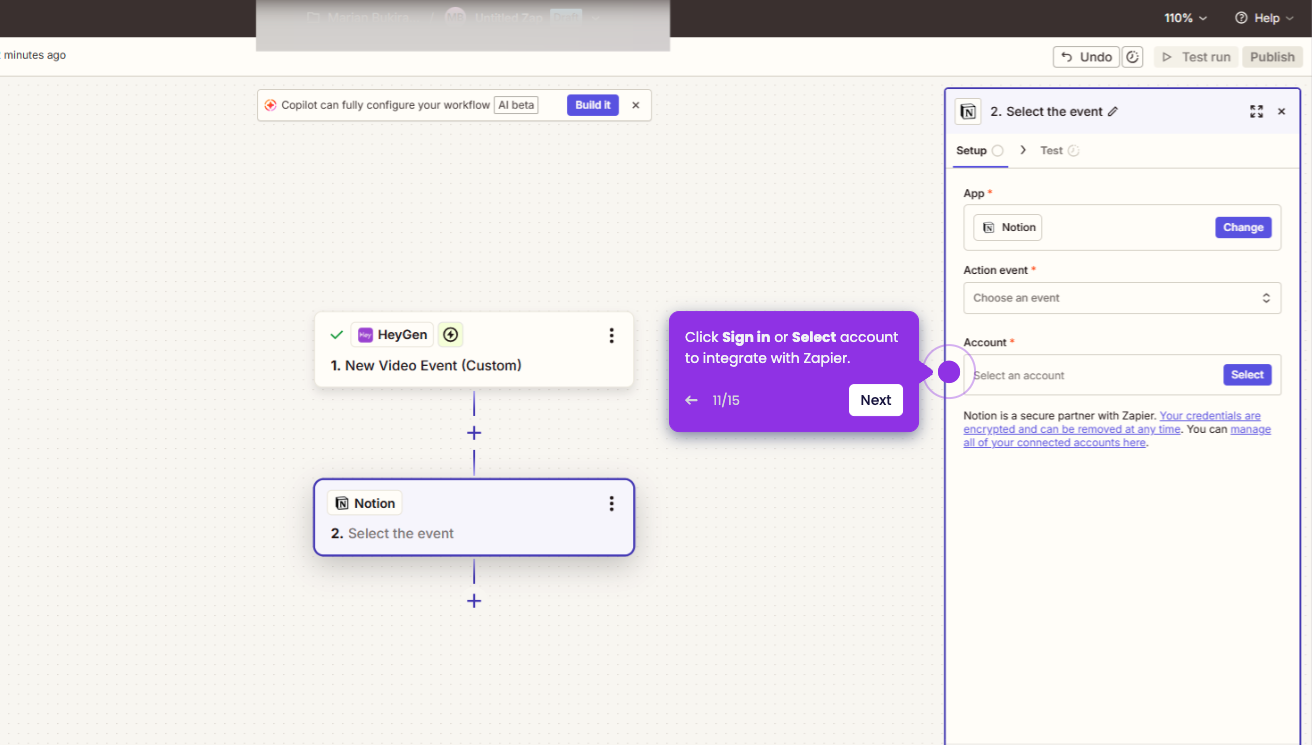
- Click Sign In to connect your HeyGen account.
- Login to your Heygen account, and click Authorize Access so Zapier can monitor your video events.
- Click on trigger event, and choose an event from the dropdown list, then click Continue button to proceed with configuration.
- Fill in the required fields, like Event type.
- Click Test trigger to verify if it works.
- Your Zap will now automatically run whenever a HeyGen video event is triggered.