Integrating HeyGen with ElevenLabs allows you to generate realistic AI voiceovers in ElevenLabs and use them in your HeyGen videos.
- Log in to your Zapier account and go to your dashboard.
- Click Create Zap to start a new automation.
- Click Trigger App and choose the app you want to use (e.g., Google Sheets).
- Search for and select Heygen as your trigger app.
- Click Sign In to connect your HeyGen account.
- Log in to your Heygen account, and click Authorize Access so Zapier can monitor your video events.
- Click on trigger event, and choose an event from the dropdown list, then click the Continue button to proceed with configuration.
- Fill in the required fields like event type.
- Click the Test trigger to verify if it works.
- Search for and select ElevenLabs as your action app.
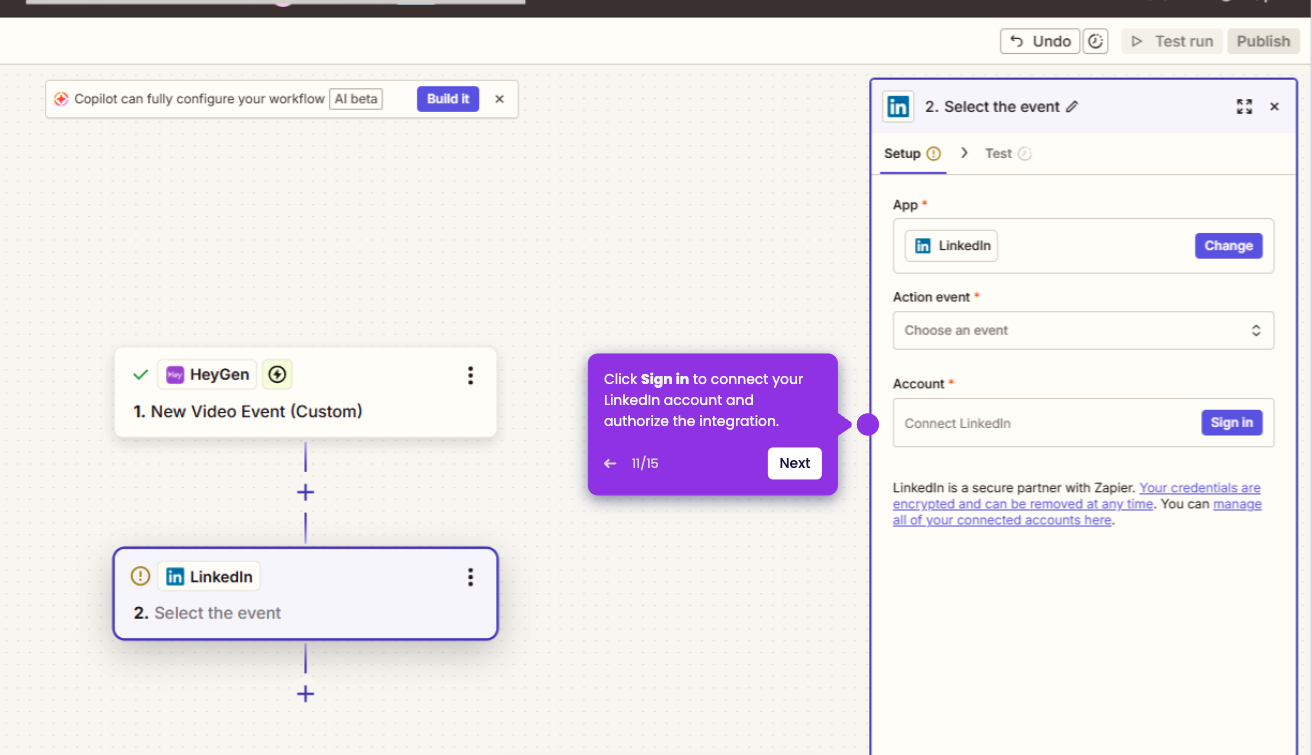
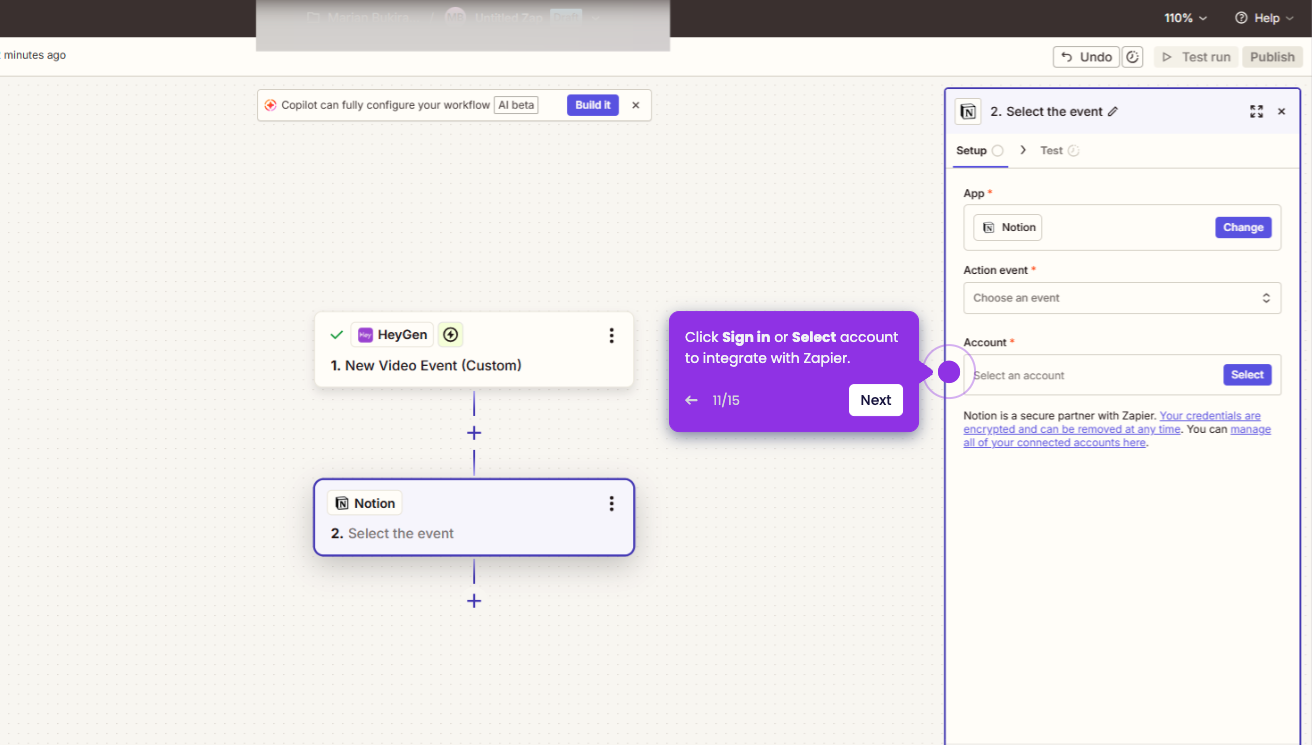
- Click Sign in to connect your ElevenLabs account with Zapier.
- Paste or fill-in your API Key then click on the Continue button.
- To get your API key, open your ElevenLabs dashboard and click Developers tab in the bottom-left corner.
- Click Create Key to view or create a new key for Zapier.
- Once logged in, return to Zapier, click Action event, and select Convert text to speech from the dropdown list.
- Map the ElevenLabs audio output to the voice field in HeyGen.
- Click Publish to activate your Zap and start automating your workflow.