NPM is installed with Node.js. VS Code does not install npm directly; it uses it through the terminal. You can verify it by running node -v and npm -v. Here is the step-by-step process to do that:
- After successful installation of Node.js on your computer, run it in VS Code to test it.
- Launch VS Code and navigate to the top menu, then click ‘Terminal’.
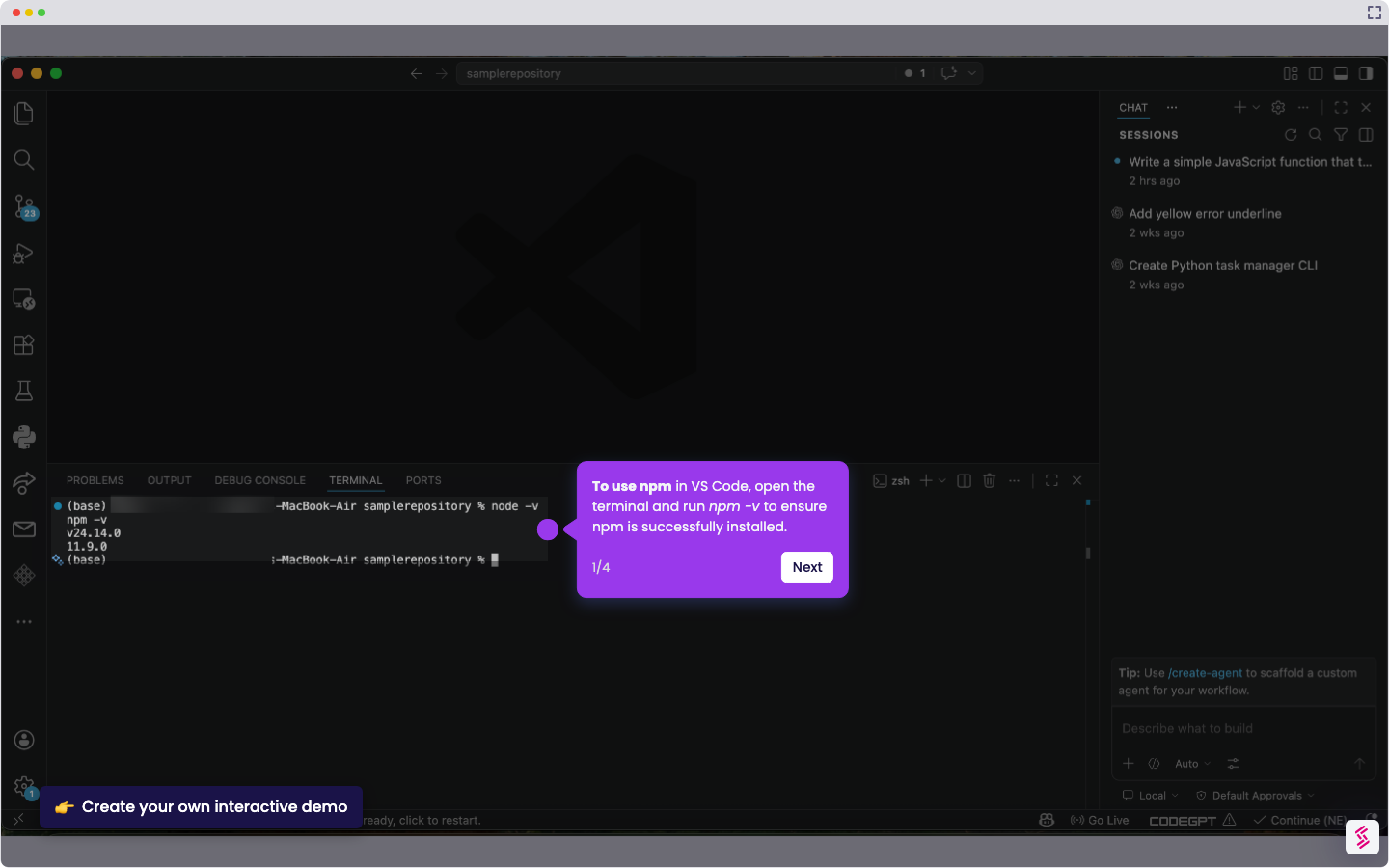
- Once the terminal is open, run node -v to verify that Node.js was installed successfully.
- Now run npm -v to verify npm installation.
- An output like v20.x.x or 10.x.x will be displayed, indicating that the installation was successful.