Quick summary
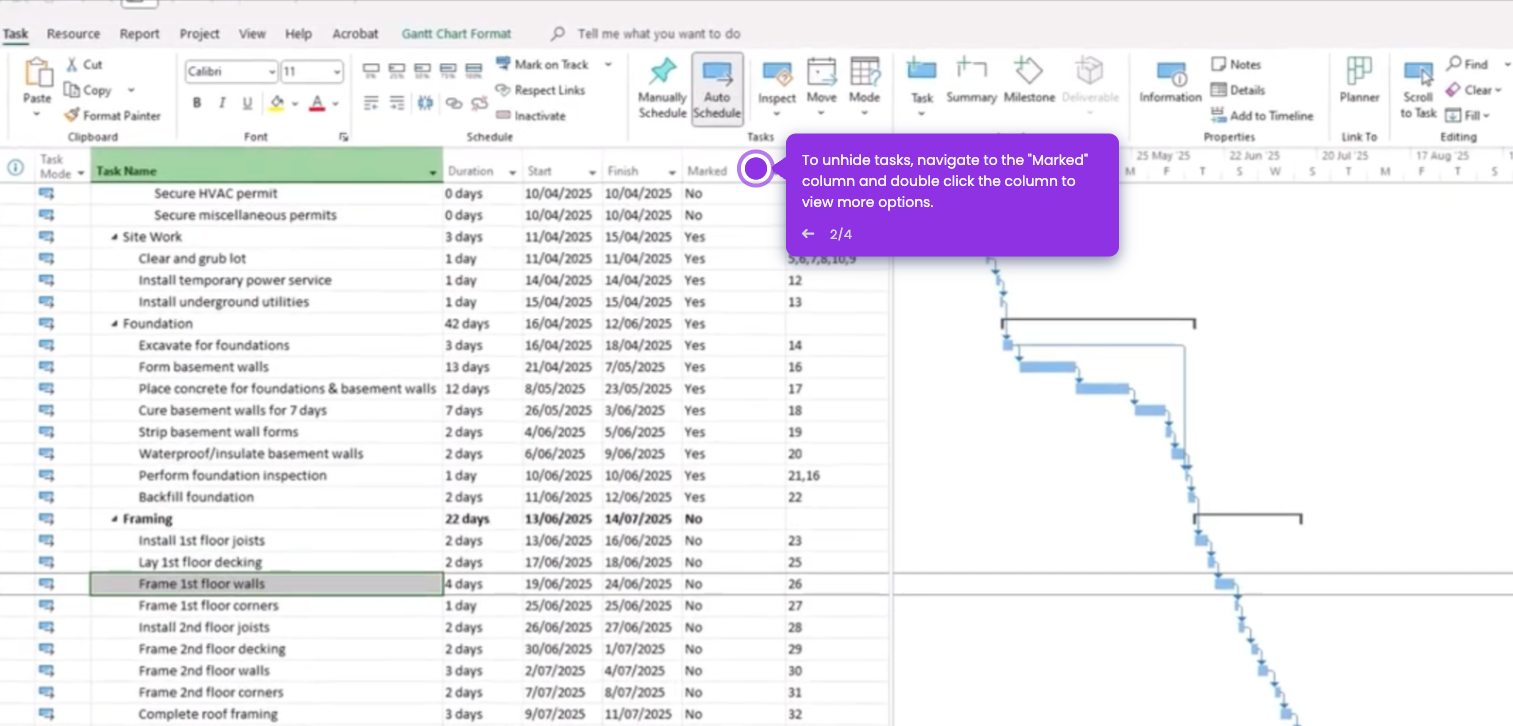
Inserting a subtask in Microsoft Project requires selecting a new task in the Gantt Chart view and using the Indent Task button under the Task tab to nest it beneath a summary task. This process organizes your project hierarchy so dependent work items are grouped correctly under their parent task.
Steps
- Open the Gantt Chart view and click the row directly below the summary task to enter new tasks.
- Select the newly added task row you want to convert into a subtask.
- Navigate to the Task tab in the Microsoft Project ribbon.
- Click the Indent Task button to insert the selected task as a subtask under the summary task.
- Confirm the task now appears indented as a subtask nested beneath the summary task in the project hierarchy.