This tutorial shows you how to export your saved passwords from LastPass as a CSV file, useful for migrating to another password manager or creating a local backup.
Note: Your exported CSV file contains all your passwords in plain text. Store it securely and delete it once you're done.
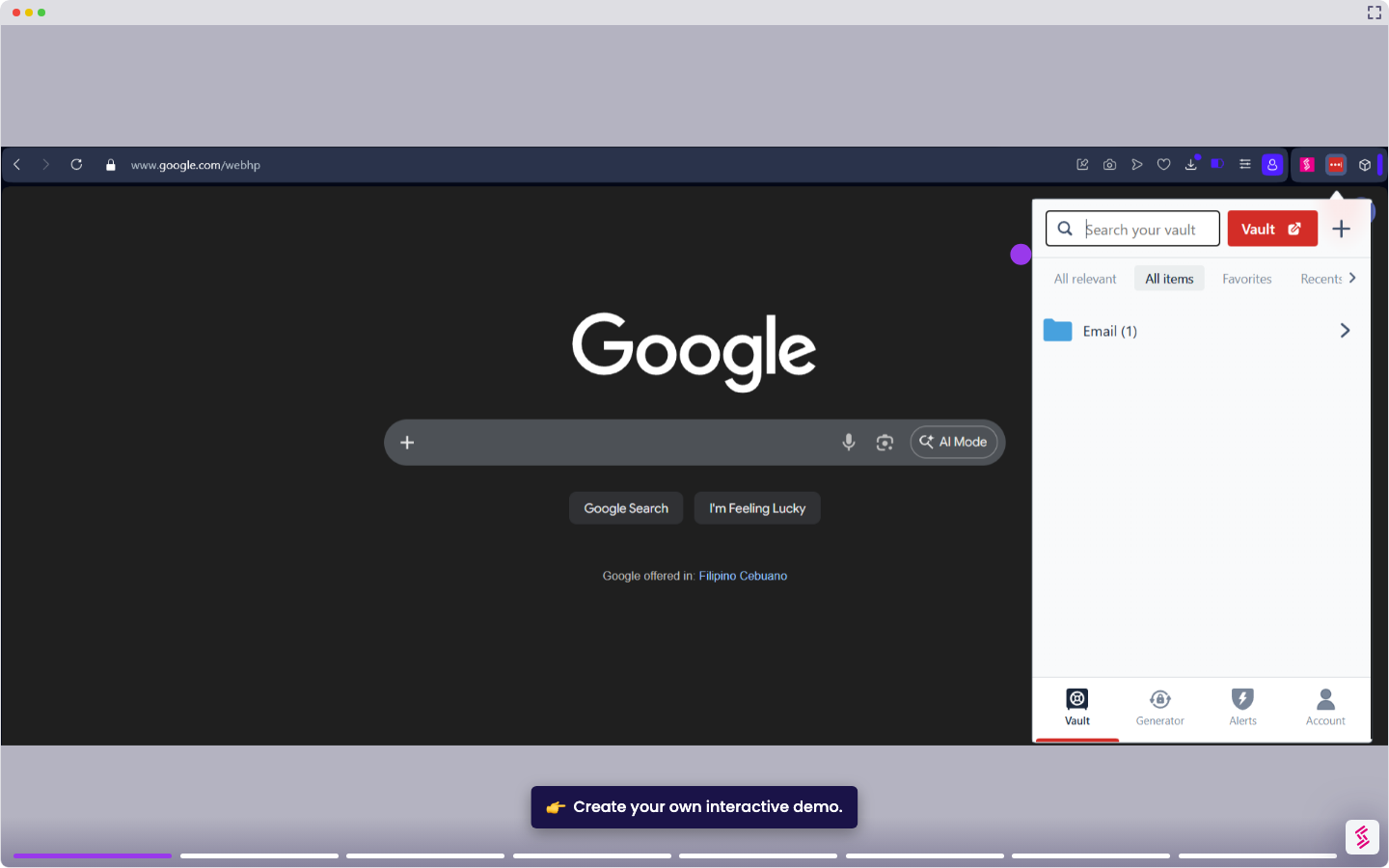
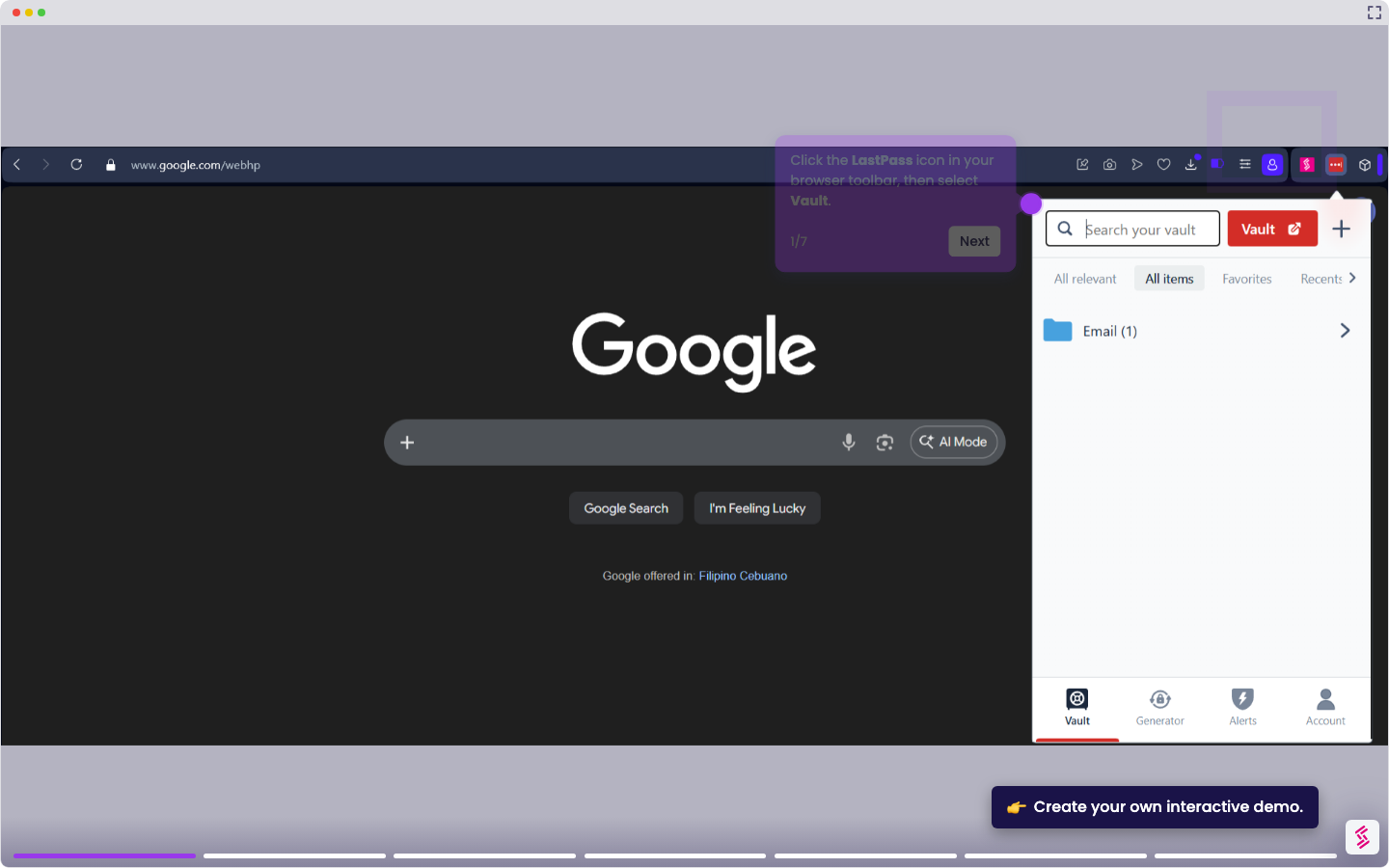
- Click the LastPass icon in your browser toolbar and select Account, then Advanced options, then Export.
- LastPass will send a verification email to your account email address. Open it and click Continue export. Note that the link expires after 10 minutes.
- When prompted, enter your Master Password and click Submit to confirm the export.
LastPass downloads a CSV file containing your saved usernames, passwords, and URLs. If the file opens in the browser instead of downloading, press Ctrl+S (or Cmd+S on Mac) and save it manually as a .csv file.