Here is a simple step-by-step guide on how to install Pandas in VS Code:
- To install Pandas in VS Code, ensure that Python is installed.
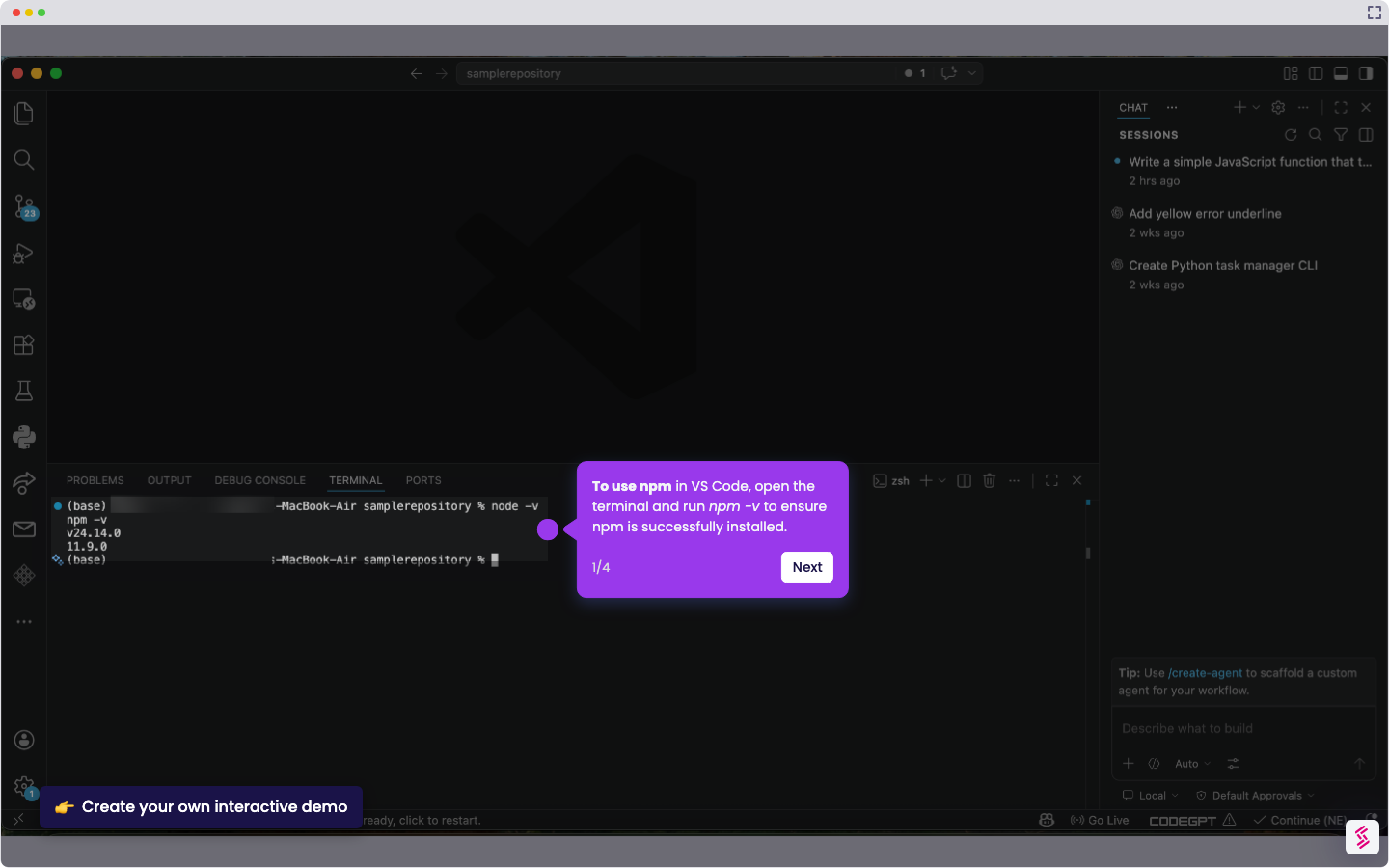
- In the terminal, run pip install pandas on Windows or pip3 install pandas on Mac to start the Pandas installation.
- Once the installation is done, verify it by running import pandas as pd and print(pd.__version__) in the terminal. If it doesn’t work, try python -m pip install pandas or python3 -m pip install pandas.
- When the installation is successful, you will see a version number like 2.x.x (for this tutorial, Pandas 3.0.1).