This tutorial shows you how to prevent LastPass from taking any action on a specific site without affecting your settings elsewhere.
Note: Never URLs apply to individual domains only, and do not change your global LastPass settings. To disable autofill across all sites, see How to Disable LastPass Autofill.
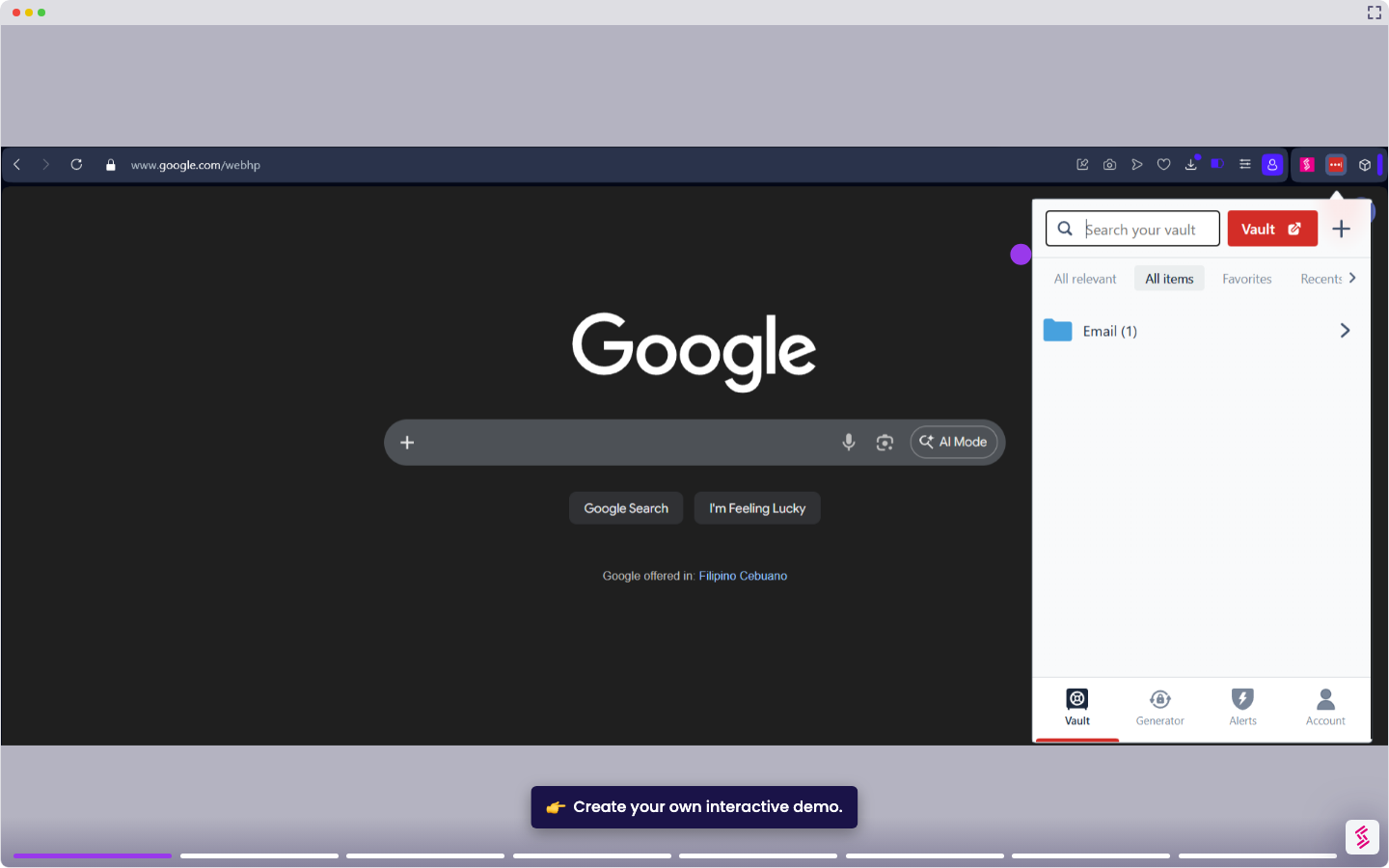
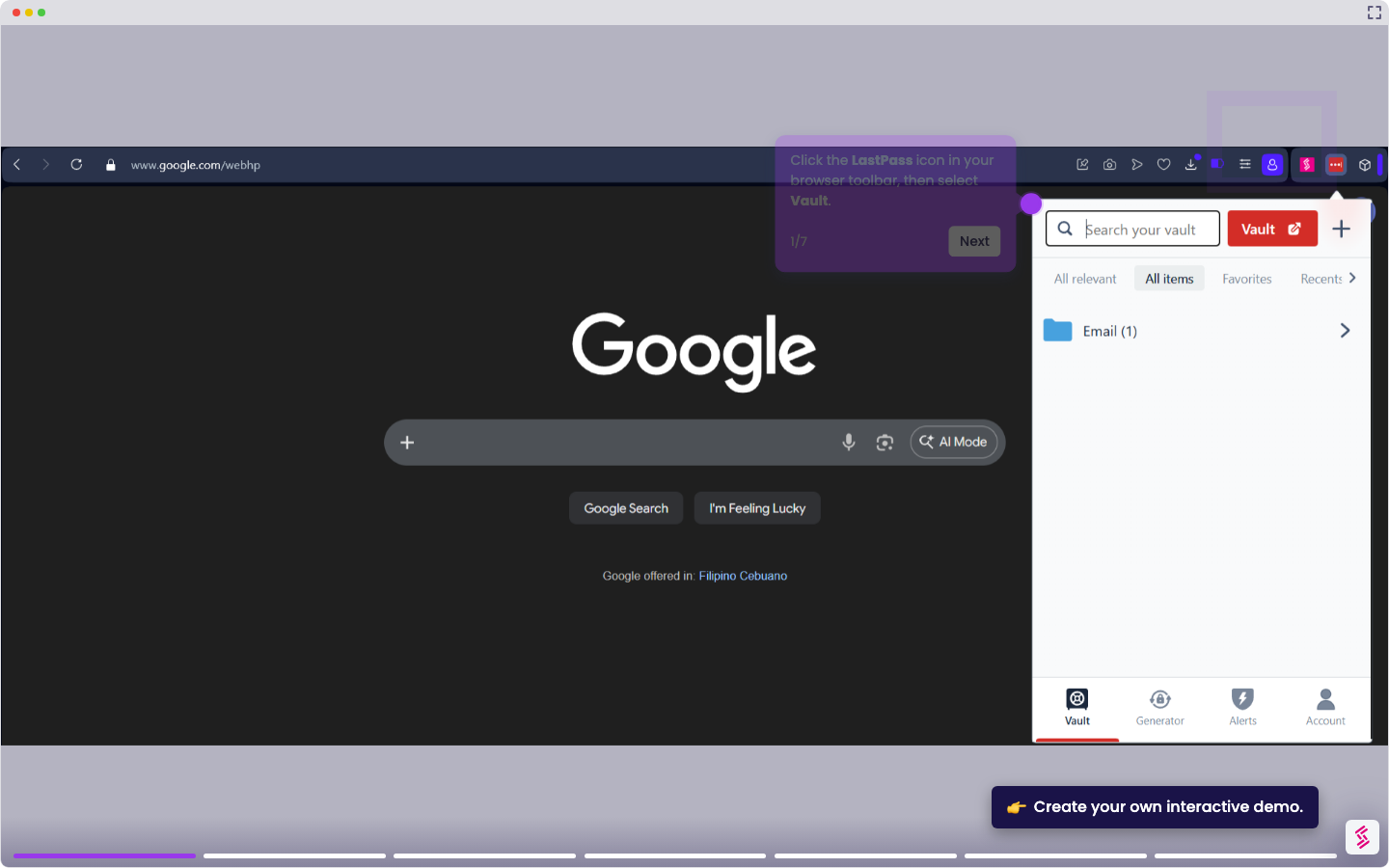
- Click the LastPass icon in your browser toolbar, then select Vault.
- Click Advanced options in the left navigation menu.
- Click Autofill Settings, then select the Never URLs tab, then click Add New.
- Enter the URL of the site you want LastPass to ignore.
- Select Never do anything from the Action dropdown, then click Save. Repeat for any additional sites you want LastPass to ignore.