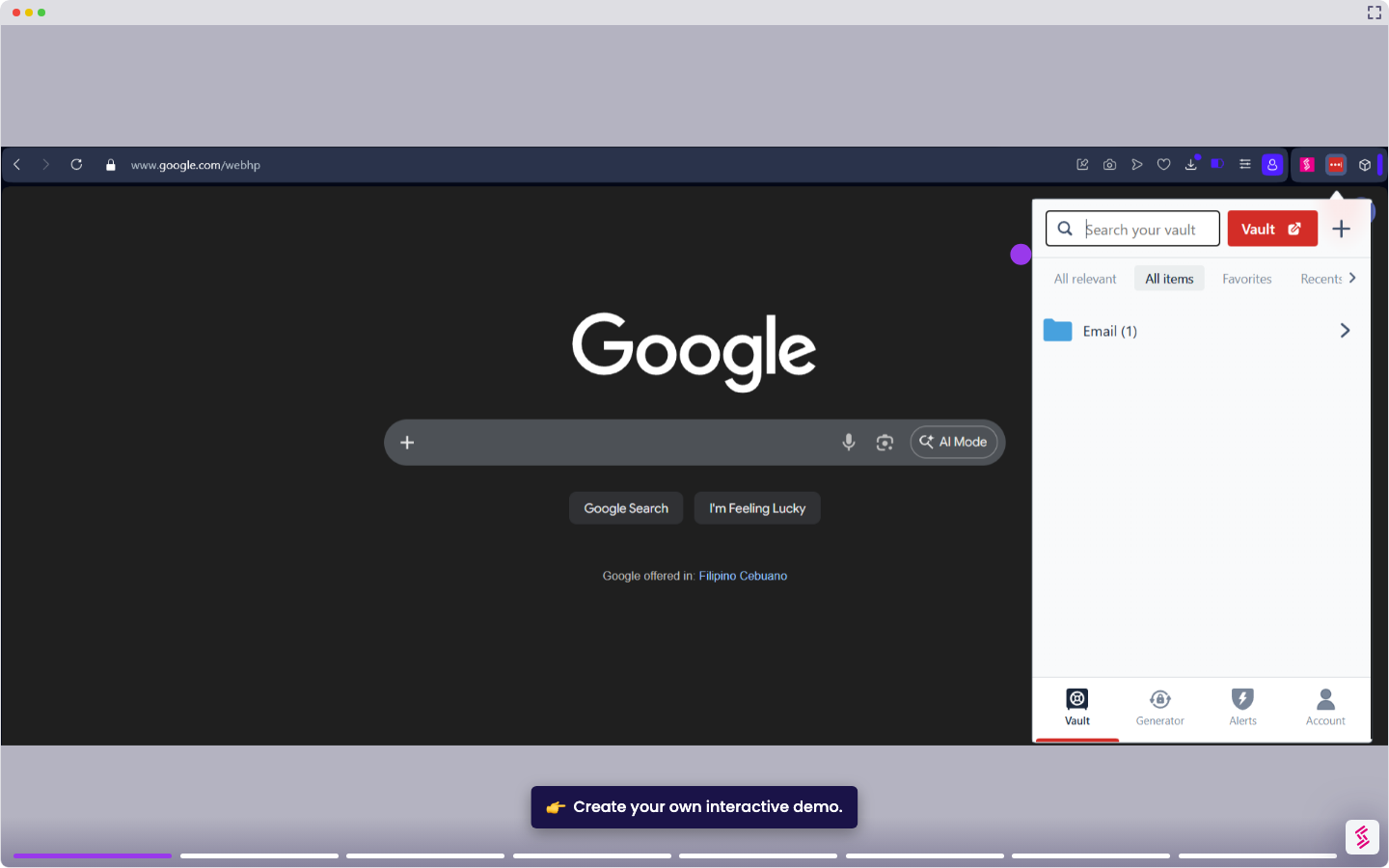
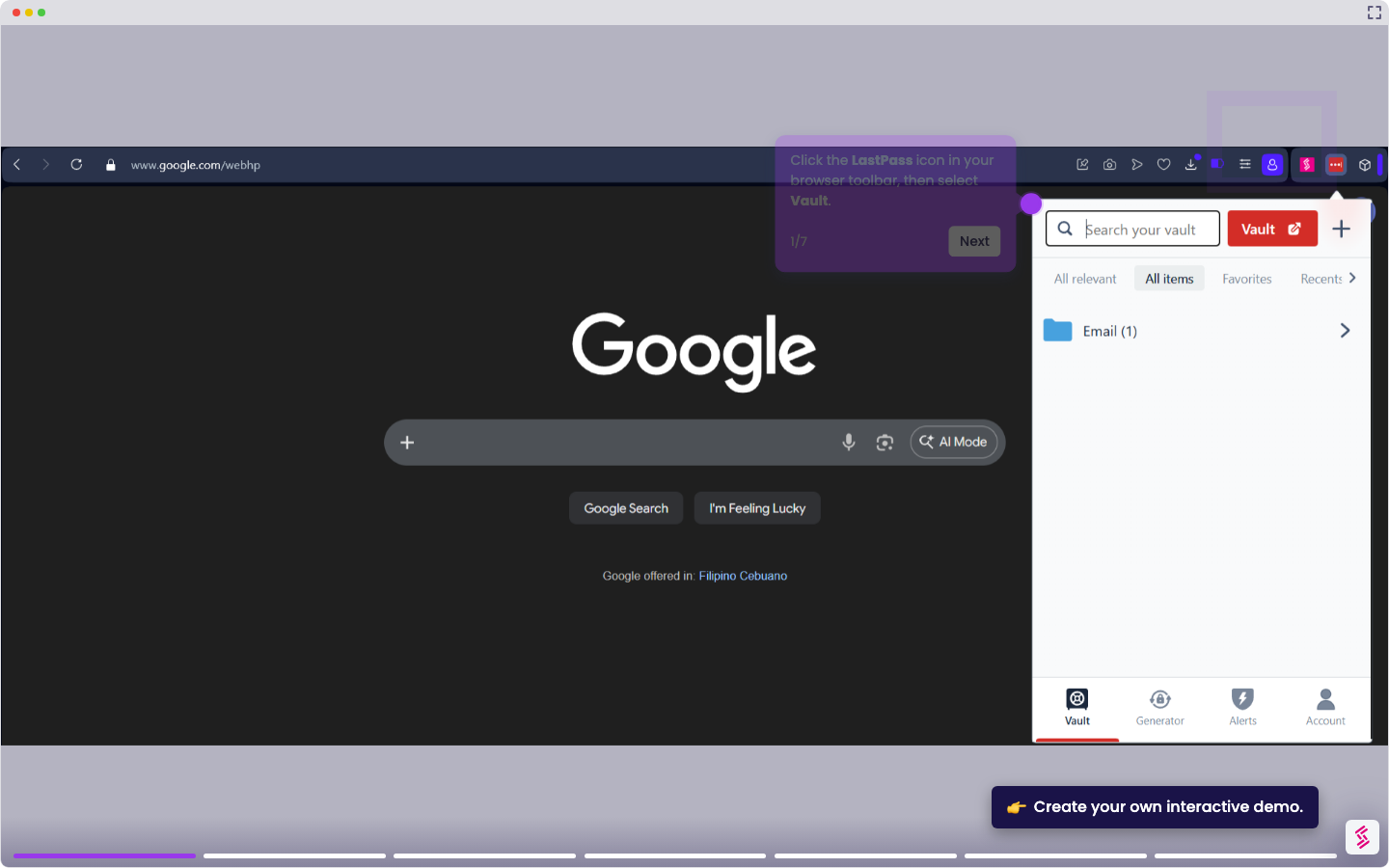
This tutorial shows you how to turn off automatic credential filling in LastPass so it no longer populates login fields without your input.
Note: Disabling autofill stops LastPass from filling credentials automatically, but it does not hide the LastPass icon inside login fields. To stop the inline prompt from appearing, see How to Stop LastPass from Popping Up.
- Click the LastPass icon in your browser toolbar to open the extension menu.
- Click the Account gear icon and click the Extension settings pop-up.
- Locate the General section and toggle off Automatically fill login information.
- Click Save to apply the change.