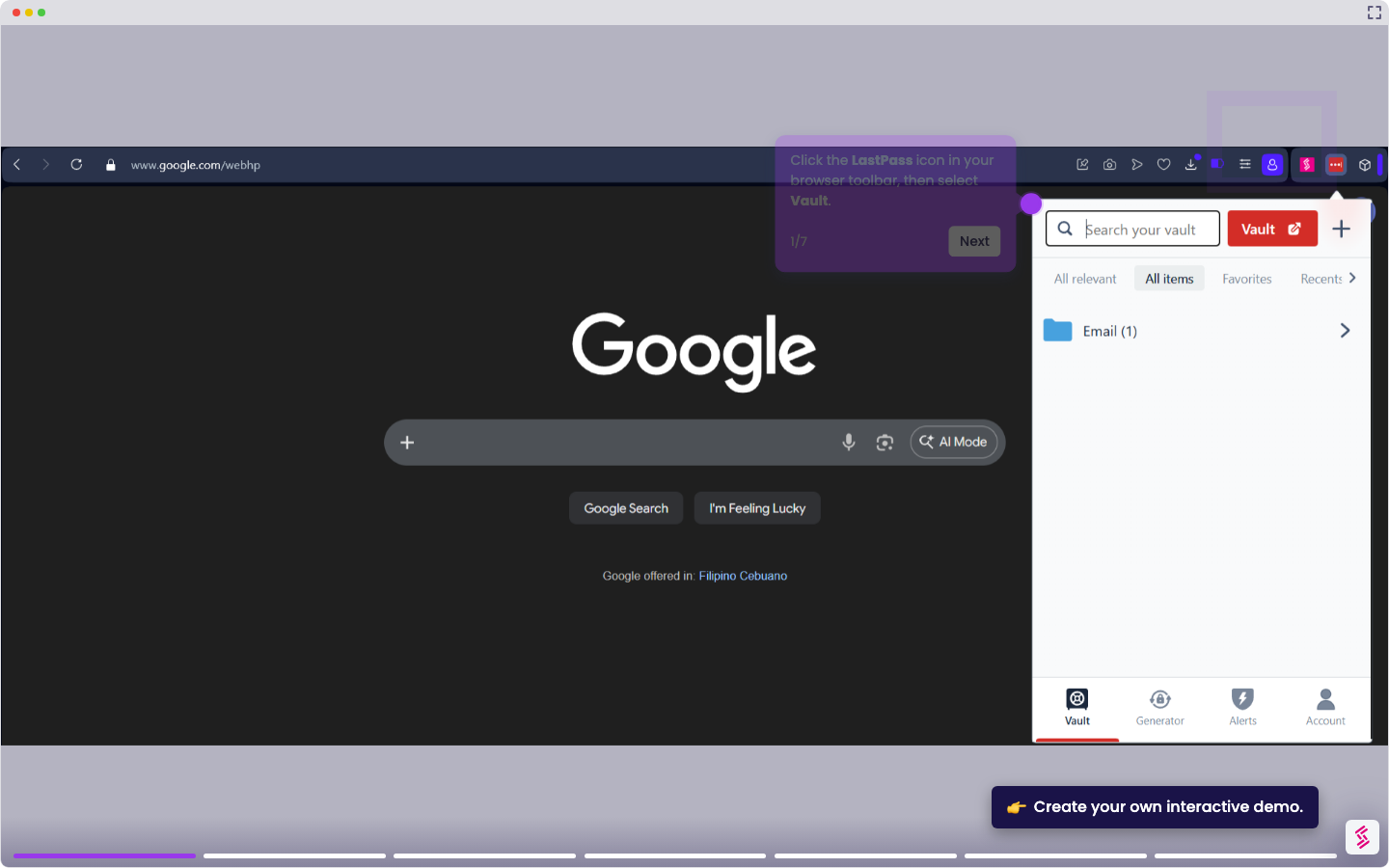
This interactive demo was created free with Storylane in 2 minutes. Create your own demo
Start free
All Tutorials /LastPass

How to Disable LastPass

Updated on:
April 15, 2026
By:
Madhav Bhandari
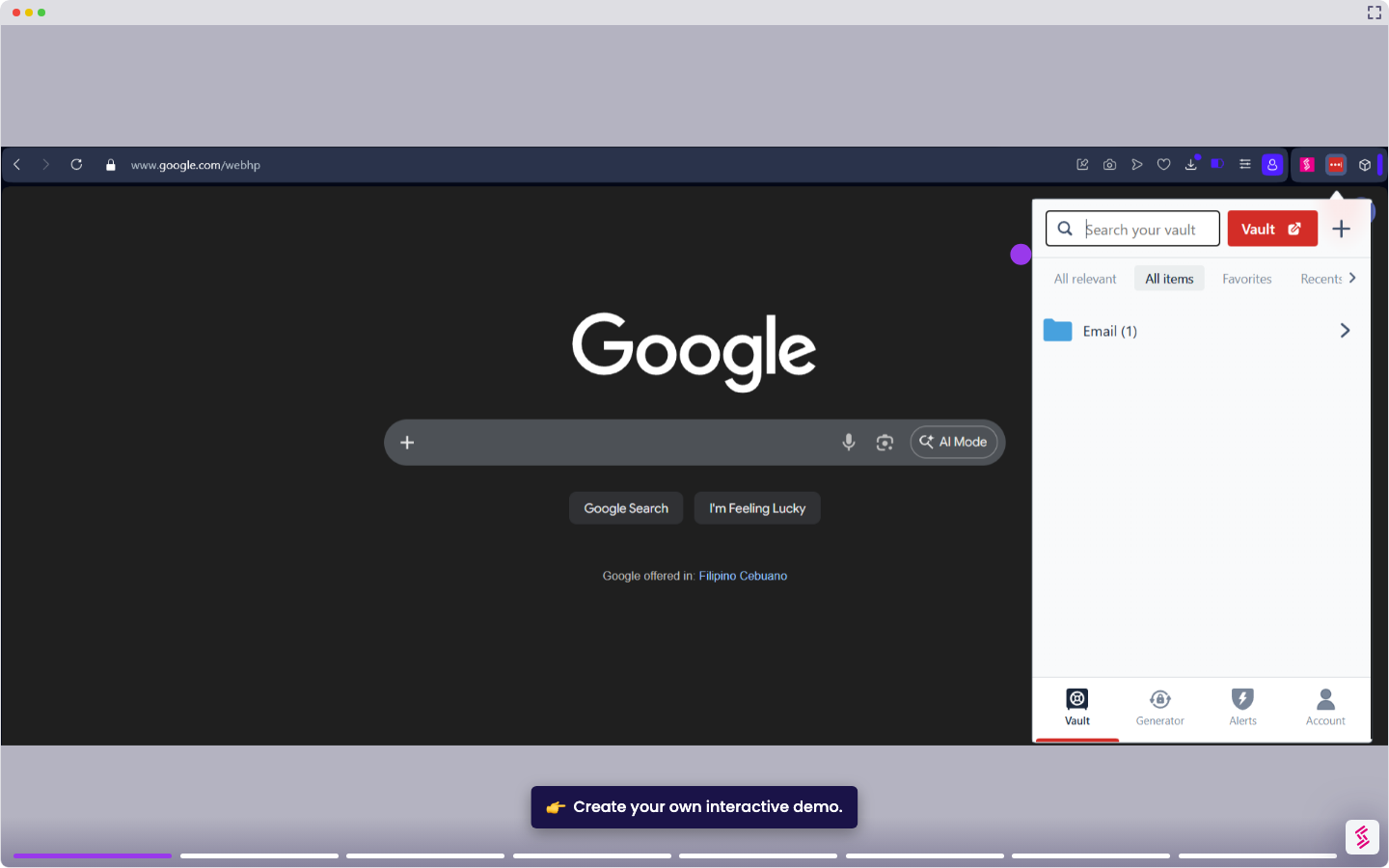
Use this interactive demo to learn how to disable your LastPass account.

‍

This tutorial shows you how to fully disable the LastPass browser extension, preventing it from running on any site until you re-enable it.

Note: Disabling the extension does not delete your vault or account data. To re-enable LastPass, return to your extension manager and toggle it back on. To disable LastPass on a specific site only, see How to Disable LastPass on Certain Sites.

  1. Open your browser's extension manager. In the address bar, navigate to:
    • Chrome: chrome://extensions
    • Edge: edge://extensions
    • Firefox: about:addons
    • Opera: opera://extensions
    • Safari: Safari menu > Settings > Extensions
  2. Locate the LastPass extension.
  3. Click Disable or toggle it off to disable LastPass across all sites and pages.
📌 Why this matters

Disabling your password manager gives you control when websites malfunction due to autofill conflicts or when you need to test login flows without interference. You might also want to temporarily prevent it from capturing new credentials during account setup or when using shared computers. Beyond troubleshooting, this becomes essential when switching to a new password manager - you can disable the old one while keeping your vault intact, allowing you to methodically migrate credentials without losing access to your existing passwords during the transition period.

Your product deserves an interactive demo
Start free
Similar Articles
LastPass

How to Add a Site to LastPass

Madhav Bhandari
Director of Marketing @ Storylane
LastPass

How to Delete LastPass Account

Madhav Bhandari
Director of Marketing @ Storylane
LastPass

How to Add a Site to LastPass

Madhav Bhandari
Director of Marketing @ Storylane
No items found.
Platform
Interactive Demos
Sandbox Demos
Buyer Hub
RepX
Integrations
Solutions
Product Marketers
Growth & Demand Gen
Sales Reps & AEs
Presales & SEs
Customer Success
Product Managers
Customers
Demo Showcase
Customer Stories
Finer Demos Club
Features
Demo Signals
Personalization
Deal Intelligence
Resources
Blog
The Plot
Tutorials
Events & webinars
Help Docs
What’s New
Demo Dundies
Company
Careers
Pricing
Partners
Contact
Trust Center
Backed by
Chrome Extension Icon
Chrome extension
Download
Desktop app
Download
Built in San Francisco Bay Area - ©2026 Storylane
Privacy PolicyTerms & Conditions
X Corp (formerly Twitter)LinkedIn
This website uses cookies to ensure you get the best experience on our website. Learn More
Got it
This website uses cookies to ensure you get the best experience on our website. Learn More
Got it