This interactive demo was created free with Storylane in 2 minutes. Create your own demo
Start free
All Tutorials /Replit

How to Deploy a Telegram Bot on Replit

Updated on:
May 4, 2026
By:
Madhav Bhandari
Use this interactive demo to learn how to deploy a Telegram bot on Replit.

‍

This tutorial shows how to deploy your Telegram bot on Replit so it runs continuously in the cloud, independent of your local machine or browser session.

Note:

  • You need a Replit account and a working Telegram bot project. If you haven't built one yet, see How to Create a Telegram Bot on Replit first.
  • Deployments require a paid Replit plan. Confirm your account has Deployments access before starting.
  • Your bot token should already be saved as a Secret in your project with the key TOKEN. If it isn't, add it under the Secrets tab before deploying.
  • Deployments are now called Publishing.
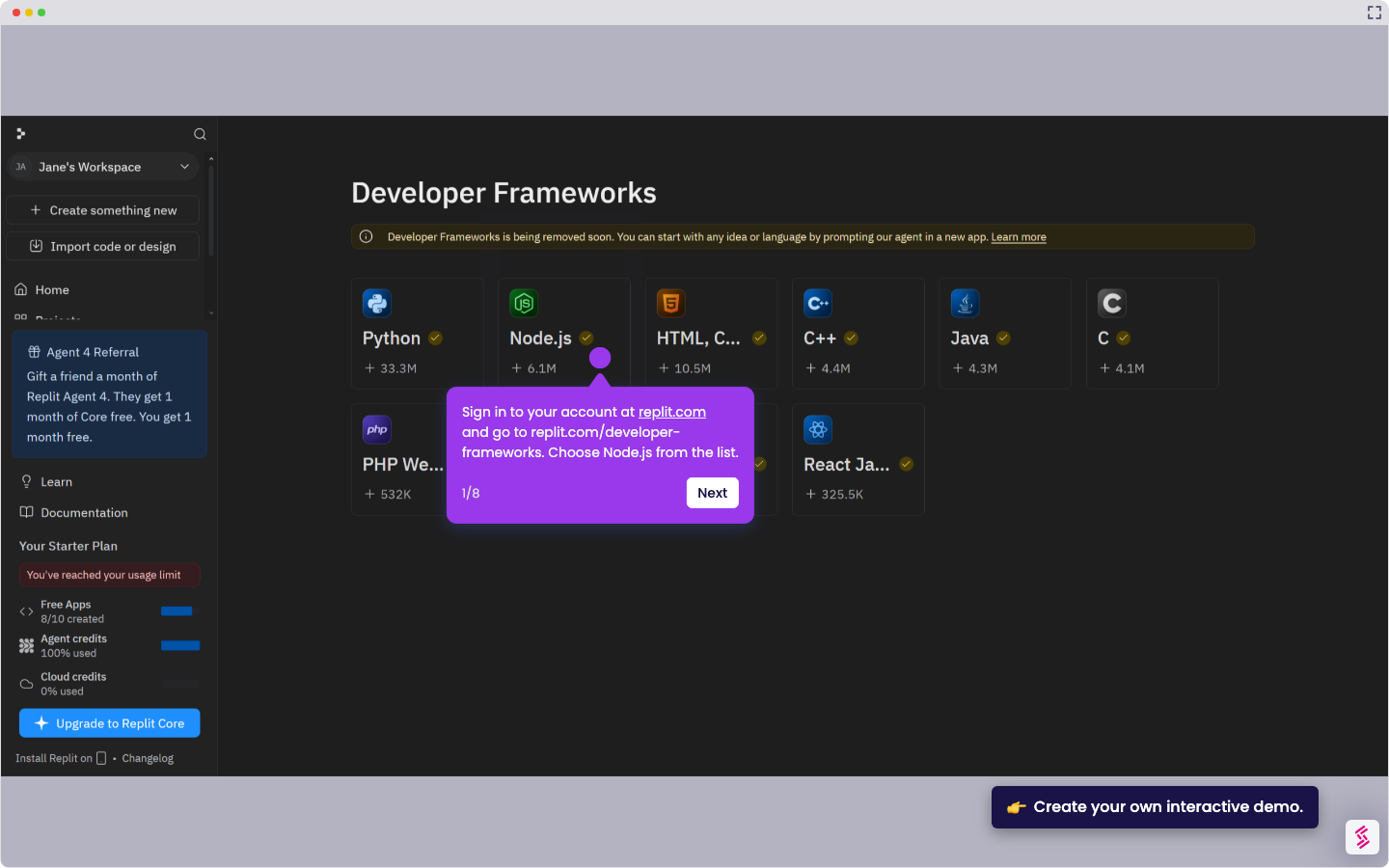
  1. Sign in at replit.com and open your Telegram bot project from the dashboard.
  2. In your workspace, click New Tab and select Publishing (previously called Deployments). The Publishing panel opens.
  3. Click Adjust Settings to choose a deployment type.
  • Autoscale for bots with light or unpredictable traffic
  • Reserved VM for a dedicated, always-on environment.
  1. Click Publish to activate your Telegram bot. Replit builds your project and starts the deployment. This typically takes one to two minutes.
  2. When deployment completes, check for a green status indicator in the Published panel.
  3. Open Telegram and send your bot a test message - for example, /start or /weeklysummary - to confirm it's live and responding.
📌 Why this matters

Publishing your Telegram bot to the cloud transforms it from a development project into a reliable service that runs 24/7 without your computer being on. Users can interact with your bot anytime, making it genuinely useful for automated tasks, notifications, or customer support. Beyond basic functionality, cloud deployment unlocks webhook capabilities that dramatically improve response times compared to polling methods. Your bot becomes a professional-grade application that can handle multiple users simultaneously and integrate with other cloud services for complex workflows.

Your product deserves an interactive demo
Start free
Similar Articles
Replit

How to Delete a Replit Account

Madhav Bhandari
Director of Marketing @ Storylane
Replit

How to Delete a Replit Account

Madhav Bhandari
Director of Marketing @ Storylane
Replit

How to Use Supabase in Replit with Node.js

Madhav Bhandari
Director of Marketing @ Storylane
No items found.
Platform
Interactive Demos
Sandbox Demos
Buyer Hub
RepX
Integrations
Solutions
Product Marketers
Growth & Demand Gen
Sales Reps & AEs
Presales & SEs
Customer Success
Product Managers
Customers
Demo Showcase
Customer Stories
Finer Demos Club
Features
Demo Signals
Personalization
Deal Intelligence
Resources
Blog
The Plot
Tutorials
Events & webinars
Help Docs
What’s New
Demo Dundies
Company
Careers
Pricing
Partners
Contact
Trust Center
Backed by
Chrome Extension Icon
Chrome extension
Download
Desktop app
Download
Built in San Francisco Bay Area - ©2026 Storylane
Privacy PolicyTerms & Conditions
X Corp (formerly Twitter)LinkedIn
This website uses cookies to ensure you get the best experience on our website. Learn More
Got it
This website uses cookies to ensure you get the best experience on our website. Learn More
Got it