This interactive demo was created free with Storylane in 2 minutes. Create your own demo
Start free
All Tutorials /Replit

How to Deploy a Flask App on Replit

Updated on:
May 4, 2026
By:
Madhav Bhandari
Use this interactive demo to learn how to deploy a Flask app on Replit.

‍

This tutorial shows how to deploy your Flask app on Replit so it runs continuously in the cloud on a public URL.

Notes:

  • You need a Replit account and a working Flask project. If you haven't built one yet, see How to Create a Flask App on Replit first.
  • Deployments require a paid Replit plan. Confirm your account has Deployments access before starting.
  • Make sure your app runs correctly in the workspace before deploying.
  • Deployments are now called Publishing.
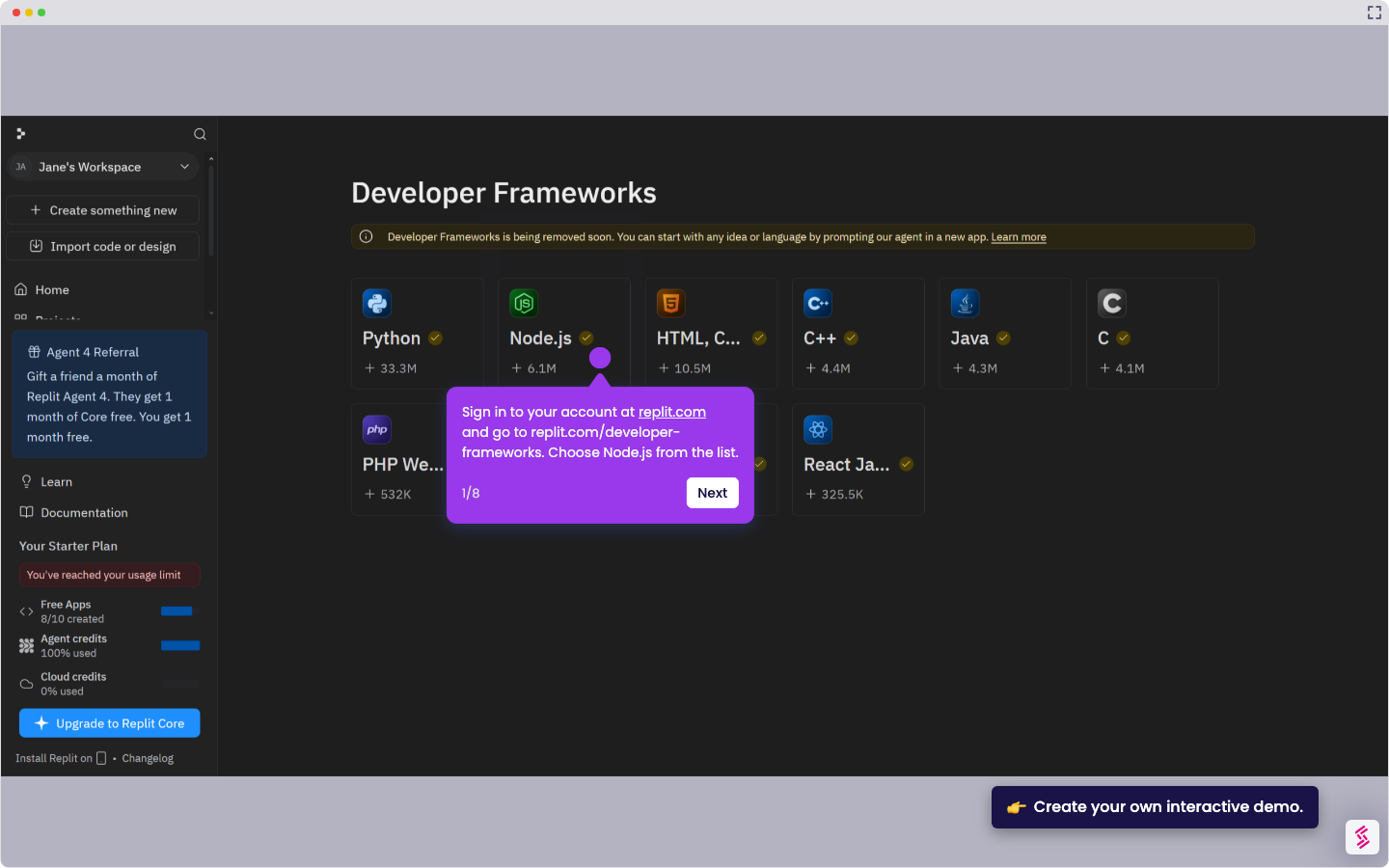
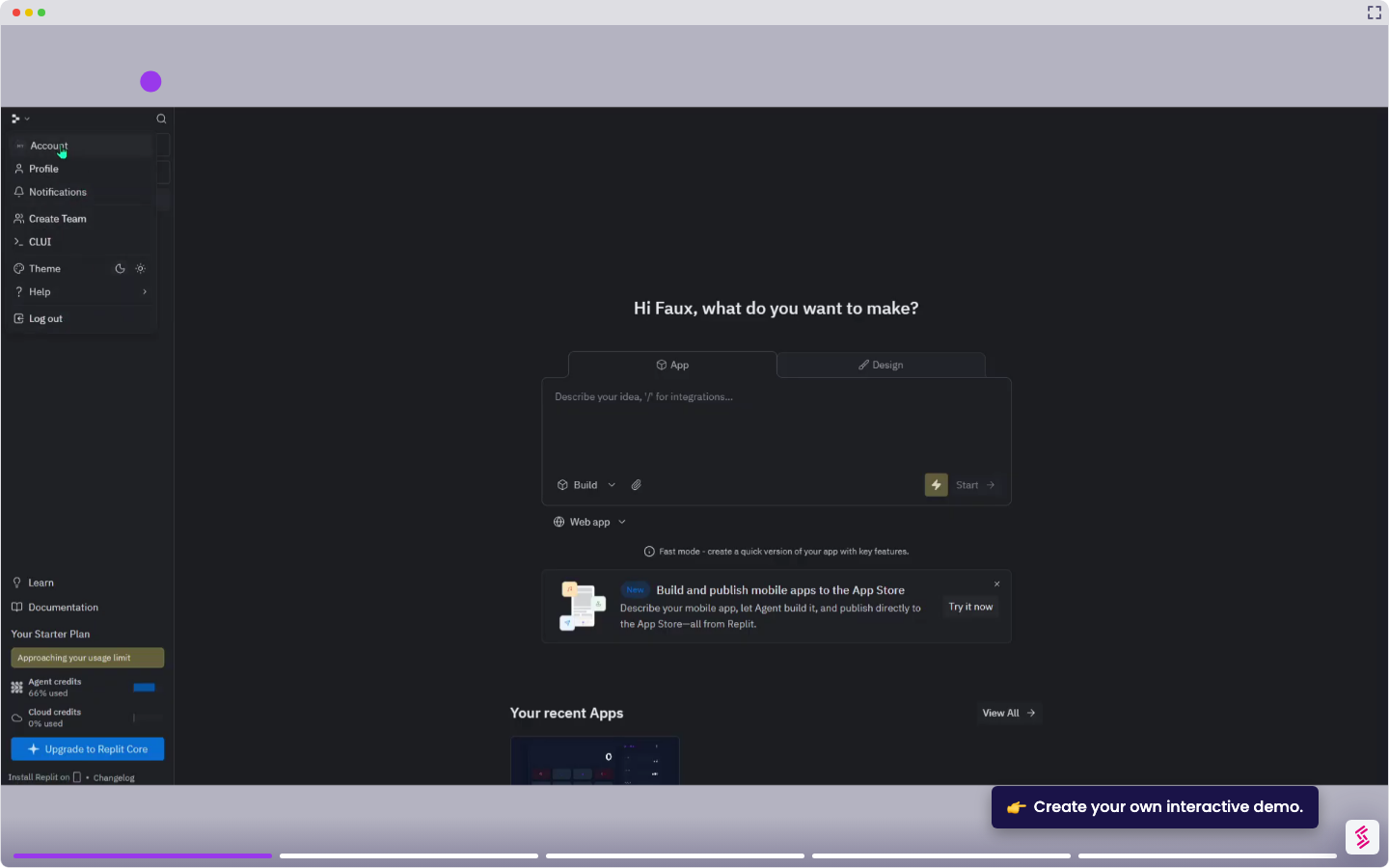
  1. Sign in at replit.com and open your Flask project from the dashboard.
  2. In your workspace, click New Tab and select Publishing (previously called Deployments). The Publishing panel opens.
  3. Click Adjust Settings to choose a deployment type.
    • Autoscale for web servers and APIs that need to scale with traffic
    • Static for frontend-only builds
    • Reserved VM for a dedicated, always-on environment.
  4. Click Publish. Replit builds your project and deploys it to a replit.app subdomain. This typically takes one to two minutes.
  5. When deployment completes, check for a green status indicator in the Published panel. Click the generated URL to confirm your Flask app is live.
📌 Why this matters

Publishing your Flask app transforms it from a development project into a live web application accessible to anyone with the URL. Beyond basic hosting, this creates a persistent cloud environment that stays running even when you close your browser or shut down your computer. Your app becomes a real service that can handle user requests, integrate with other systems, and serve as the backend for mobile apps or frontend frameworks. This bridges the gap between coding practice and building actual software that others can use and depend on.

Your product deserves an interactive demo
Start free
Similar Articles
Replit

How to Delete a Replit Account

Madhav Bhandari
Director of Marketing @ Storylane
Replit

How to Delete a Replit Account

Madhav Bhandari
Director of Marketing @ Storylane
Replit

How to Use Supabase in Replit with Node.js

Madhav Bhandari
Director of Marketing @ Storylane
No items found.
Platform
Interactive Demos
Sandbox Demos
Buyer Hub
RepX
Integrations
Solutions
Product Marketers
Growth & Demand Gen
Sales Reps & AEs
Presales & SEs
Customer Success
Product Managers
Customers
Demo Showcase
Customer Stories
Finer Demos Club
Features
Demo Signals
Personalization
Deal Intelligence
Resources
Blog
The Plot
Tutorials
Events & webinars
Help Docs
What’s New
Demo Dundies
Company
Careers
Pricing
Partners
Contact
Trust Center
Backed by
Chrome Extension Icon
Chrome extension
Download
Desktop app
Download
Built in San Francisco Bay Area - ©2026 Storylane
Privacy PolicyTerms & Conditions
X Corp (formerly Twitter)LinkedIn
This website uses cookies to ensure you get the best experience on our website. Learn More
Got it
This website uses cookies to ensure you get the best experience on our website. Learn More
Got it