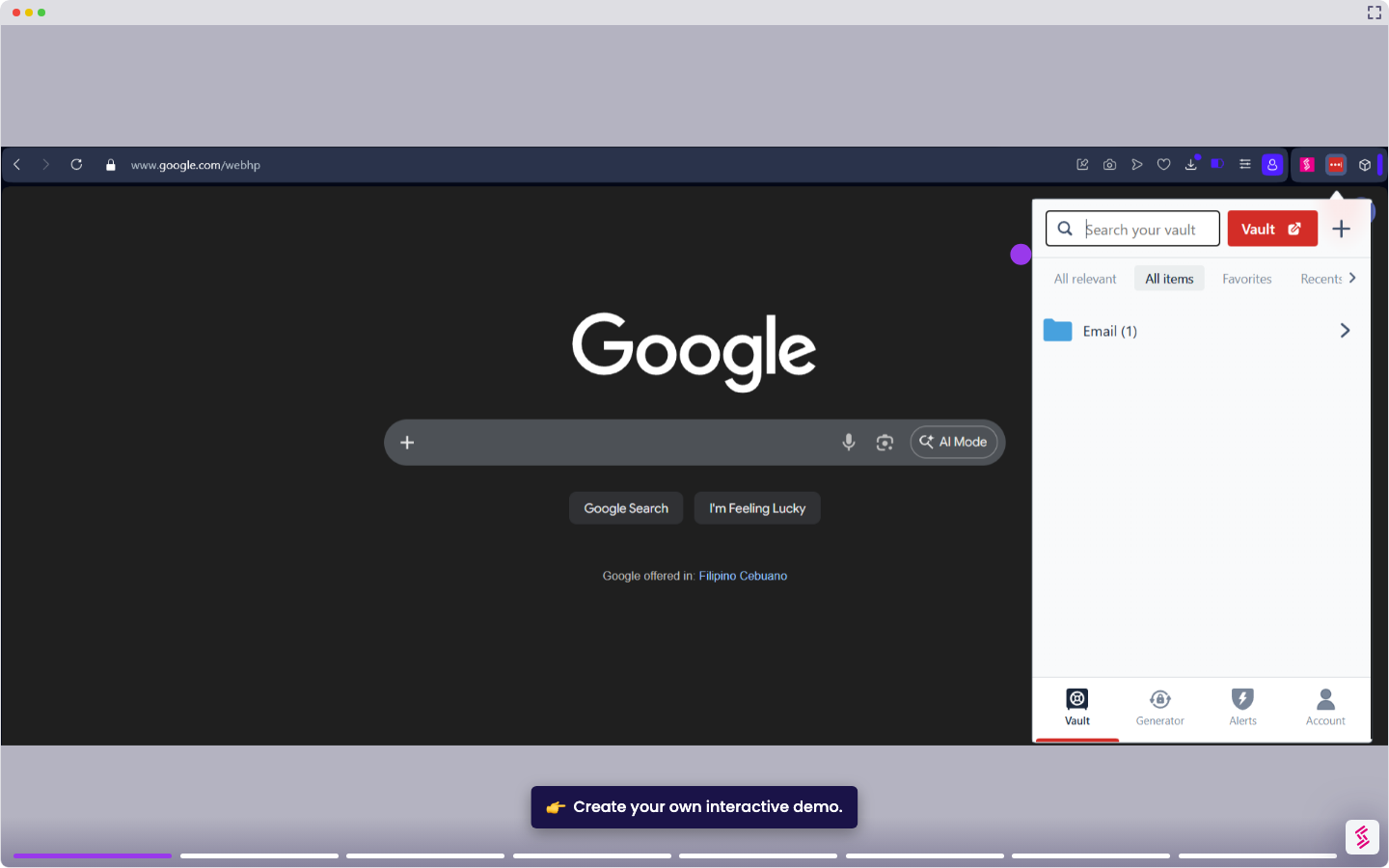
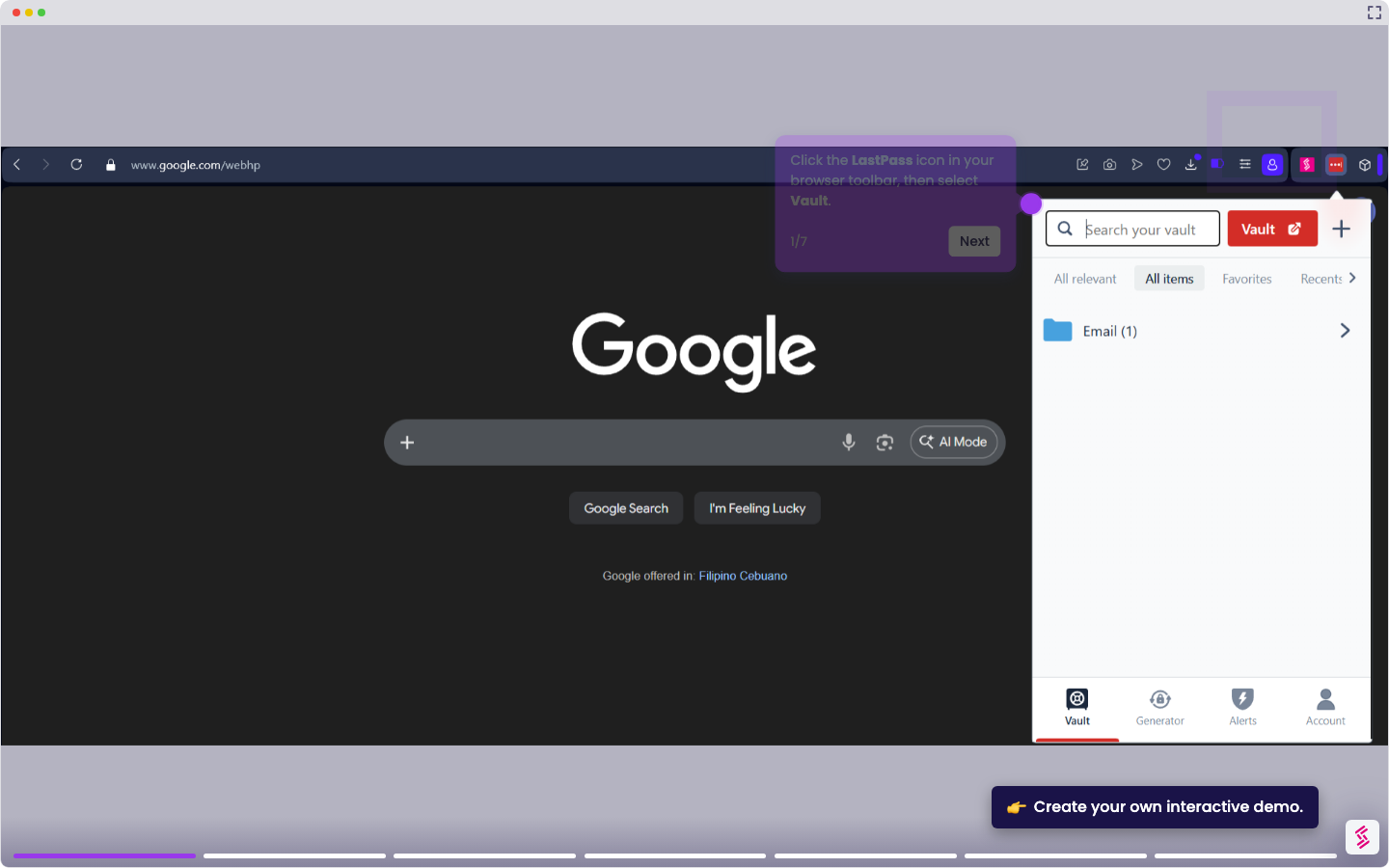
This tutorial shows how to permanently delete a LastPass account without a password.
Note: Deletion is permanent and irreversible. All vault data: passwords, secure notes, and form fills will be erased. Export your vault before proceeding. If you have an active paid subscription, cancel it before deleting your account, or you may continue to be charged. Deleting the account does not automatically cancel billing.
If you do not know your master password:
- Go to lastpass.com/delete_account.ph.
- In the Delete Your Account section, click Delete.
- When prompted, select No to confirm you don’t know your master password.
- Enter the email address associated with your account and click Send Email.
- When a dialog box appears to inform you that the email has been sent, click OK.
- Open the email from LastPass and click Permanently delete my LastPass account now or copy and paste the link provided.
- On the deletion page, optionally select a reason for deletion, then click Delete. Confirm with Yes twice to permanently delete your account.