Here is a simple step-by-step guide on how to create folder in VS Code:
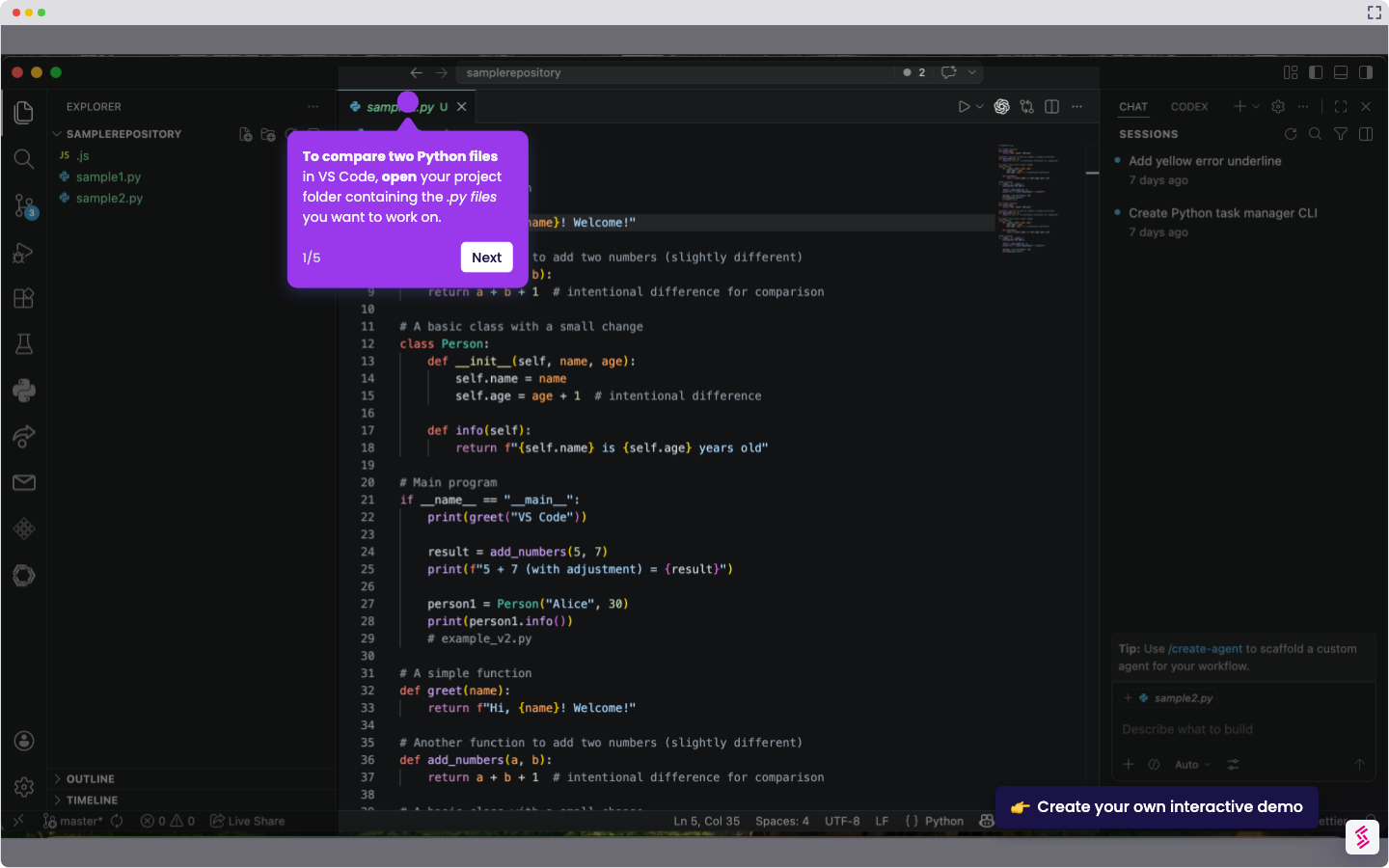
- To create a folder in VS Code, open the left-hand panel and select ‘Explorer.’
- Once open, click a local folder.
- From there, click the 'Create Folder' icon, and you will be prompted to rename the folder.
- You have successfully created a workspace folder in VS Code.