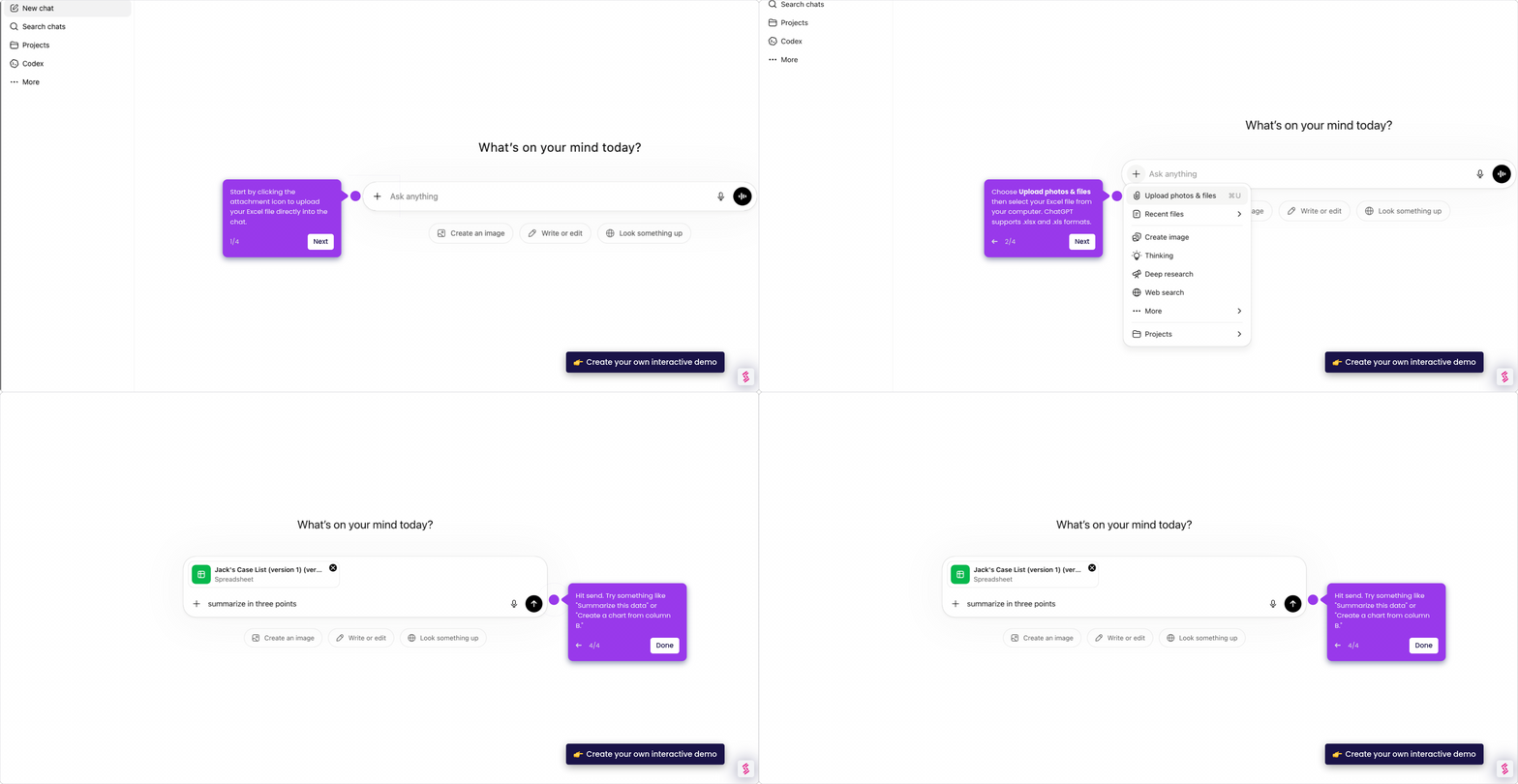
This interactive demo was created free with Storylane in 2 minutes. Create your own demo
Start free
All Tutorials /ChatGPT

How to Create a Welcome Message Generator GPT

Updated on:
May 12, 2026
By:
Madhav Bhandari
Use this interactive demo to learn how to build a welcome message generator using ChatGPT.

Quick summary

You can use ChatGPT to instantly generate a Python-based welcome message generator by entering a natural language prompt and copying the resulting script. This workflow lets developers and non-coders alike automate personalized greetings without writing code from scratch.


Steps

  1. On ChatGPT's main interface, click the empty input field and type in your prompt.
  2. After typing the prompt, click the arrow icon to submit your request.
  3. ChatGPT instantly generates results based on your text prompt.
  4. Ask ChatGPT to provide a Python script you can use as a welcome message generator.
  5. Once satisfied, click 'Copy' to share the script or click 'Edit' to adjust and refine the output.
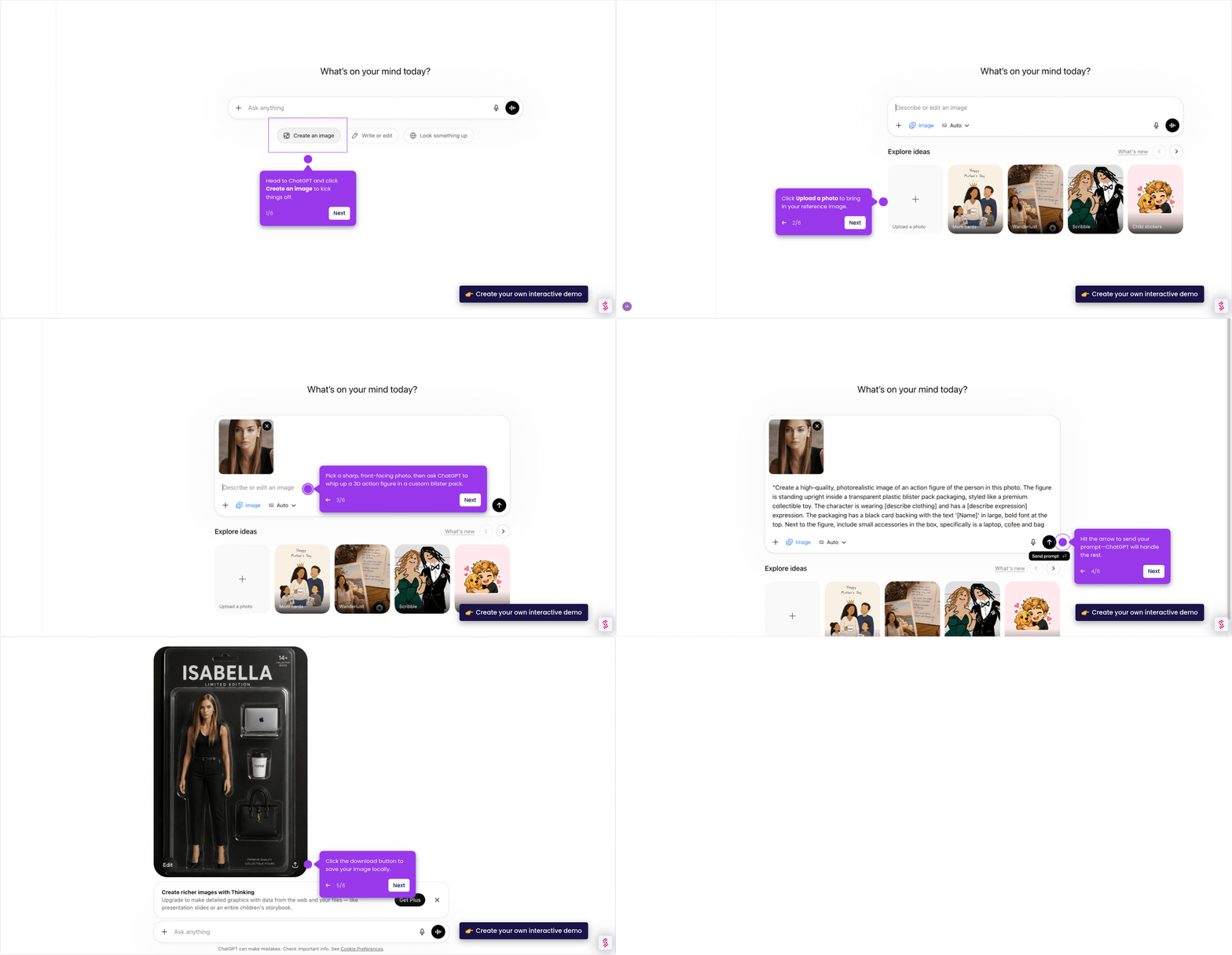
📌 Why this matters

Building a welcome message generator with ChatGPT allows teams to automate personalized user greetings without writing complex code from scratch. By prompting ChatGPT for a ready-to-use Python script, developers and marketers can dramatically reduce setup time for onboarding flows and customer communication tools. This approach makes AI-powered automation accessible to anyone who can describe what they need in plain language. It demonstrates how ChatGPT can serve as a practical code generation tool for real-world business workflows.
Your product deserves an interactive demo
Start free
Similar Articles
How to Generate & Download Images in ChatGPTHow to Generate & Download Images in ChatGPT
ChatGPT

How to Get Images from ChatGPT

Madhav Bhandari
Director of Marketing @ Storylane
How to Upload & Analyze Images in ChatGPTHow to Upload & Analyze Images in ChatGPT
ChatGPT

How to Display Images in ChatGPT

Madhav Bhandari
Director of Marketing @ Storylane
How to Upload & Analyze Excel Files in ChatGPTHow to Upload & Analyze Excel Files in ChatGPT
ChatGPT

How to Upload Excel Files to ChatGPT

Madhav Bhandari
Director of Marketing @ Storylane
No items found.
Platform
Interactive Demos
Sandbox Demos
Buyer Hub
RepX
Integrations
Solutions
Product Marketers
Growth & Demand Gen
Sales Reps & AEs
Presales & SEs
Customer Success
Product Managers
Customers
Demo Showcase
Customer Stories
Finer Demos Club
Features
Demo Signals
Personalization
Deal Intelligence
Resources
Blog
The Plot
Tutorials
Help Docs
What’s New
Demo Dundies
Company
Careers
Pricing
Partners
Contact
Trust Center
Backed by
Chrome Extension Icon
Chrome extension
Download
Desktop app
Download
Built in San Francisco Bay Area - ©2026 Storylane
Privacy PolicyTerms & Conditions
X Corp (formerly Twitter)LinkedIn
This website uses cookies to ensure you get the best experience on our website. Learn More
Got it
This website uses cookies to ensure you get the best experience on our website. Learn More
Got it