This interactive demo was created free with Storylane in 2 minutes. Create your own demo
Start free
All Tutorials /Constant Contact

How to Create a Template in Constant Contact

Updated on:
May 12, 2026
By:
Madhav Bhandari
Use this interactive demo to learn how to turn an existing email into a reusable template in Constant Contact.

Quick summary

Constant Contact lets you save any existing email campaign as a reusable template in just a few clicks. This streamlines future email creation by letting you build on designs that already performed well.


Steps

  1. Open the left-side panel and click Marketing Channels.
  2. Select Email from the list of channel options.
  3. Find the specific email campaign you want to reuse and click the Actions button next to it.
  4. Click Save As Template from the actions dropdown to proceed.
  5. Enter a unique template name and click Save to confirm.
  6. Your new Constant Contact template is now created and ready to use for future campaigns.
📌 Why this matters

Saving an existing email as a reusable template in Constant Contact eliminates the need to rebuild campaign layouts from scratch every time. Marketers can preserve high-performing email designs and reuse them across future campaigns, saving time and ensuring brand consistency. This feature is especially valuable for teams managing recurring newsletters, promotions, or automated email sequences. By turning any sent email into a reusable template, Constant Contact helps businesses scale their email marketing efforts more efficiently.
Your product deserves an interactive demo
Start free
Similar Articles
Constant Contact

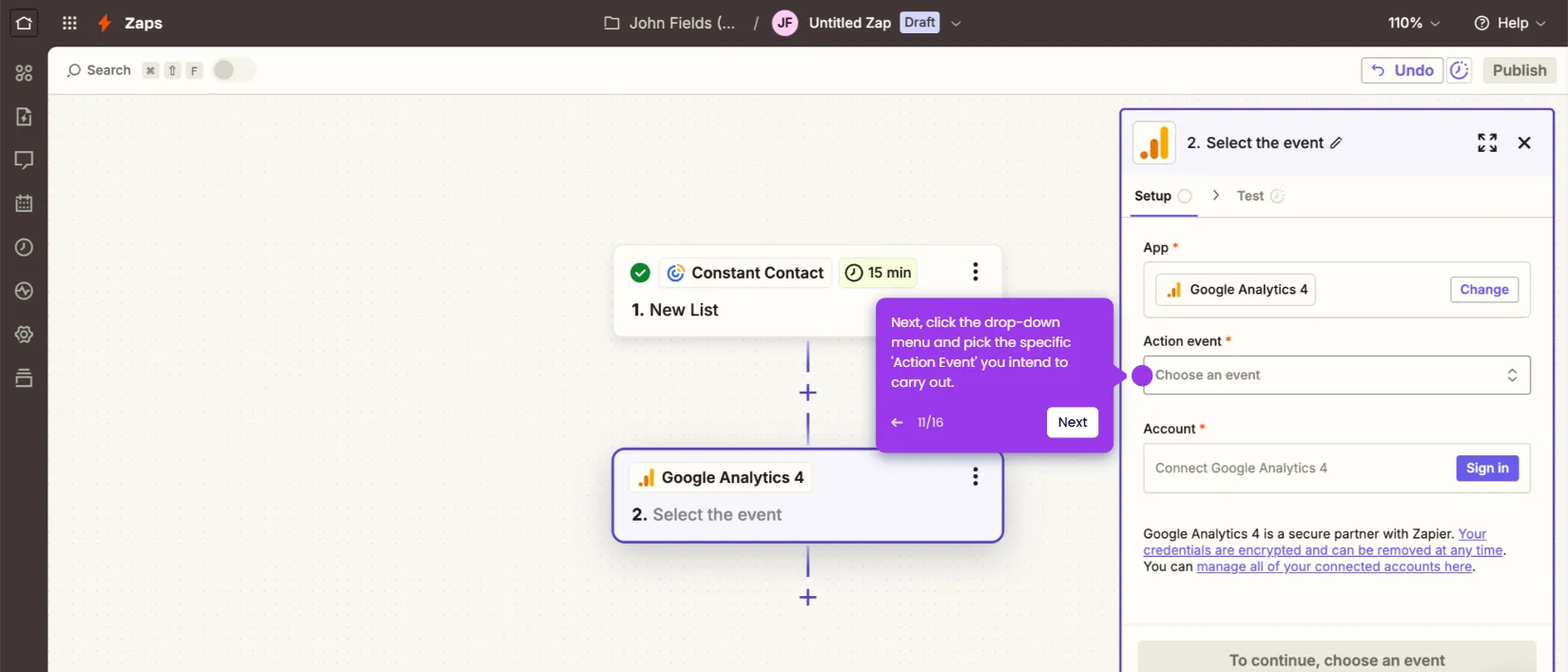
How to Integrate Constant Contact with Google Analytics

Madhav Bhandari
Director of Marketing @ Storylane
Constant Contact

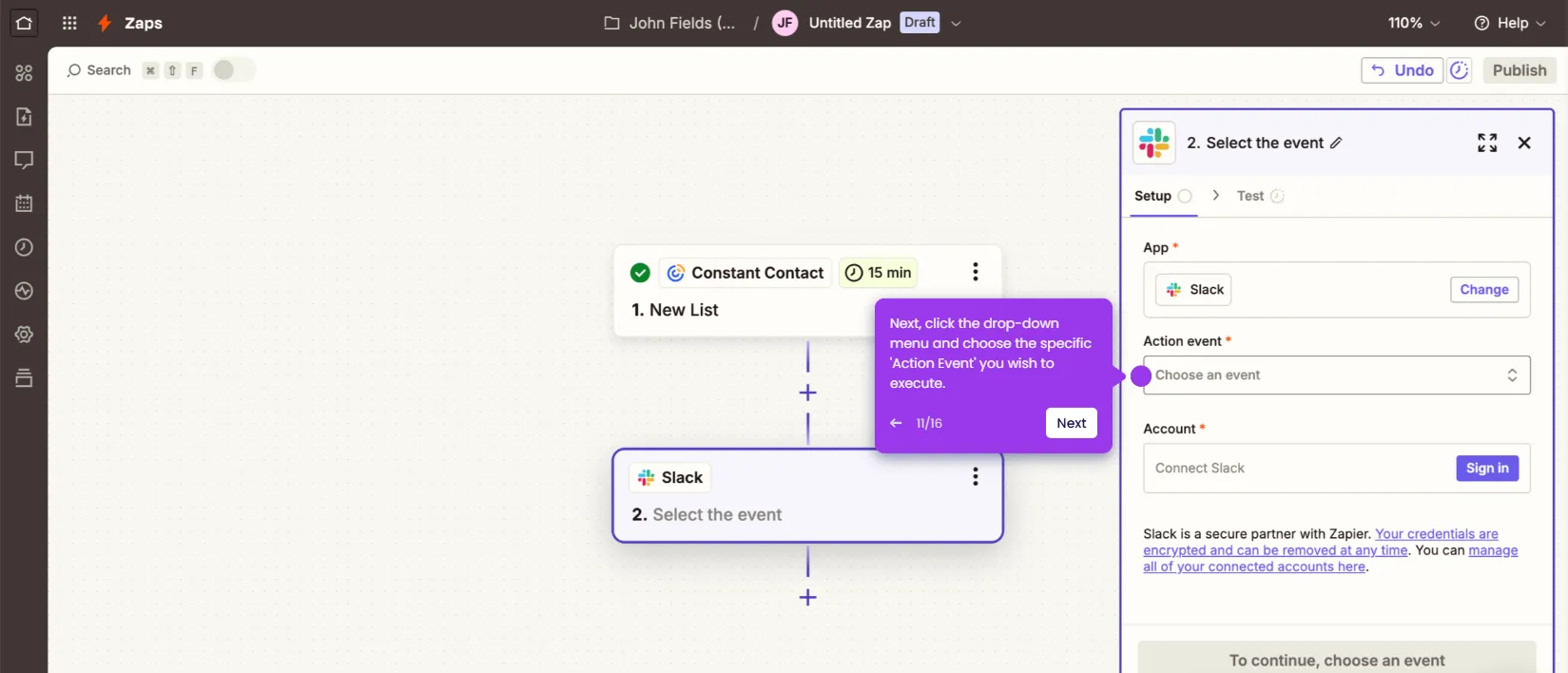
How to Integrate Constant Contact with Slack

Madhav Bhandari
Director of Marketing @ Storylane
Constant Contact

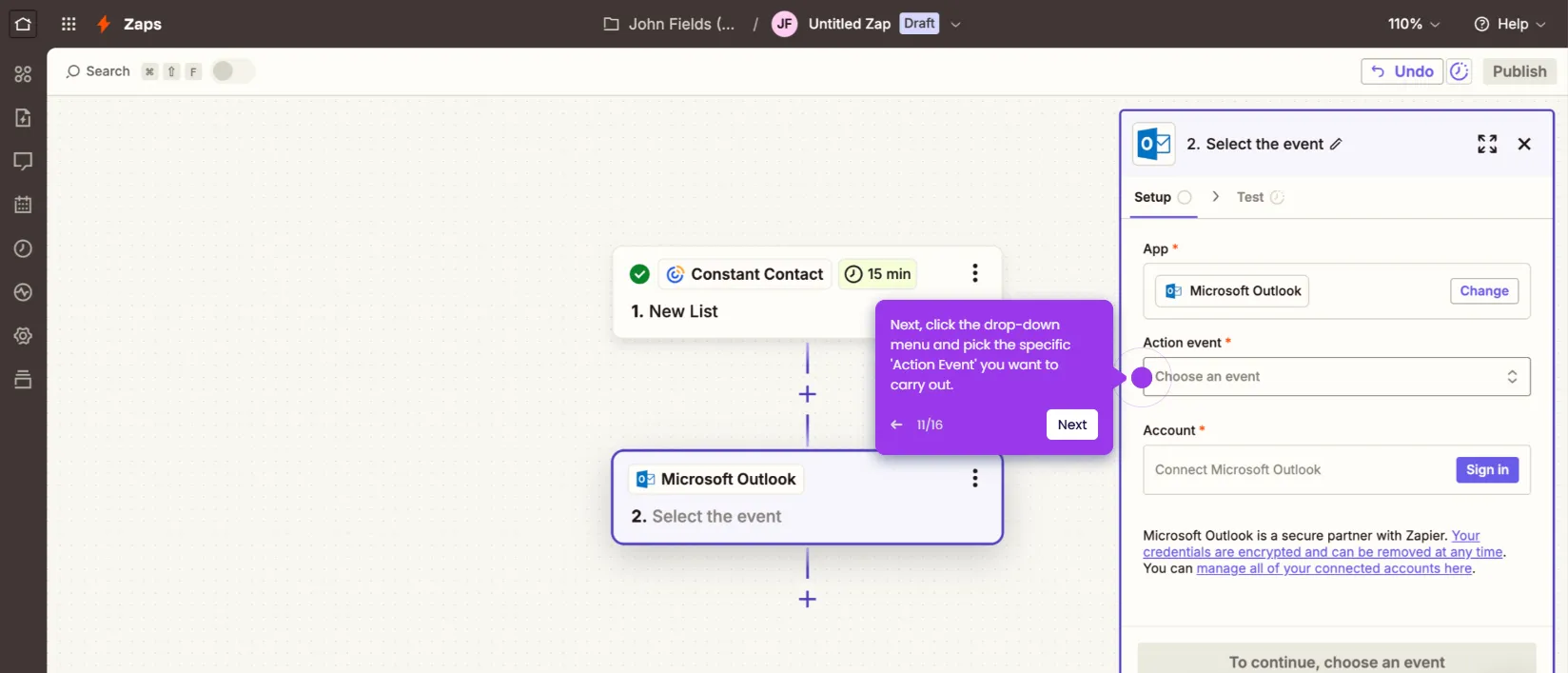
How to Integrate Constant Contact with Microsoft Outlook

Madhav Bhandari
Director of Marketing @ Storylane
No items found.
Platform
Interactive Demos
Sandbox Demos
Buyer Hub
RepX
Integrations
Solutions
Product Marketers
Growth & Demand Gen
Sales Reps & AEs
Presales & SEs
Customer Success
Product Managers
Customers
Demo Showcase
Customer Stories
Finer Demos Club
Features
Demo Signals
Personalization
Deal Intelligence
Resources
Blog
The Plot
Tutorials
Events & webinars
Help Docs
What’s New
Demo Dundies
Company
Careers
Pricing
Partners
Contact
Trust Center
Backed by
Chrome Extension Icon
Chrome extension
Download
Desktop app
Download
Built in San Francisco Bay Area - ©2026 Storylane
Privacy PolicyTerms & Conditions
X Corp (formerly Twitter)LinkedIn
This website uses cookies to ensure you get the best experience on our website. Learn More
Got it
This website uses cookies to ensure you get the best experience on our website. Learn More
Got it