Quick summary
Creating a landing page in ClickFunnels takes just a few steps: navigate to Landing Pages, choose a template, fill in your page details, and customize elements before saving. ClickFunnels provides a built-in page editor with Settings and Advanced options so you can design high-converting pages without any coding.
Steps
- In the left-side panel, click Landing Pages to access the landing pages section.
- Click New Landing Page at the top-right corner to start creating a new page.
- Browse the available categories and choose one, or click Start From Blank to build your page from scratch.
- Select the template you want to use from the available options.
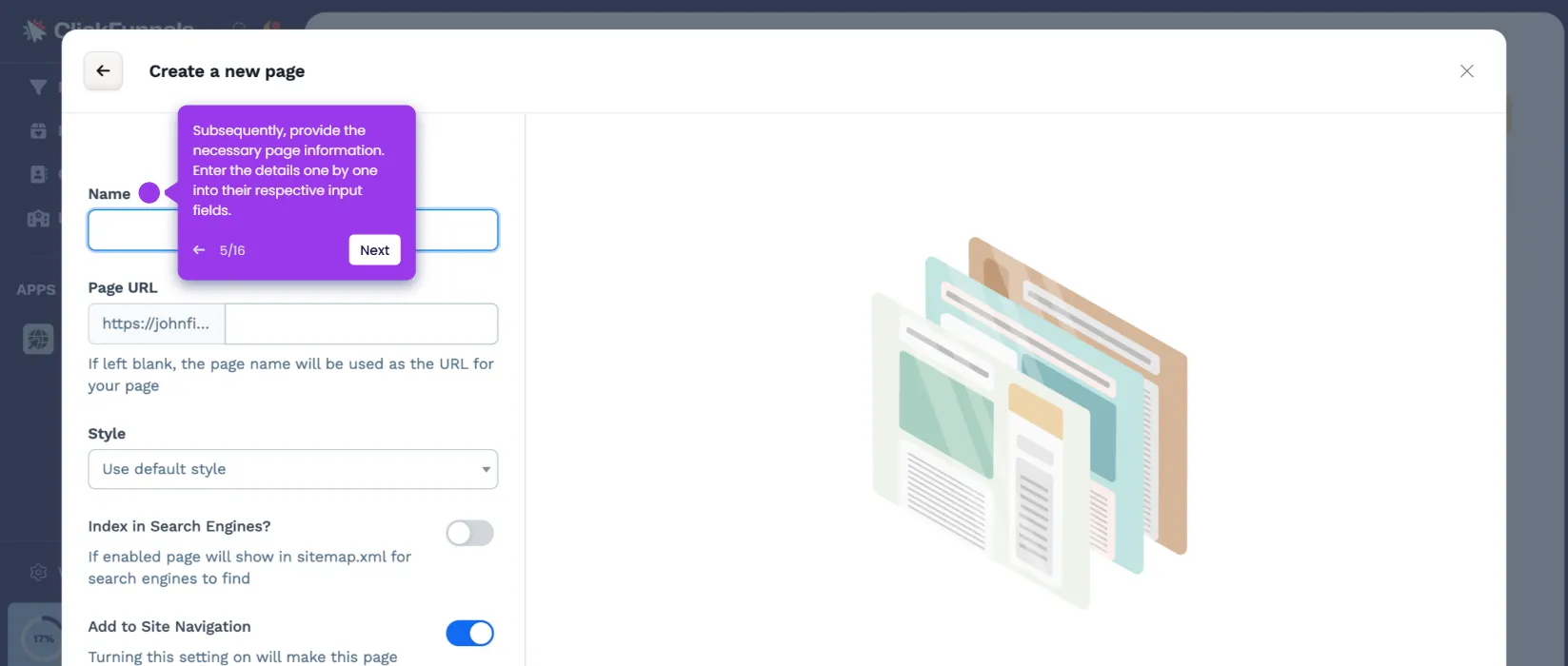
- Enter the required details for your page, including your preferred Name, Page URL, and Style.
- Click Create Page to generate your new landing page.
- In the page editor, select each element you want to customize one by one.
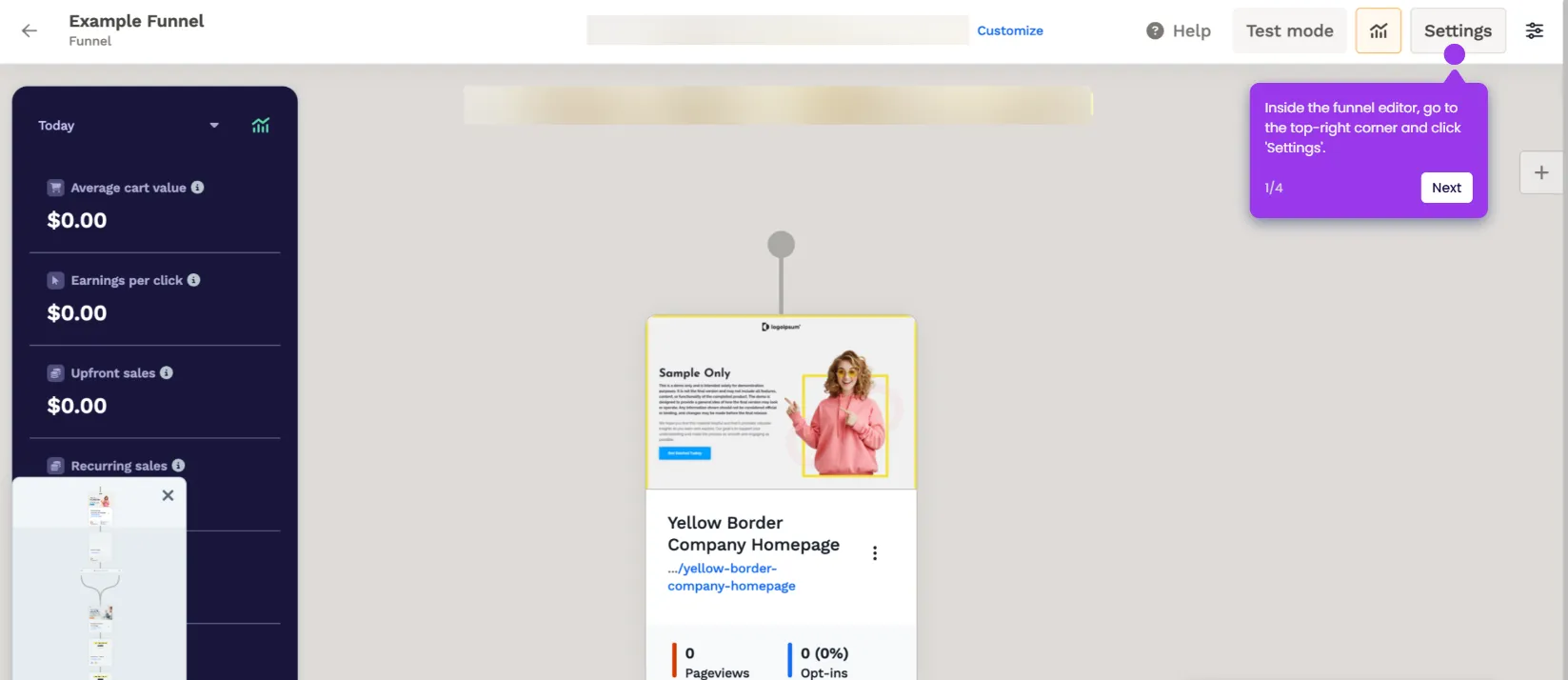
- Use the right-side panel options under Settings and Advanced to apply your desired changes to each element.
- Review your completed landing page, then click Save at the top-right corner.
- Your ClickFunnels landing page is now created and ready to use.