Quick summary
The MailerLite Canva integration lets you connect your Canva designs directly to your MailerLite account by installing the app from within Canva's Share menu. Once connected, you can use your Canva visuals seamlessly in your email marketing campaigns without leaving the platform.
Steps
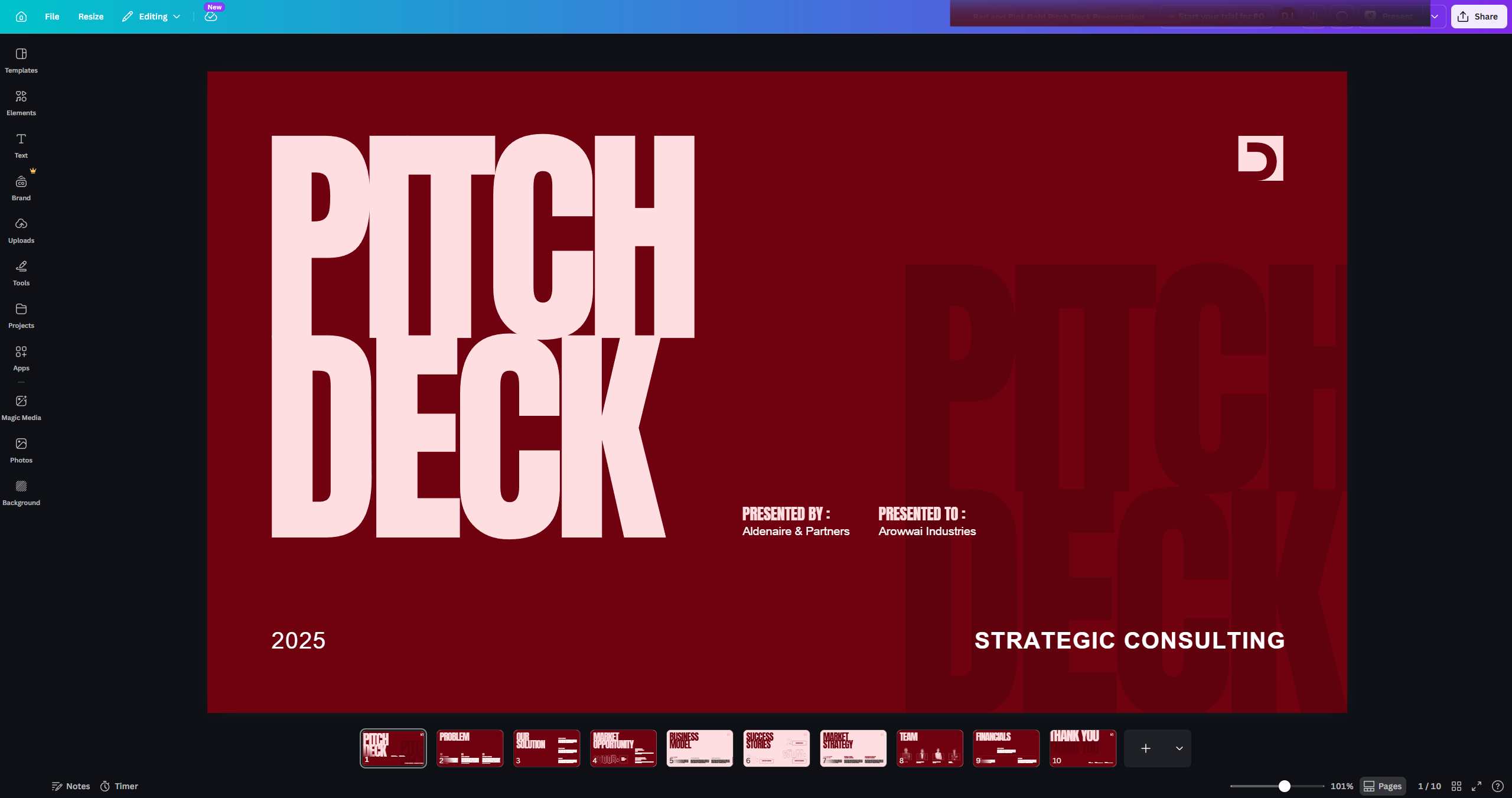
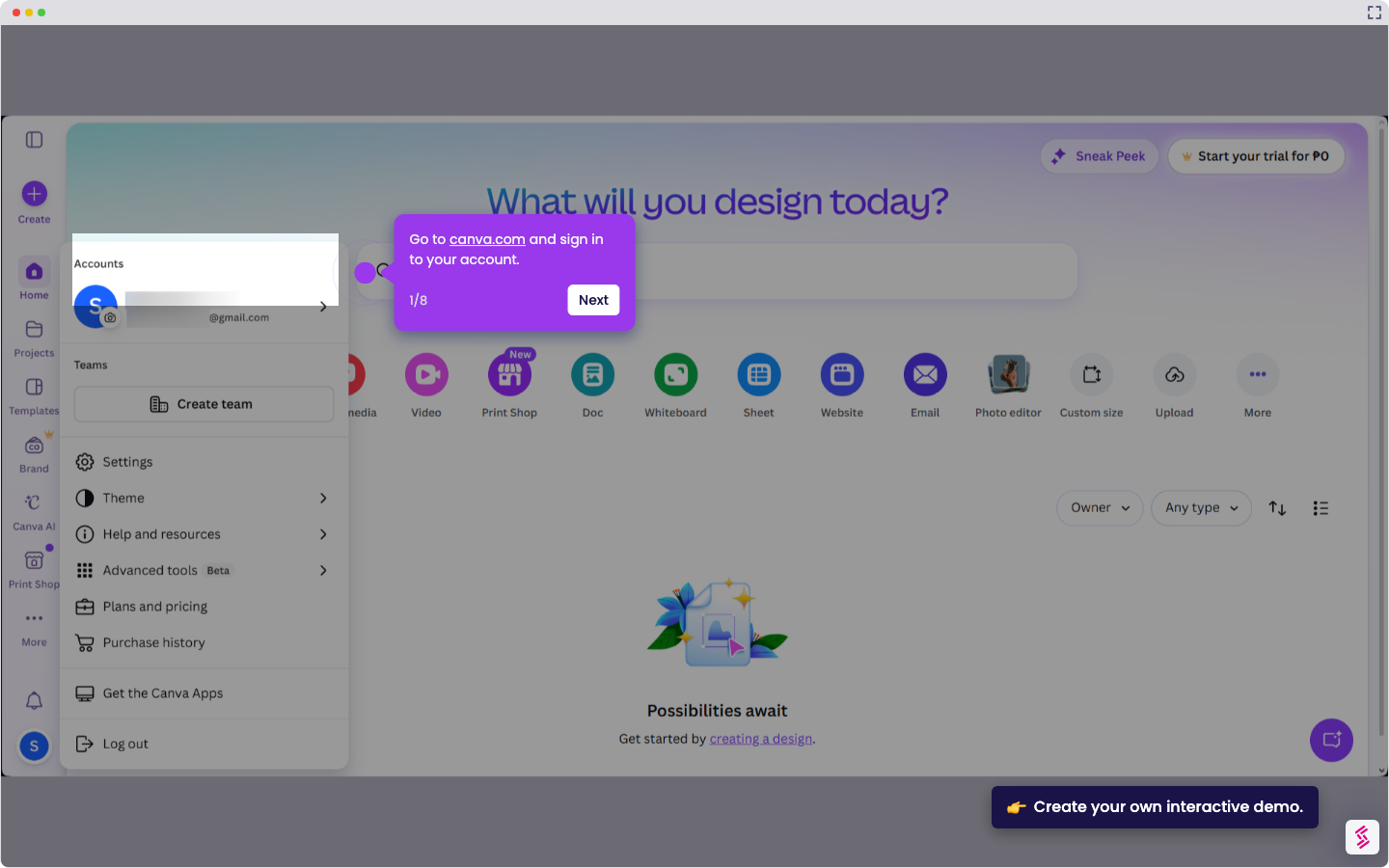
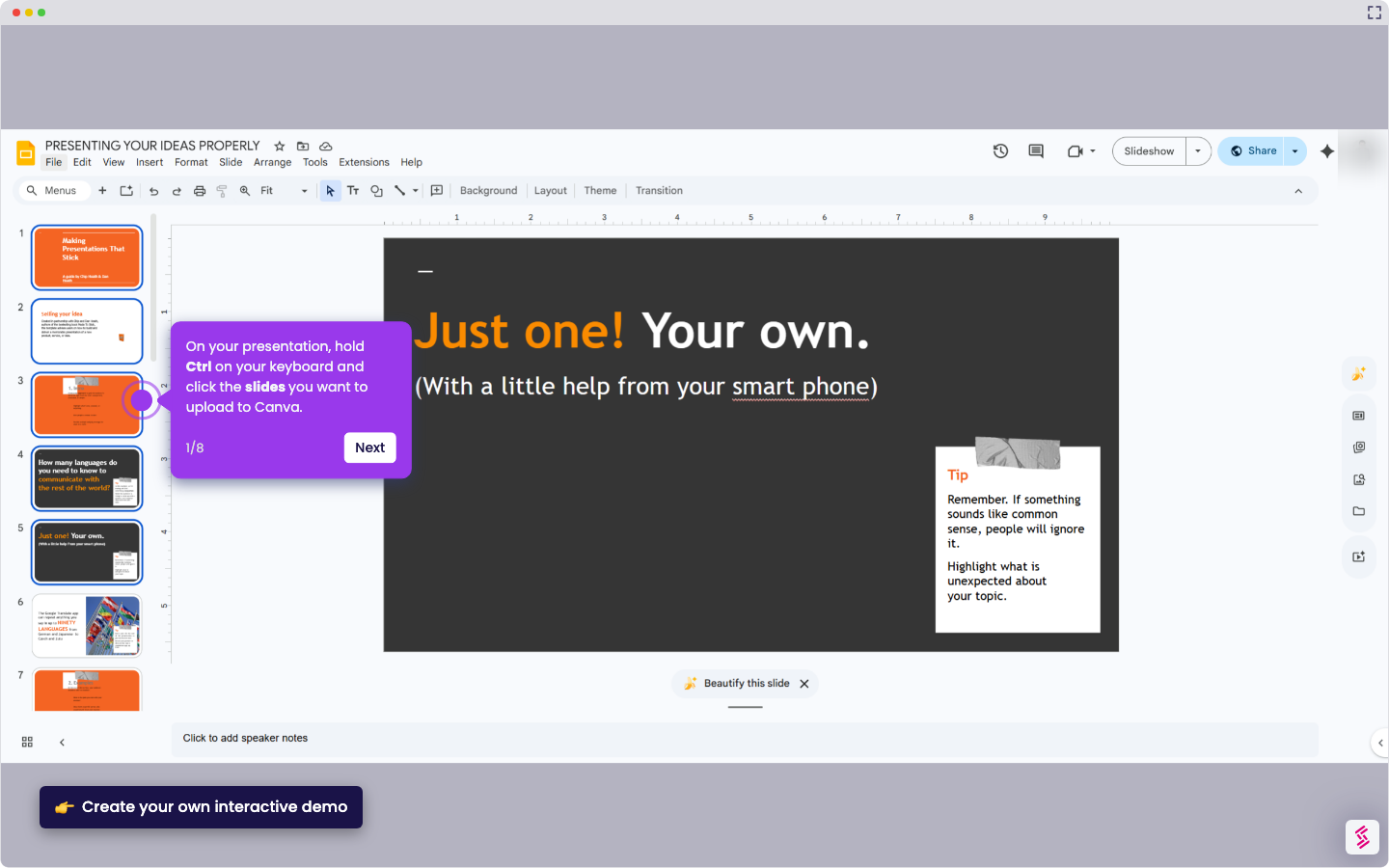
- Log in to your Canva account and open an existing design.
- Click Share in the top right corner of the Canva editor.
- In the Share options, locate and click …More to expand additional options.
- Search for MailerLite in the apps list and select the integration created by MailerLite.
- Click Use and then hit Connect to complete the integration setup.