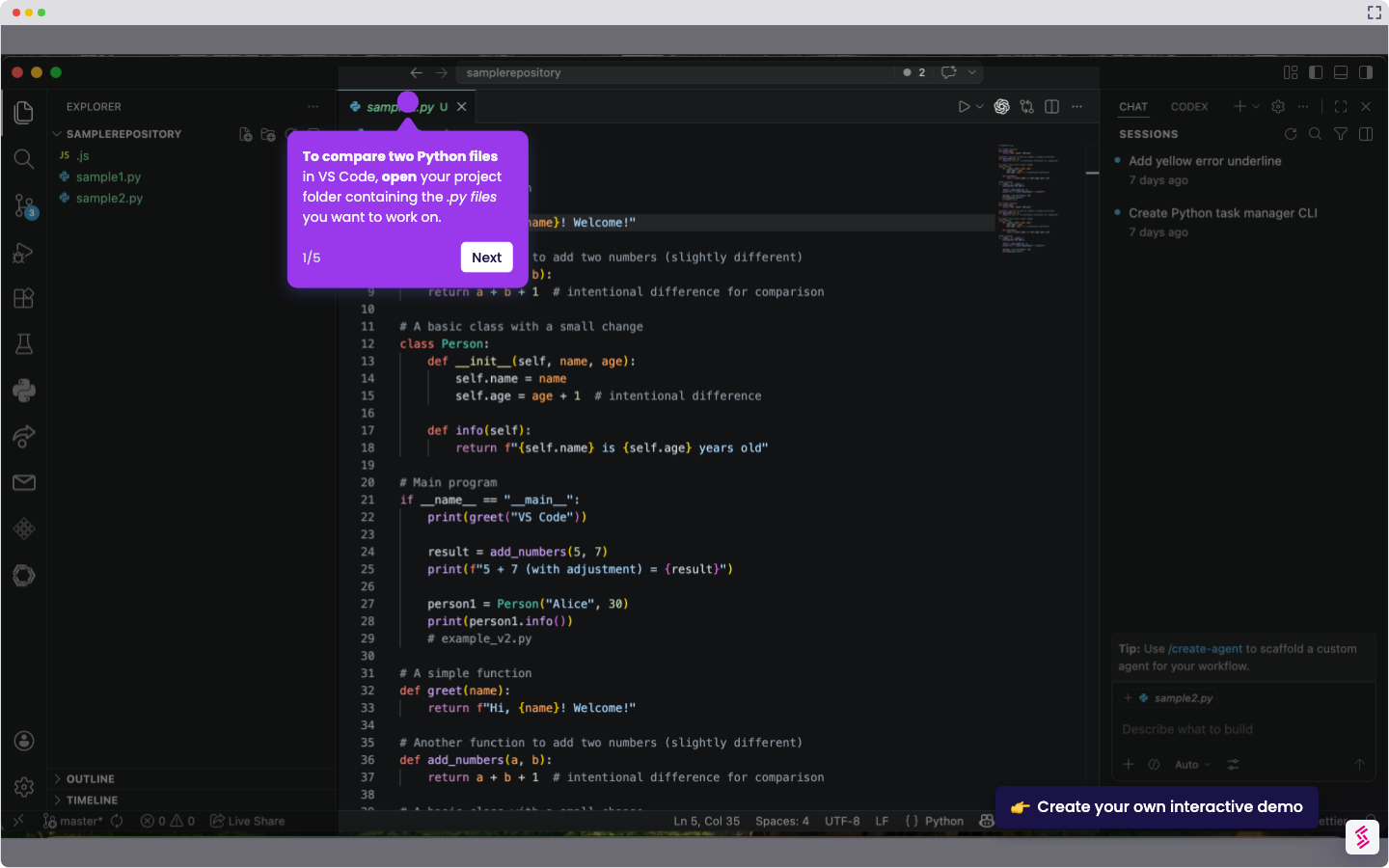
Here is a step-by-step guide on how to compare two files in VS Code using the Explorer panel:
- From the Explorer panel, right-click the first file you wish to compare.
- Select 'Select for Compare.'
- Right-click the second file and select ‘Compare with Selected.’
- VS Code will display the files in a stacked (up-and-down) view with differences highlighted in different colors.