If your LastPass vault is failing to load or displaying outdated data, clearing the local cache can resolve the issue. This deletes the locally stored copy of your encrypted vault data and forces LastPass to rebuild it fresh on your next login.
Notes:
- This is useful when troubleshooting vault loading errors, login issues, or stale data that a vault refresh hasn't resolved.
- The LastPass cache is separate from your web browser's cache. Clearing one does not affect the other.
- After logging back in, LastPass will also recreate your recovery one-time password, which is used to restore vault access if you ever forget your master password.
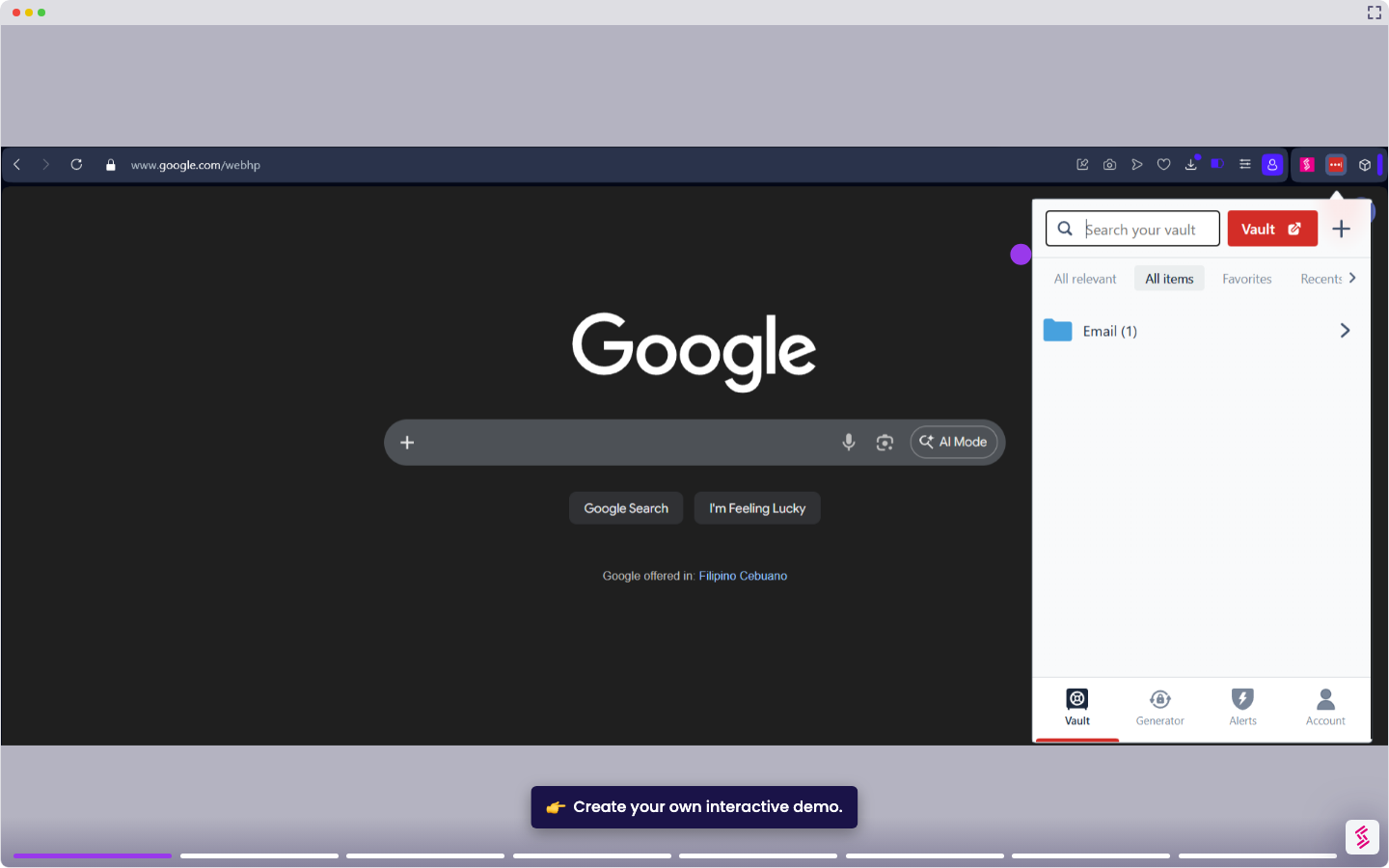
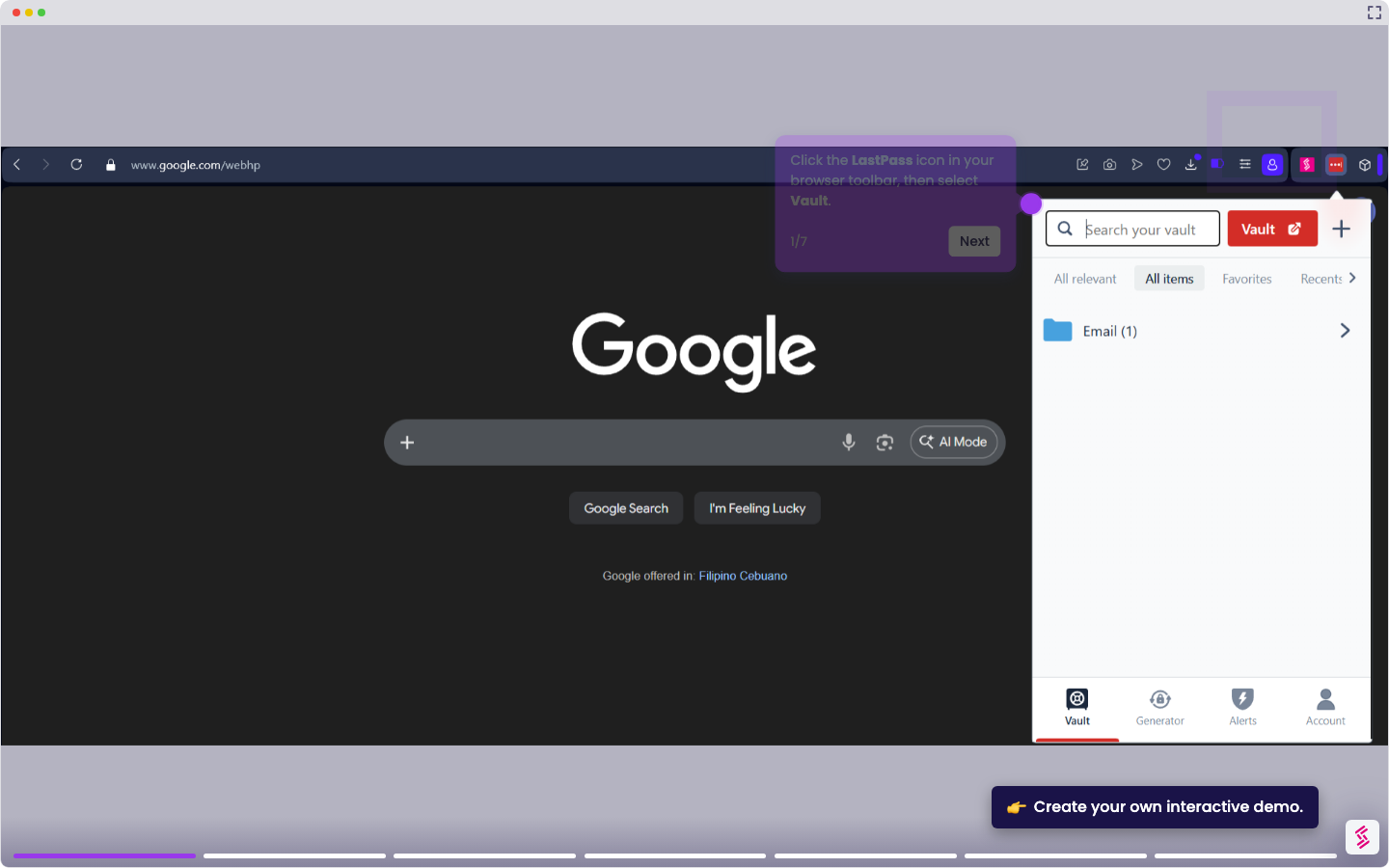
- Click the LastPass icon in your browser toolbar and select the Account tab.
- Go to Fix a Problem Yourself, then click Clear local data. LastPass will log you out automatically.
- When prompted, enter your Master Password and click LOG IN to recreate the local cache.