Quick summary
This guide shows you how to cancel a ClickFunnels free trial subscription directly from your account's Billing settings in just a few clicks. Follow the steps below to locate your active subscription, open the cancellation flow, and confirm the request without contacting support.
Steps
- Go to the left-side panel, then click Workspace Settings.
- Select Billing from the list of options.
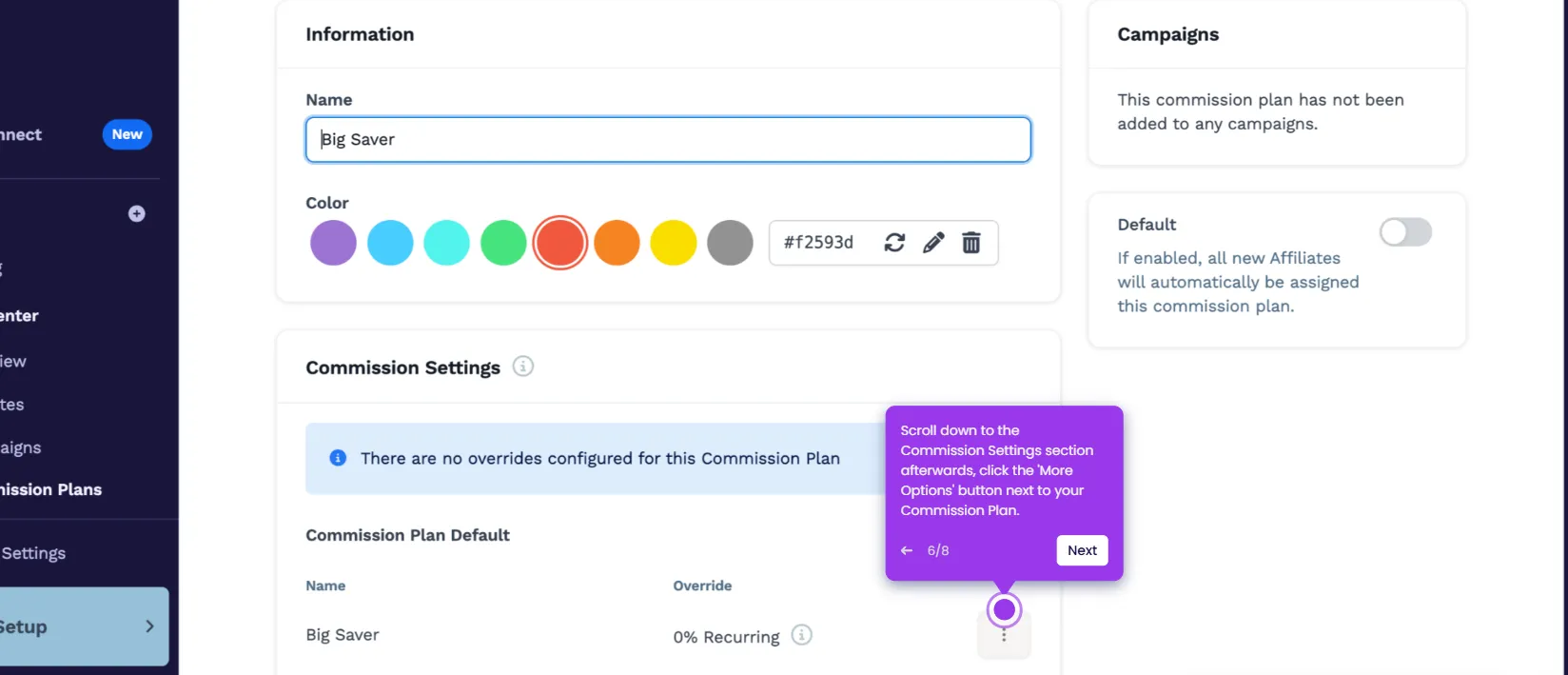
- Find the free trial subscription you want to end and click its corresponding More Options button.
- Tap Manage Subscription to proceed.
- Locate your current free trial plan and click the Cancel Subscription button beneath it.
- Specify the reason for cancellation, then click the Continue button.
- Finally, click Cancel My Account to process and confirm your cancellation request.