This tutorial shows how to cancel the auto-renewal on a LastPass Premium or Families subscription.
Notes
- LastPass subscriptions are prepaid and non-refundable. Canceling auto-renewal stops future charges but keeps your paid features active until the current billing period ends. After it expires, the account downgrades to LastPass Free.
- If you purchased through the Apple App Store or Google Play Store, cancel directly through those platforms - app store subscriptions are not managed through the LastPass website. Android subscriptions do not auto-renew and expire automatically.
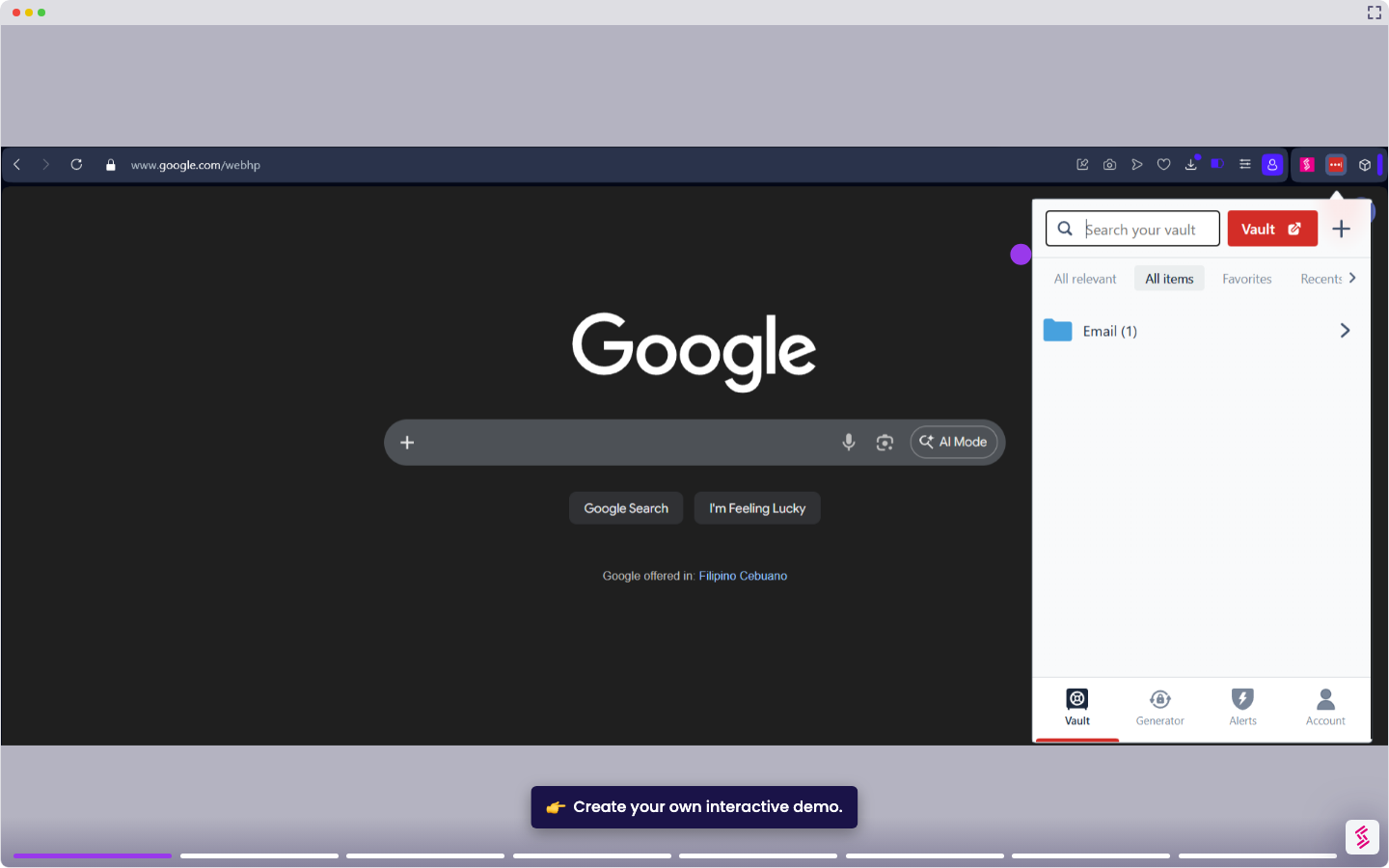
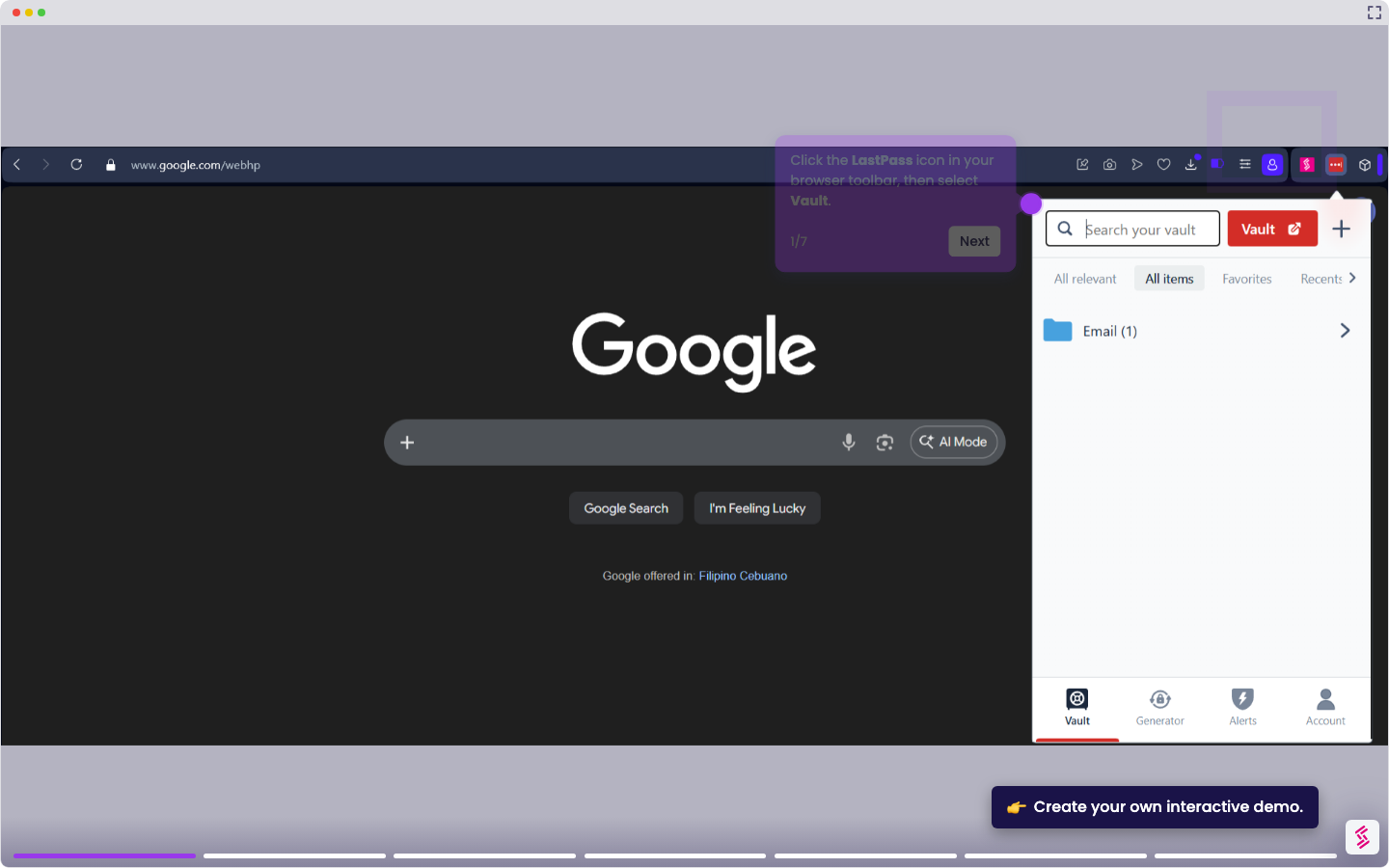
- Click the LastPass icon in your browser toolbar, then select Vault. Alternatively, go to lastpass.com/login and sign in with your email address and master password.
- In the left navigation menu, click Account Settings.
- In the Links section, click the My Account hyperlink.
- Locate the status section based on your plan:
- In the Premium Status section, click Cancel.
- In the Families Status section, click Delete family.
- When prompted, confirm based on your plan.
- For Premium, click Yes.
- For Families, click Delete.A confirmation dialog appears, and a confirmation email is sent to your registered email address: